
Waiting hours for your iPad to charge is frustrating — especially when you’re about to head out the door. The good news: most modern iPads support fast charging, which can take you from empty to around a third of a battery in about 30 minutes. The catch? You need the right power adapter. Here’s exactly which one to use.
Does your iPad support fast charging?
Fast charging only works on iPads with a USB-C port: the iPad (10th generation), the iPad mini (6th generation), the iPad Air (4th generation and newer), all 11-inch iPad Pro models, and the 12.9-inch iPad Pro (3rd generation and newer). If your iPad still has a Lightning port, it charges at standard speed no matter which adapter you plug in.
Which adapter you need
The rule is simple and depends on your model:
- iPad and iPad mini: a 20W or higher USB Power Delivery (USB-PD) adapter.
- iPad Air and iPad Pro: a 30W or higher USB-PD adapter.
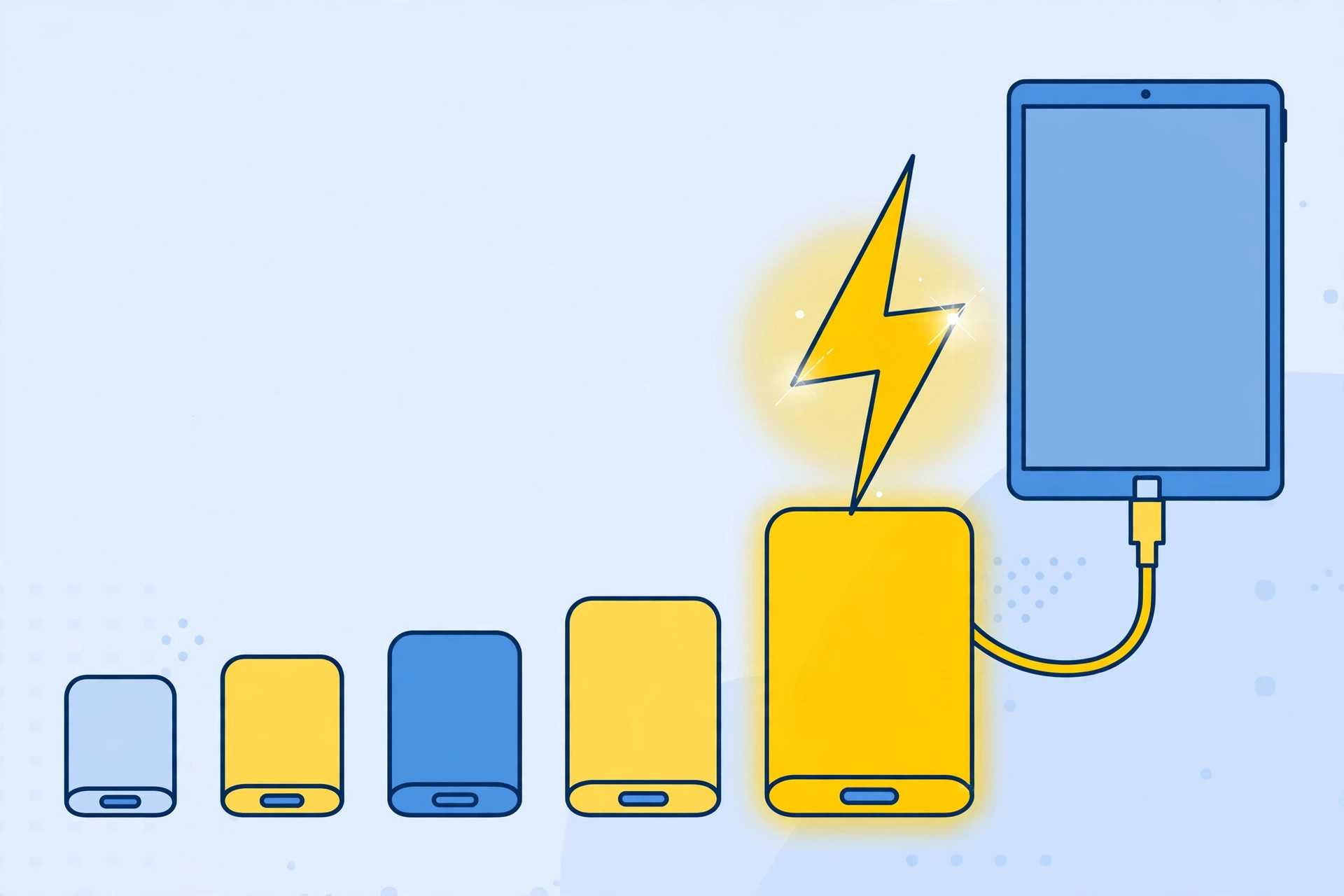
Apple’s own adapters — 20W, 30W, 35W, 70W, 96W, and 140W — all support USB Power Delivery, so any of them will fast-charge a compatible iPad (Apple details the lineup on its USB power adapter support page). If you go third-party, pick a reputable GaN charger with 10–15% more wattage than the minimum — our roundup of the best GaN fast chargers is a good place to start.
Fast charge your iPad, step by step
Step 1: Get the right adapter and cable
Pick an adapter at or above your iPad’s threshold — 20W+ for iPad and iPad mini, 30W+ for iPad Air and Pro — and pair it with a USB-C to USB-C cable rated for that wattage. The cable in the iPad’s box works fine, but cheap no-name cables can throttle charging. Apple’s fast-charge your iPad page confirms which combinations are supported.
Step 2: Plug into a wall outlet
For the fastest results, plug the adapter directly into a wall socket — not a computer’s USB port or a low-power hub. (If your iPhone ever stops charging from a computer after an hour, an underpowered port is usually the culprit there too.)
Step 3: Charge and check the speed
With the right setup, expect roughly 33% battery in 30 minutes and about 65% in an hour. Charging deliberately slows as the battery fills — the final stretch is gentler to protect battery health — so don’t worry if the last 20% takes longer. MacRumors’ fast charging guide has more background on how the tech works across Apple devices.
If it still doesn’t work
- Check the adapter’s wattage. The 5W and 12W bricks from old iPhones won’t fast-charge anything — read the fine print on the adapter.
- Try a different cable. Damaged or low-rated cables are the most common culprit.
- Confirm your iPad has USB-C. Lightning iPads can’t fast charge, period.
- Rule out the outlet. Plug directly into the wall rather than a power strip crowded with other devices.
Frequently asked questions
Can I use a MacBook charger for my iPad?
Yes — Apple’s 30W, 70W, 96W, and 140W MacBook adapters all support USB-PD and will fast-charge a compatible iPad. The iPad only draws the power it needs, so a bigger adapter is perfectly safe.
Will fast charging damage my iPad’s battery?
No. The charging system slows down as the battery fills, and iPadOS manages heat and battery health automatically. For extra peace of mind, avoid charging on soft surfaces that trap heat.
The bottom line
Fast charging an iPad is simple: a USB-C iPad, a 20W adapter (iPad/iPad mini) or 30W adapter (Air/Pro), a good cable, and a wall outlet. That combination delivers about a third of a charge in half an hour — enough to make “my iPad is dead” a problem of the past.





