
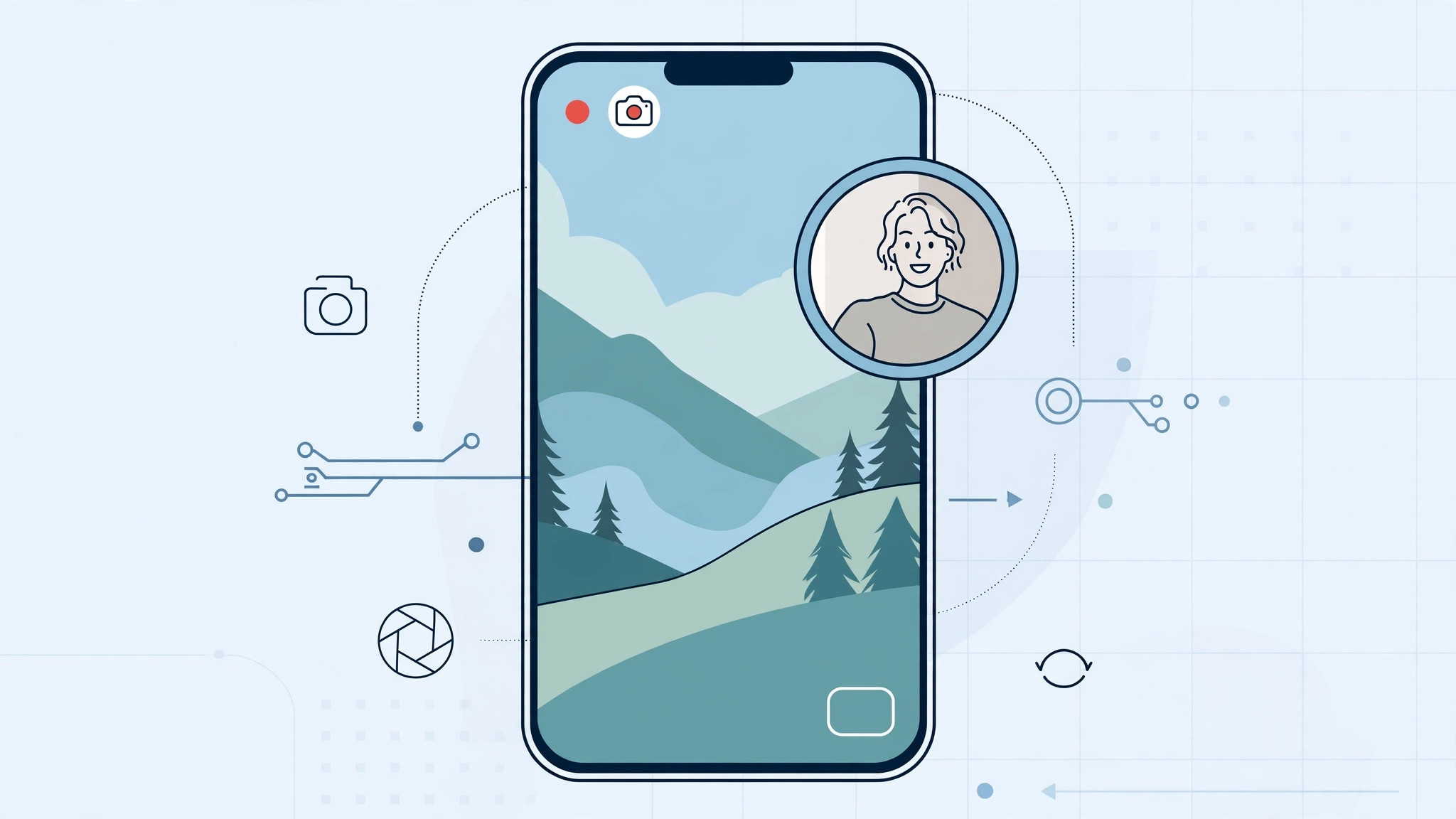
Picture this: you are filming a reaction video, a travel vlog, or your kid’s first steps — and you want the scene AND your face in the same shot. You open the iPhone’s Camera app, look for a "record both cameras" button… and it does not exist. Apple’s stock Camera app simply cannot record from the front and rear cameras at the same time.
The good news: the iPhone’s hardware is fully capable of it, and several free third-party apps unlock dual-camera recording. Here is how it works and which apps to use.
Why the built-in Camera app can’t do this
iOS supports multi-camera capture (Apple added the API years ago), but Apple’s own Camera app never got a dual-recording mode. The feature lives exclusively in third-party apps. Apple documents the standard camera features in its iPhone camera basics guide — dual recording just is not among them.
Pick a dual-camera recording app
Three free apps are purpose-built for this:
- DoubleTake by Filmic Pro — the pioneer. Record from any two cameras at once, including two rear cameras (wide + telephoto) for instant wide/close-up cuts. MacRumors covered its launch.
- MixCam: Front and Back Camera — overlays your selfie feed on the main video, with a background-cutout option for a floating-head effect.
- RODE Capture — aimed at creators, with dual-camera video plus pro audio controls.
All three were free at the time of writing — double-check pricing on the App Store, since it can change.
How to record with front and rear cameras
- Install your chosen app from the App Store.
- Open it and grant camera and microphone access when asked.
- Choose which cameras to record from (e.g., front + rear, or two rear cameras in DoubleTake).
- Frame your shot and hit record — both feeds capture simultaneously.
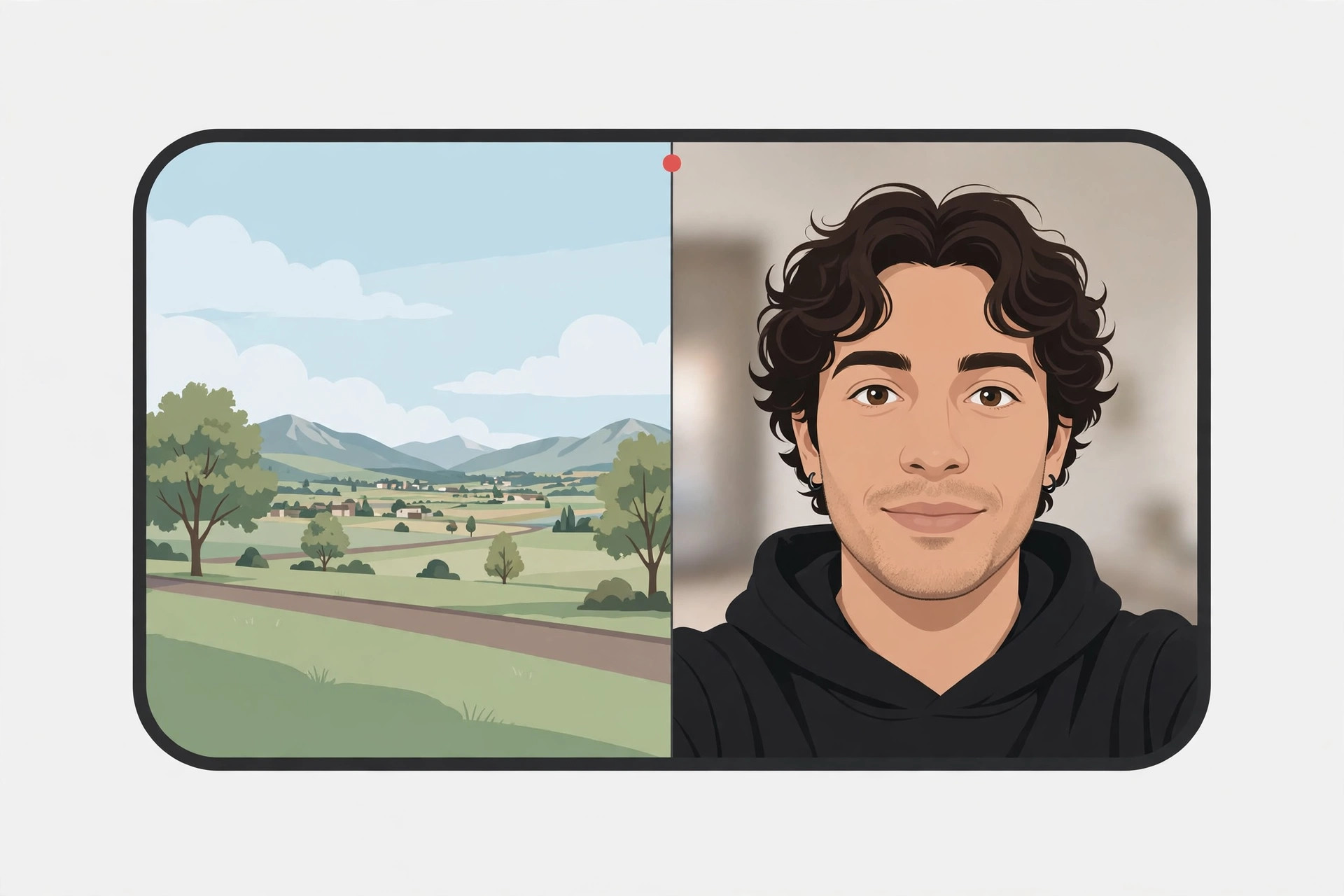
In DoubleTake, you can save the two feeds as separate files or a single split-screen video. In MixCam, drag the selfie overlay where you want it and enable background cutout for a clean floating effect.
If it still doesn’t work
Dual-camera recording is demanding — if the app stutters, close background apps and make sure your iPhone is not overheating. Older iPhones may not support certain camera combinations; check the app’s requirements. And if the Camera app itself is acting up (for example, launching when you do not want it to), see how to disable quick camera launch from the iPhone lock screen.
Frequently asked questions
Can I do this without any app?
No — the stock Camera app has no dual-recording mode. A third-party app is required.
Does it work on every iPhone?
Most iPhones from the XS generation onward support multi-camera capture, but exact combinations depend on the model and the app. Check the app’s App Store listing.
Conclusion
Apple’s Camera app may never get dual recording, but DoubleTake, MixCam, and RODE Capture fill the gap beautifully — reaction videos, vlogs, and interviews with both perspectives in one take. And for better-looking video calls, do not miss how to enable face lighting during video calls on Mac.





