
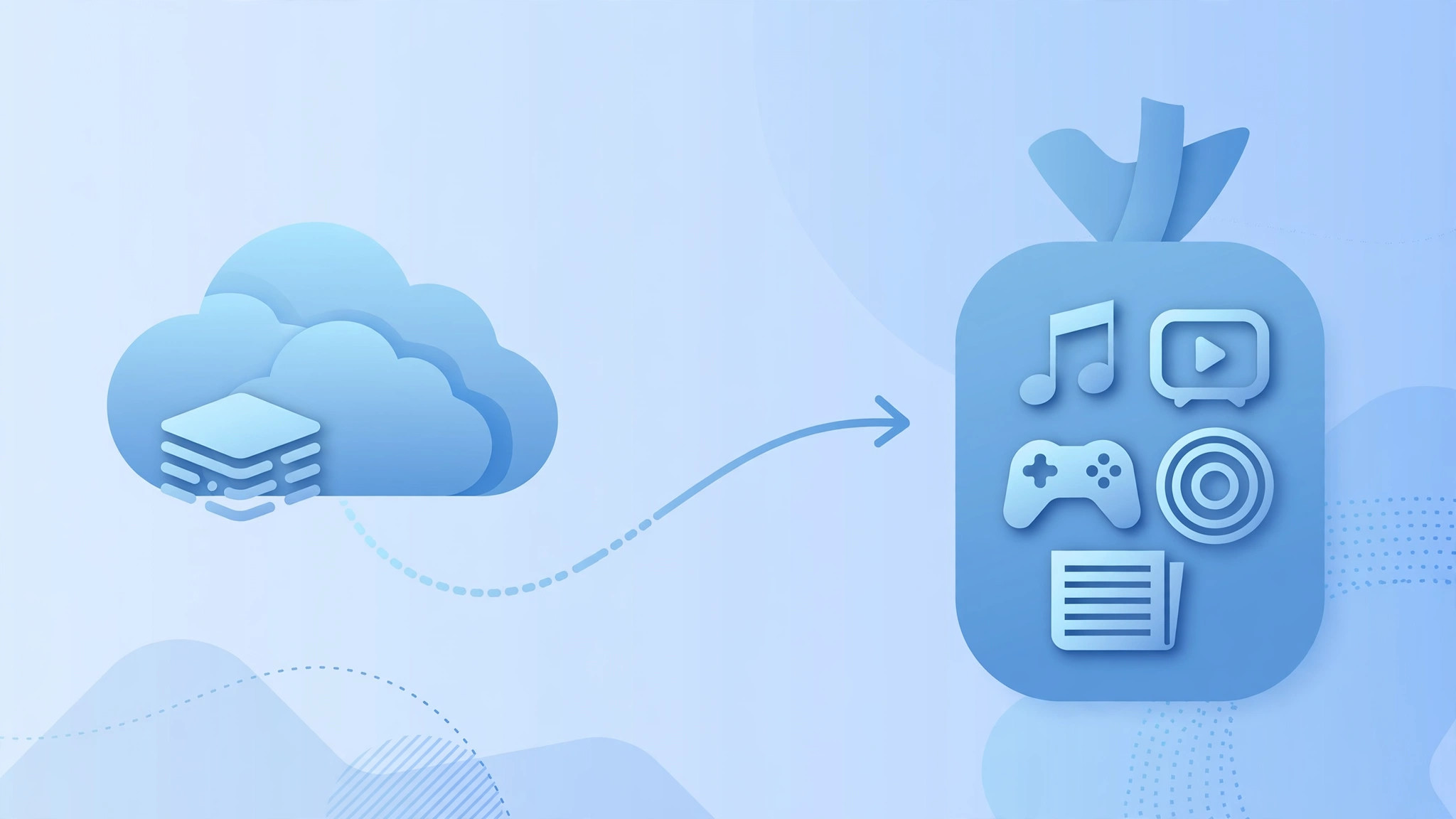
Apple One bundles several Apple subscriptions — Apple Music, Apple TV+, Apple Arcade, and iCloud+ storage — into a single monthly price. It sounds like a no-brainer if you already pay for two or more of them. But many people hesitate at one question: what happens to my existing iCloud storage plan if I switch to Apple One?
The short answer is reassuring: you don’t lose your data, and you don’t get charged twice for the same storage. Apple’s own Apple One support guide spells out exactly what happens in each scenario. Here is what to expect.
First, know your Apple One storage tier
Each Apple One plan includes a set amount of iCloud+ storage: the Individual plan includes 50GB, the Family plan includes 200GB, and the Premier plan includes 2TB. What happens to your current iCloud+ plan depends on how its storage compares to the Apple One tier you choose.
If Apple One gives you more storage than your current plan
Say you pay for 50GB of iCloud+ today and subscribe to the Apple One Family plan, which includes 200GB. In this case your standalone iCloud+ plan is canceled, and you receive a pro-rated refund for the unused portion. Your total storage becomes the Apple One amount (200GB), and your data is untouched — nothing is deleted in the transition.
If Apple One gives you the same amount of storage
If your current iCloud+ plan matches the Apple One storage amount, both plans stay active during your Apple One free trial. After the trial ends, the standalone iCloud+ plan is canceled and you are billed only for Apple One. Again, your files and photos stay exactly where they are.
If Apple One gives you less storage than your current plan
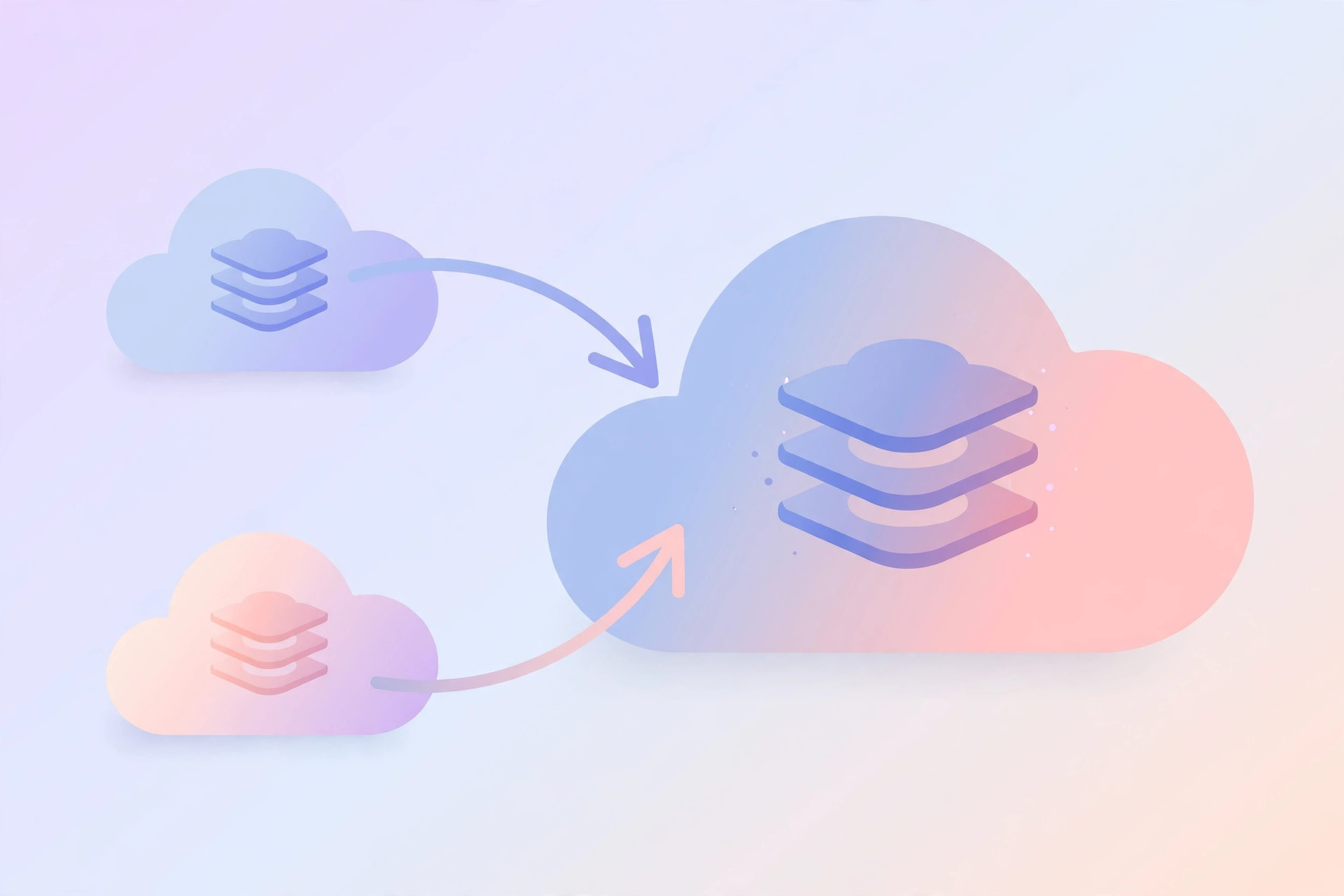
This is the interesting case. If you have, say, a 2TB iCloud+ plan and subscribe to the Apple One Family plan (200GB), Apple keeps both plans active and the storage stacks: 2TB + 200GB = 2.2TB total. You are billed for both, but you can downgrade or cancel your standalone iCloud+ plan at any time if the combined amount is more than you need. If you are unsure which plan fits, you can change your iCloud storage plan or manage your iCloud subscription from your iPhone at any point.
Buying extra storage and sharing with family
After subscribing to Apple One, you can still buy additional iCloud+ storage on top — the combined total can go up to 14TB. And if you use Family Sharing, family members can keep their own iCloud+ plans too; the family can share up to 14TB of storage between Apple One and iCloud+. Learn more about Family Sharing iCloud storage usage to see how the shared pool works.
If it still doesn’t work
If your storage total doesn’t look right after subscribing, give Apple’s systems a little time — plan changes can take a few minutes to reflect across devices. Check Settings > [your name] > iCloud > Manage Account Storage to see your current plan and usage. If a refund doesn’t appear, note that pro-rated refunds go back to your original payment method and can take a few days to show up on your statement.
FAQ
Will I lose any files when I switch to Apple One?
No. Your data in iCloud — photos, backups, documents — is unaffected by the plan change. The transition only changes billing and the total storage quota.
Can I cancel Apple One and keep my old iCloud plan?
If your standalone plan was canceled during the switch, you can subscribe to iCloud+ again separately at any time from your iPhone’s iCloud settings. Your data stays in iCloud as long as you have a plan that covers your usage.
Wrapping up
Switching to Apple One is safe for your iCloud storage: more storage replaces your old plan with a refund, equal storage replaces it after the trial, and less storage simply stacks on top. Pick the Apple One tier that fits your needs, and let Apple’s billing sort out the rest.





