
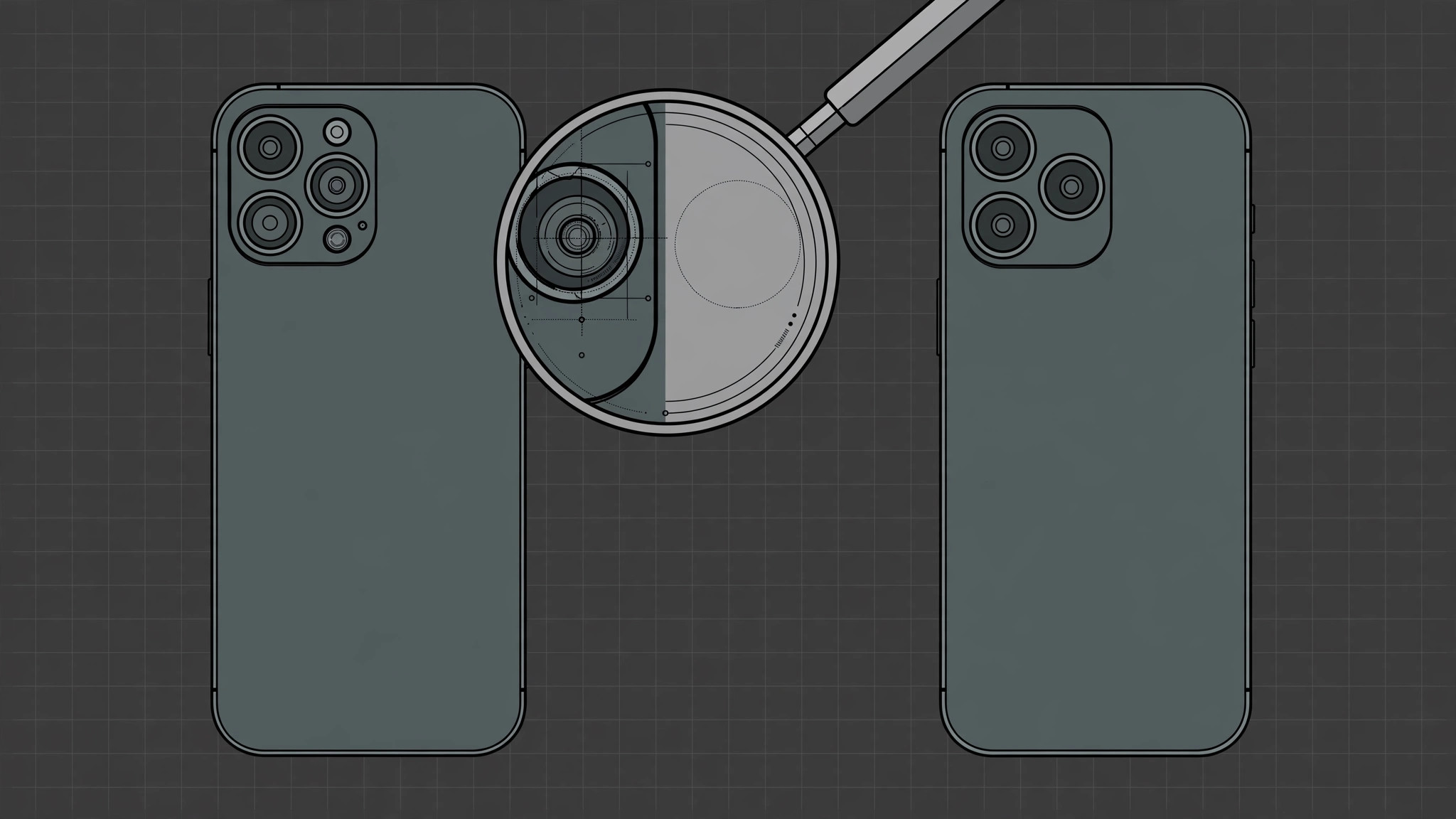
At first glance, the iPhone X and the iPhone Xs could be twins. Same edge-to-edge display, same stainless-steel frame, same vertical dual-camera bump in the same corner. When Apple launched the Xs in 2018, it barely touched the exterior — and that sameness is exactly what second-hand scammers exploit. An older iPhone X can be dressed up in a gold replacement housing and sold as the newer Xs to an unsuspecting buyer. The good news is that Apple left a handful of small but telling differences on the chassis itself. Here are five visual signs that separate the two, from quickest to most reliable. If you photograph phones while shopping, our guide to taking HDR screenshots on iPhone and iPad will help you save crisp copies of any Settings screens the seller shows you.
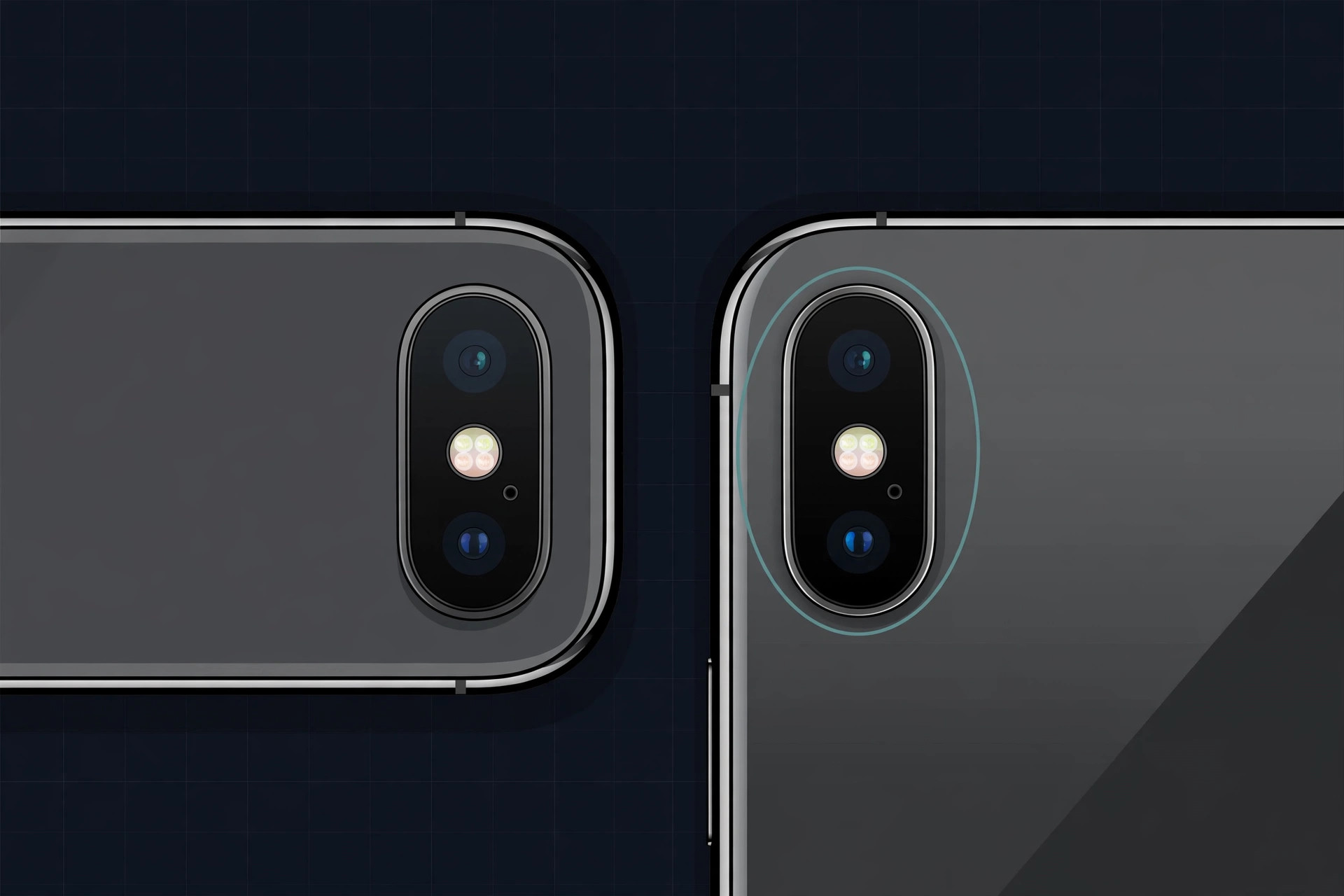
Five visual signs that set the iPhone X and Xs apart
Step 1 — Check the color: is it gold?
The iPhone Xs shipped in a gold finish that the iPhone X never had. A gold phone is almost certainly an Xs — but don’t stop your inspection here. Third-party replacement housings in Xs-style gold are sold for the iPhone X, and a swapped back panel is the oldest trick in the second-hand playbook. Treat gold as a hint, not proof, and keep checking.
Step 2 — Count the antenna bands on the frame
Run your eyes along the stainless-steel frame. The iPhone Xs has extra antenna-line insulators cutting across the edges, splitting the frame into more separate antenna sections than the iPhone X has. More little plastic lines interrupting the metal means you’re likely holding an Xs. While you’re handling the phone, it helps to stop the camera from launching accidentally from the lock screen so stray swipes don’t interrupt your inspection.
Step 3 — Study the speaker holes on the bottom edge
Turn the phone over and look at the bottom edge around the Lightning port. On the iPhone X, the speaker and microphone holes are arranged symmetrically. On the iPhone Xs, the arrangement is asymmetric — one side carries more holes than the other. It takes a careful look in good light, but once you spot it the difference is unmistakable. MacRumors documented this and other chassis changes when the Xs launched.
Step 4 — Read the model number on the back
This is the check no replacement housing can fake. The iPhone X is engraved A1865, A1901, or A1902; the iPhone Xs is engraved A1920, A2097, A2098, or A2100. The tiny print sits near the bottom of the glass back — use another phone’s camera zoom if your eyes need help.
Step 5 — Confirm in Settings and on Apple’s own pages
On the phone itself, open Settings → General → About and compare the model number shown there with the one engraved on the back. Then cross-reference the serial number on Apple’s coverage-check page to confirm which model Apple believes the device to be. Apple’s guide to identifying your iPhone model explains exactly where each number lives. If you’re buying second-hand, treat the model number as the only fully reliable test — housings can fake the gold finish, but they can’t change the engraved identifier.
If it still doesn’t work
If the back glass was replaced and the engraving is unreadable, fall back to Settings → General → About — but only trust it on a phone that shows no signs of tampering. When anything feels off, walk away from the deal or ask the seller to meet at a carrier store where staff can verify the device. 9to5Mac has covered second-hand iPhone scams that are worth reading before you hand over cash.
Frequently asked questions
Can the gold finish alone prove a phone is an iPhone Xs?
No. Replacement back housings in gold are widely available for the iPhone X, and a swapped shell is cheap. Gold is a good first filter, but always finish with the model-number check.
Do the iPhone X and iPhone Xs share the same dimensions?
Physically they are near-twins, which is precisely why you should never trust a case, skin, or housing color to identify the model. The engraved model number is the only part a reseller can’t convincingly alter.
Conclusion
Gold color, antenna bands, and speaker-hole symmetry give you fast visual clues, but the engraved model number is the verdict. The whole check takes under a minute and needs no tools — just good light and Apple’s model list for reference. And once your new-to-you Xs is in hand, you may want to block iOS 26 updates on your iPhone while you get comfortable with it.





