
Missing an important reminder because your iPhone was on silent is a special kind of frustration. You did everything right — you set the reminder, it fired on time — but without sound, the banner slipped by unnoticed. With iOS 26.2, Apple finally fixed this gap: the Reminders app now has an Urgent option that turns a quiet notification into a proper alarm, one that rings even when your iPhone is silenced or a Focus mode is active.
Think of it as a hybrid between a reminder and an alarm clock. Regular reminders play the standard notification tone, which the mute switch silences completely. Urgent reminders get a louder, more insistent alert that cuts through. It is ideal for medication schedules, bill deadlines, or anything where “I didn’t see it” is not an acceptable outcome.
How to set an alarm for an urgent reminder
Everything happens inside Apple’s own apps, and the setup takes about a minute:
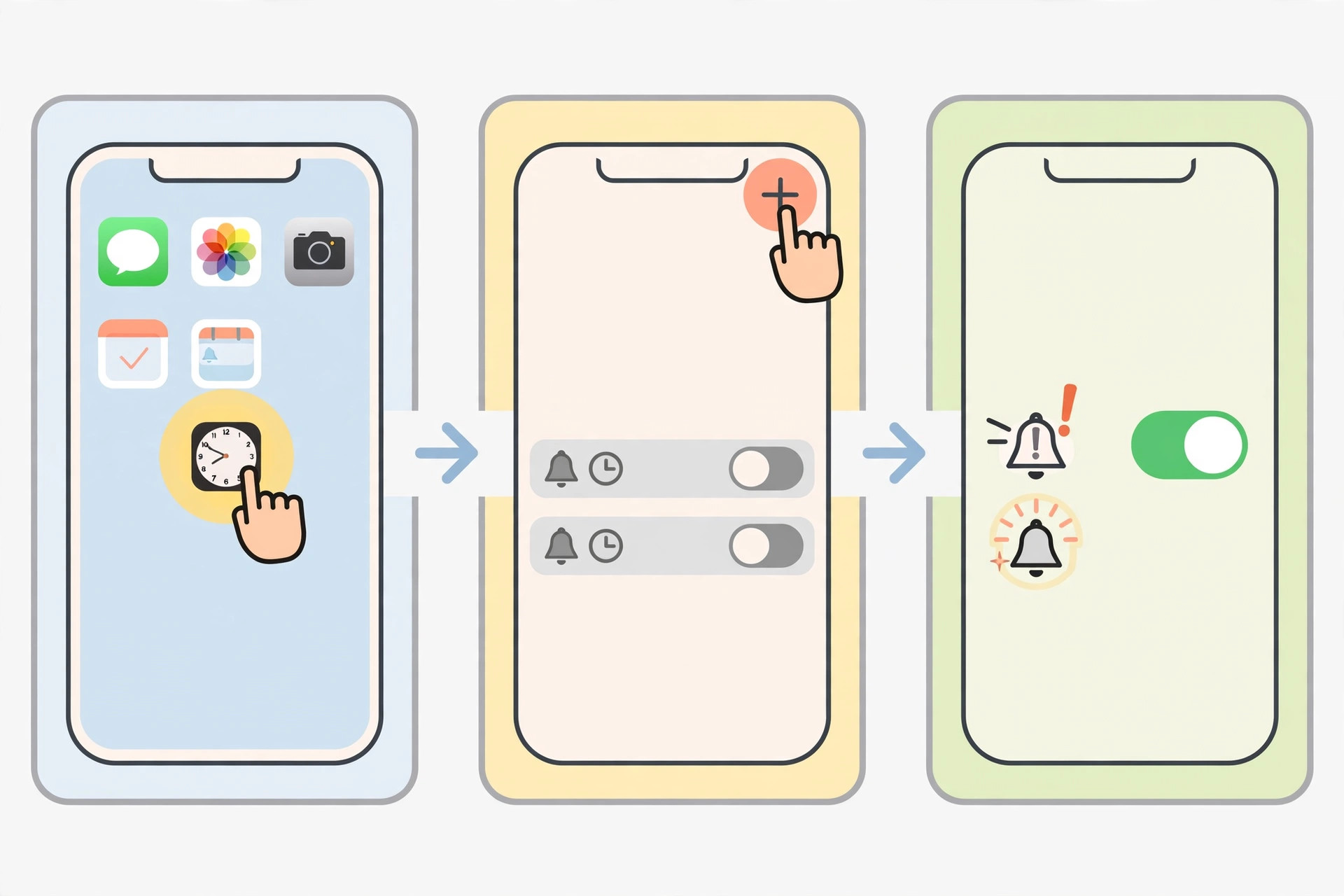
- First, make sure your iPhone runs iOS 26.2 or later. Open Settings, go to General, then Software Update, and install any pending update. The Urgent toggle, introduced with iOS 26.2, does not appear on older versions.
- Open the Reminders app and tap New Reminder (or the + button), then type what you need to remember.
- Tap the details button — the little “i” in a circle next to the reminder — to open its settings screen.
- Switch on the date and time options and pick when the reminder should go off. The alarm needs a scheduled moment to trigger.
- Turn on the Urgent toggle. This is the key move: from now on, this reminder will sound an alarm even in silent mode or during a Focus mode.
- Tap Done. At the scheduled time, your iPhone will ring out loud instead of just flashing a banner.
You will see (and hear) the alert on your lock screen — if you want that screen to look its best, check out our guide to setting up the Liquid Glass lock screen clock. If you manage a lot of reminders, Apple’s official iPhone support pages go deeper on lists, tags, and sharing. And for alerts you feel as well as hear, take a look at our 5 Best Smartwatches in 2026 — a buzzing wrist is even harder to ignore than a ringing phone.
If it still doesn’t work
No Urgent toggle? Double-check your iOS version first — anything below 26.2 will not show it. Next, confirm the reminder actually has a date and time set; without a scheduled time, there is nothing for the alarm to trigger on. If the alarm fires but sounds too quiet, check the ringer volume in Settings under Sounds & Haptics (the side buttons may be set to control media volume only). Still stuck? Restart your iPhone and recreate the reminder — that clears most glitches.
Frequently asked questions
Will an urgent reminder ring when my iPhone is on silent?
Yes — that is the entire point. The urgent alarm plays audibly even with the silent switch flipped and during most Focus modes, behaving like a traditional alarm clock rather than a notification.
Can I make an existing reminder urgent?
Absolutely. Open the reminder in the Reminders app, tap the “i” details button, and switch on Urgent. You can turn it back off the same way if the reminder stops being time-critical.
Conclusion
Urgent reminders close one of the iPhone’s most annoying gaps: silent reminders you never hear. Update to iOS 26.2, flip the Urgent toggle on the reminders that truly matter, and you will never again sleep through a wake-up call or miss a deadline because your phone was on mute.






[…] does not change anything else about how your alarms are scheduled, so guides like our tutorial on setting an alarm for urgent reminders in iOS 26 still apply exactly as written. If you are exploring the rest of the new system, our guide to the […]
[…] Not as a live sync between devices you already use — but they are included in full device transfers. Use the AirDrop sharing option in Settings > Accessibility for a direct copy, and rely on Quick Start or an iCloud restore when setting up a new iPhone. If you use accessibility alerts, also see our guide on how to set an alarm for urgent reminders in iOS 26. […]