
Every iPhone with dual-SIM support — a physical SIM plus eSIM, or two eSIMs — actually carries two IMEI numbers, one for each SIM slot. These 15-digit codes identify your phone to carriers, and a carrier can blacklist just one of them: the phone gets barred on the blocked slot while the other keeps working normally. It happens most often with second-hand phones — the previous owner stopped paying their contract, or the device was reported lost or stolen. Here’s how to confirm what’s going on and what you can do about it.
What to do when one IMEI is blocked
Work through these in order — the first steps tell you exactly where you stand, the rest get you back to normal:
- Identify which IMEI is blocked. Open Settings, go to General, tap About, and scroll to the IMEI entries — or simply dial
*#06#to display them. Write both numbers down and compare them with the message or letter from your carrier, which usually names the blocked one explicitly. Knowing exactly which slot is affected stops you from chasing the wrong problem. - Confirm the blacklist status independently. Run the suspect IMEI through a blacklist-checking service such as IMEI.info to verify it’s flagged and see the reported reason. This also tells you whether the block is limited to one carrier or shared more broadly. (Apple’s coverage checker won’t show carrier blacklists, but it confirms the device model and purchase date.)
- Contact the carrier — only it can remove the block. No app or website can un-blacklist an IMEI; the carrier that imposed it is the only party able to lift it. Ask for the exact reason: on used phones the most common one is an unpaid contract or device installment plan left behind by the previous owner.
- Go back to the seller. If you bought the phone second-hand, ask the seller directly about the block. A lost-or-stolen report and an unpaid bill lead to very different conversations — and your consumer rights differ too. Keep your receipt or the original listing as proof of purchase. And before your next used-phone purchase, read how to verify a SIM card and avoid the cooling-off period.
- File an official unblock request. If the block looks like an error — or the outstanding debt has since been settled — submit the carrier’s formal unblock or dispute request with your proof of purchase attached. Reviews typically take several days, so start early and keep the reference number.
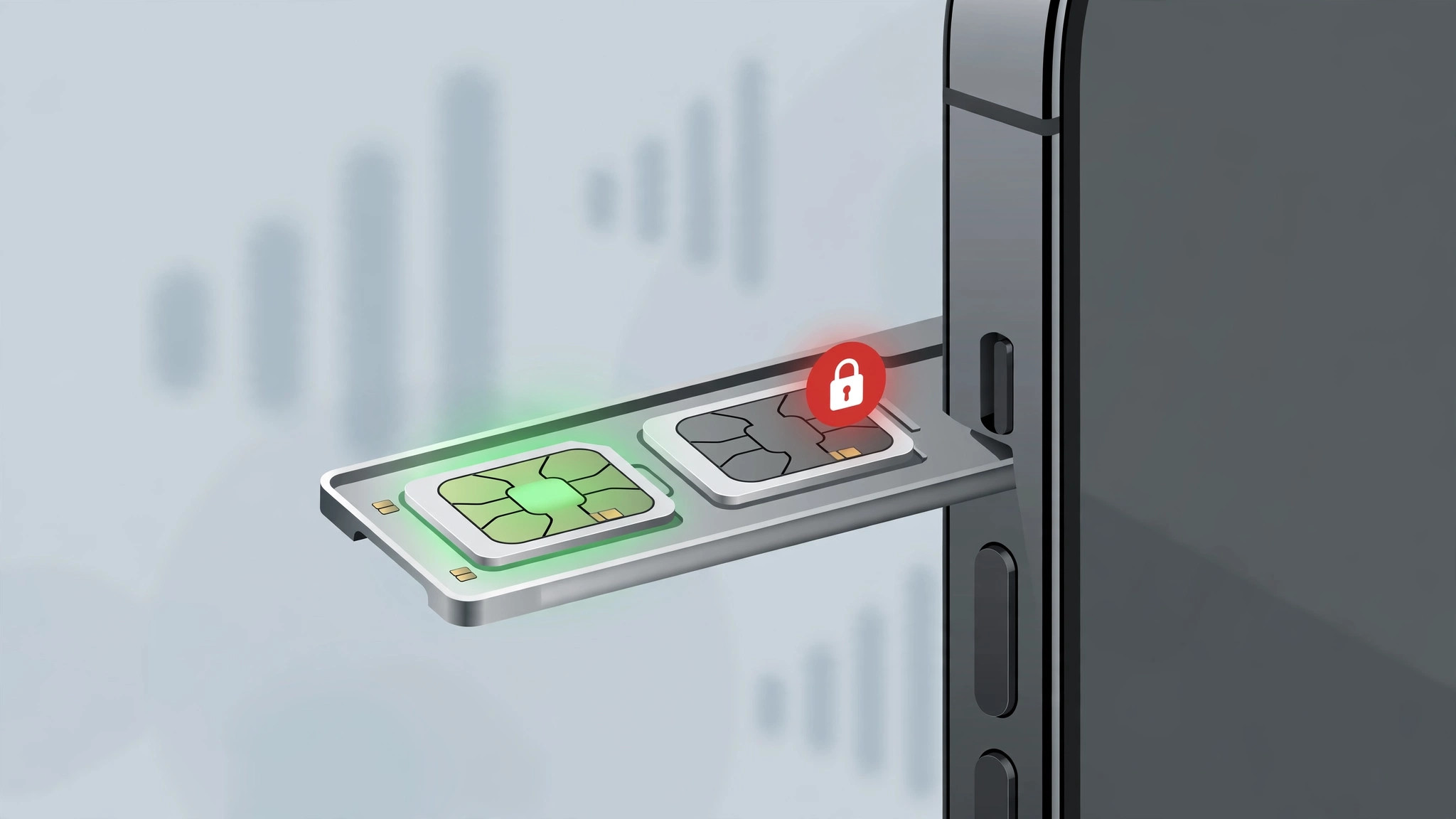
- Keep using the other SIM slot meanwhile. A blocked IMEI only affects its own slot. If the physical SIM’s IMEI is blacklisted, activate an eSIM on the clean IMEI (or vice versa) and the phone works normally. You can even route everything through the working line — here’s how to allow calls only from a specific SIM card in Focus mode.
If it still doesn’t work
If the carrier refuses to lift the block — for example, when the debt isn’t yours and the previous owner won’t pay — your options narrow. Do not fall for third-party "IMEI unlocking" tools and services: they’re unreliable at best and potentially illegal, and they cannot remove a carrier-side blacklist anyway. Your realistic paths are to keep using the unaffected SIM slot permanently, return the phone to the seller for a refund, or resell it with full disclosure in a market where that carrier’s block doesn’t apply.
FAQ
Can I use an iPhone with one blocked IMEI abroad?
Often yes — a carrier blacklist usually applies to that carrier’s network and its blacklist-sharing partners. The phone may work fine with other carriers or in other countries, but verify before you travel rather than assuming.
Will resetting the iPhone remove the IMEI block?
No. The block lives on the carrier’s network, not on your phone — no reset, restore, or iOS reinstall can clear it. Only the carrier that imposed the block can remove it.
The bottom line
A single blocked IMEI is annoying but rarely fatal: identify the affected slot, confirm it on a blacklist checker, and push the carrier or seller for a resolution while you carry on with the other SIM. Next time you buy used, check the IMEI before paying — two minutes avoids this whole mess.





