
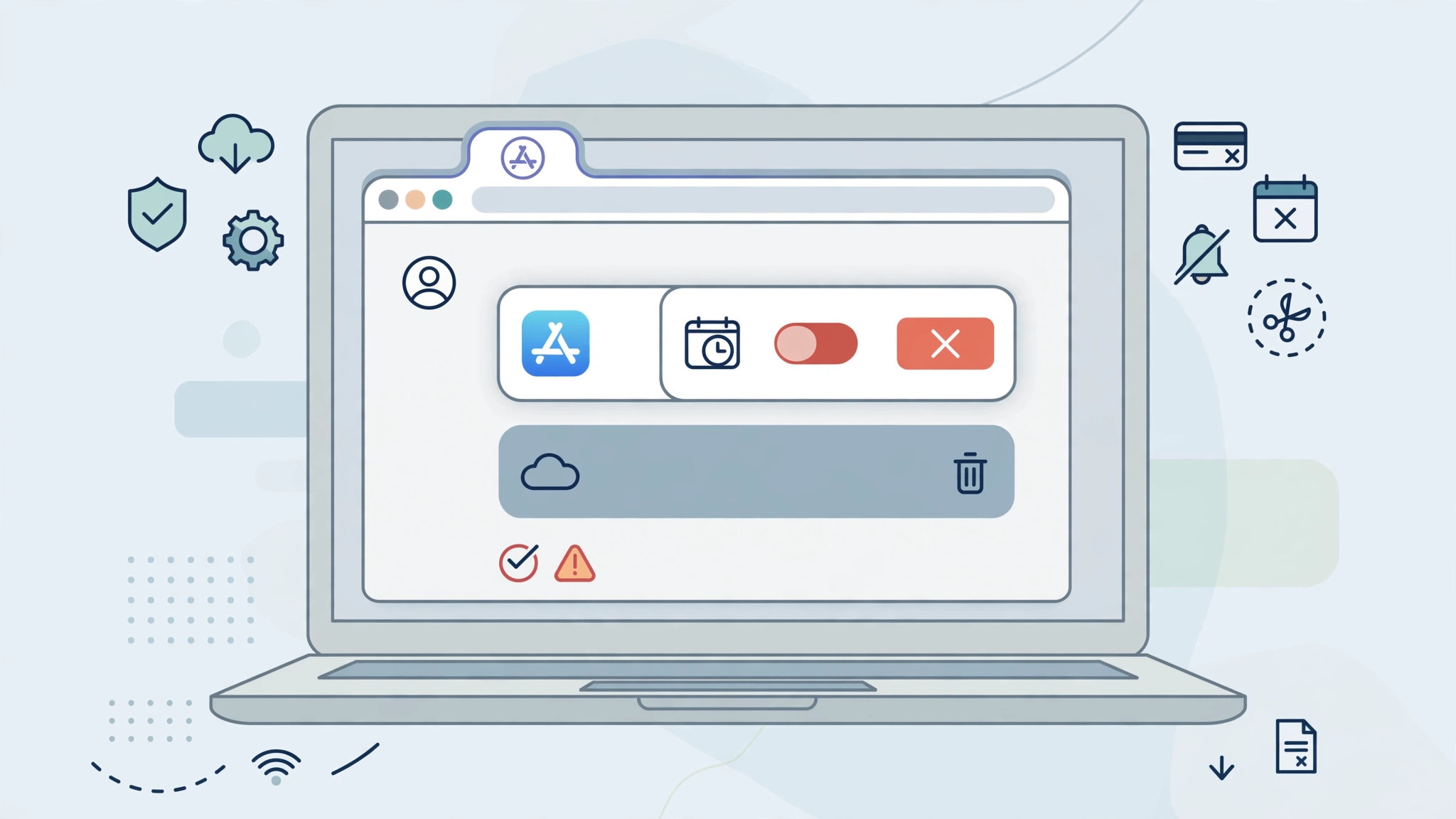
Selling your iPhone — or losing it — doesn’t stop the billing clock. App Store subscriptions keep renewing on their own schedule, charged to the Apple ID that started them, whether or not you still own an Apple device. The good news: Apple lets you manage and cancel those subscriptions from a Windows PC, an Android phone, or any web browser. You just need the sign-in for the Apple ID that’s being billed.
Before you start, confirm which Apple ID pays for the subscription — Apple’s billing receipts in your email will tell you. (If you still have an iPhone handy for your other Apple services, our guide to managing an iCloud subscription on iPhone covers the on-device route.)
Method 1: Cancel on a Windows PC
The most reliable route is Apple’s own software for Windows:
- Install the Apple Music app or the Apple TV app from the Microsoft Store (Windows 10 or 11). On older versions of Windows, download iTunes for Windows instead.
- Open the app and sign in with the Apple ID that’s being billed.
- Click your name at the bottom of the sidebar, then choose Account Settings (in iTunes: Account > View My Account).
- Scroll to the Subscriptions section and click Manage.
- Find the subscription in the list, click Edit, then Cancel Subscription, and confirm. Apple emails you a confirmation once it’s canceled.
For a deeper Windows-specific walkthrough, see how to cancel App Store subscriptions from Windows.
Method 2: Cancel from the web or an Android phone
No Windows PC either? A browser works:
- Go to music.apple.com, sign in with your Apple ID, click your profile icon, then Settings > Subscriptions > Manage, and cancel from there.
- The same works at tv.apple.com: sign in, open your account menu, choose Settings, then manage Subscriptions.
- On Android, the Apple Music app lets you view and cancel an Apple Music subscription directly.
- Important exception: subscriptions billed through a third-party provider (like Spotify or Netflix) can’t be canceled through Apple at all — you must cancel with that company.
Apple’s own guide to canceling subscriptions documents every official route.
If it still doesn’t work
- You don’t see the subscription: you’re probably signed in with the wrong Apple ID. Check Apple’s receipts in your email, or sign in at reportaproblem.apple.com to see which account was charged.
- It’s a family subscription: with Family Sharing, only the family organizer can cancel a shared subscription — members can’t.
- You were charged after canceling: subscriptions run until the end of the paid billing period, so a charge right after canceling is usually the final period you already owed.
- While you’re auditing recurring charges, it’s worth tracking App Store price drops so you only resubscribe when the price is right.
Frequently asked questions
Can I get a refund if I cancel in the middle of a billing cycle?
Generally, no. Canceling stops future renewals, but the subscription stays active until the end of the period you already paid for. Refunds are handled case by case — you can request one at reportaproblem.apple.com, but approval isn’t guaranteed.
Can I cancel an App Store subscription from an Android phone?
For Apple Music, yes — the Apple Music app for Android includes subscription management. For other App Store subscriptions you’ll need a Windows PC, the web portals above, or Apple Support. Prefer watching the steps? Here’s a video walkthrough of canceling without an Apple device.
Conclusion
Losing access to your Apple devices doesn’t mean losing control of your subscriptions. With a Windows PC, an Android phone, or any browser — plus the right Apple ID — you can cancel in a few minutes and stop the next renewal before it hits.





