
Your iPhone is lost, broken, or simply in another room — but an App Store subscription keeps billing you. Good news: you don’t need an Apple device to cancel it. Apple lets you manage subscriptions from a Windows PC using the Apple Music or Apple TV app. Here’s exactly how.
Apple retired the classic iTunes for Windows on modern systems, splitting it into separate apps: Apple Music, Apple TV, and Apple Devices. For subscription management, you’ll use Apple Music or Apple TV — both free in the Microsoft Store. Apple’s guide to canceling subscriptions covers every device, including Windows PCs, so you can follow along there too.
How to cancel App Store subscriptions from Windows
1. Install the Apple Music or Apple TV app
Open the Microsoft Store on your Windows PC and install the Apple Music app (Apple TV works just as well for this). On older Windows versions that still run the classic iTunes, you can use iTunes instead. Sign in with the Apple ID that owns the subscriptions you want to manage.
2. Open your account settings
In the Apple Music or Apple TV app, click your account name in the bottom-left corner, then choose Account Settings (it may be labeled “View My Account”). You might need to sign in again to confirm your identity.
3. Find the Subscriptions section
On the account page, scroll to the Settings section and look for “Subscriptions”, then click Manage next to it. You’ll see every active subscription billed through your Apple ID — apps, Apple services, and third-party subscriptions alike.
4. Cancel the subscription
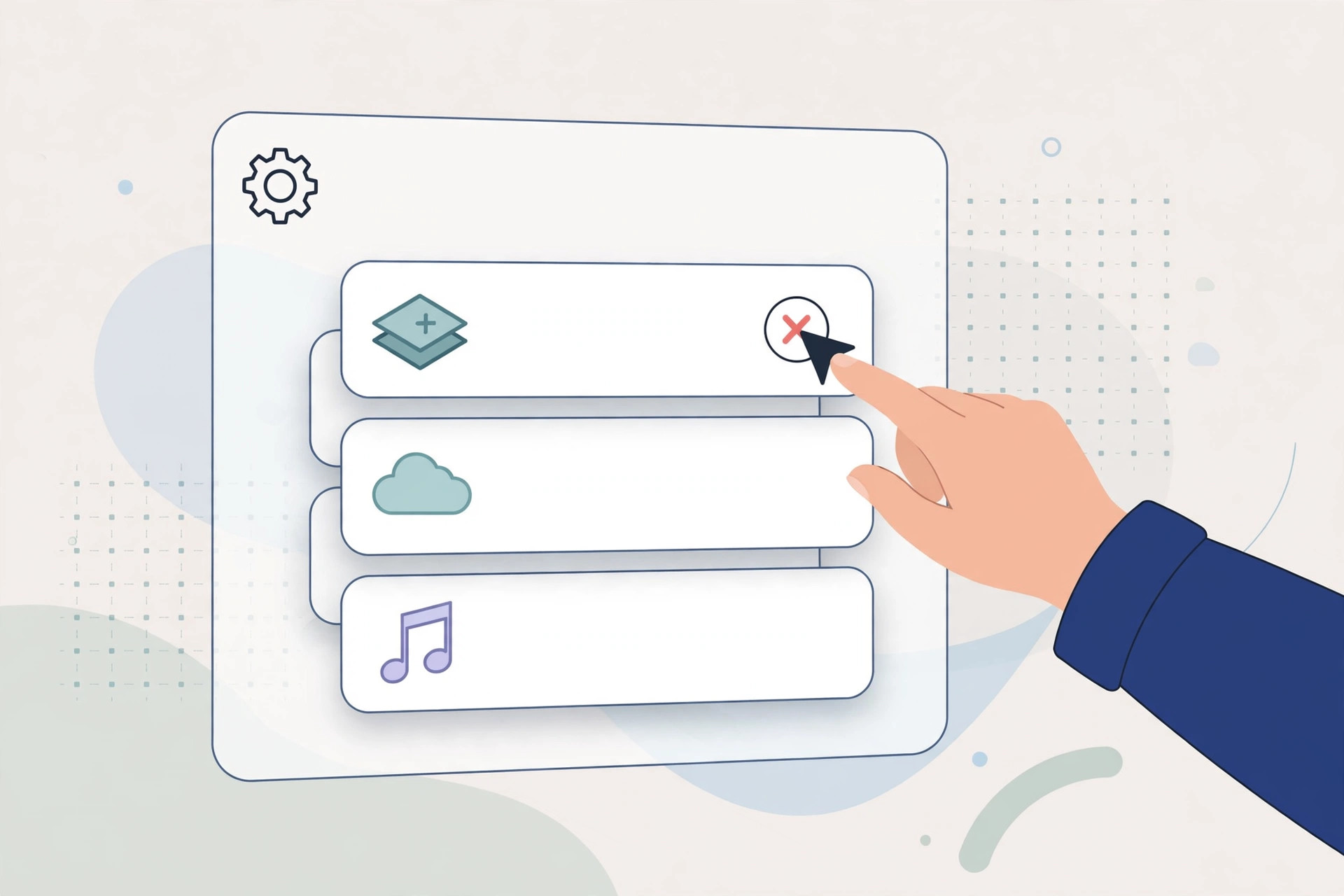
Click Edit next to the subscription you want to stop, then click Cancel Subscription and confirm your choice. That’s it — Apple will not bill you again. MacRumors regularly tracks subscription price changes across Apple services, so their coverage is worth a look before you re-subscribe to anything later.
5. Know what happens next
Canceling doesn’t cut you off immediately. You keep full access until the end of the current billing period — if you paid for a month, you get the whole month. After that, the subscription simply doesn’t renew. Your data and settings for that service usually stick around in case you resubscribe.
If it still doesn’t work
If a subscription doesn’t appear in the list, it might be billed directly by the developer rather than through Apple — check your email receipts or the service’s own website. Family Sharing organizers can also manage subscriptions for family members from the same screen. And if you’re trying to stop software updates rather than subscriptions, here’s how to completely block iOS 26 updates on iPhone.
FAQ
Can I get a refund for a subscription I just canceled?
Canceling stops future billing, but refunds are a separate request. Apple handles those through reportaproblem.apple.com — sign in, find the charge, and request a refund. Approval isn’t guaranteed, but it’s worth trying within a few days of the charge.
Why can’t I see a Cancel button?
If there’s no Cancel option, the subscription may already be canceled (check its expiry date), or a free trial may have already ended. Subscriptions billed outside the App Store won’t appear here at all. While you’re cleaning up, see which built-in iPhone apps you can delete to free up space too.
Managing subscriptions from Windows takes two minutes once the Apple Music app is installed. Do a quick audit every few months — forgotten subscriptions are the easiest money you’ll ever save.





