
Counterfeit chargers are everywhere, and Apple’s MagSafe puck is one of the most copied accessories on the market. A fake will often still charge your phone, which makes it easy to keep using one without realizing — until it charges slowly, runs suspiciously hot, or dies after a few weeks. The good news is that Apple built a genuineness check right into the iPhone itself. No third-party apps, no serial-number lookup sites, and no guesswork.
Why fakes can’t pass this test
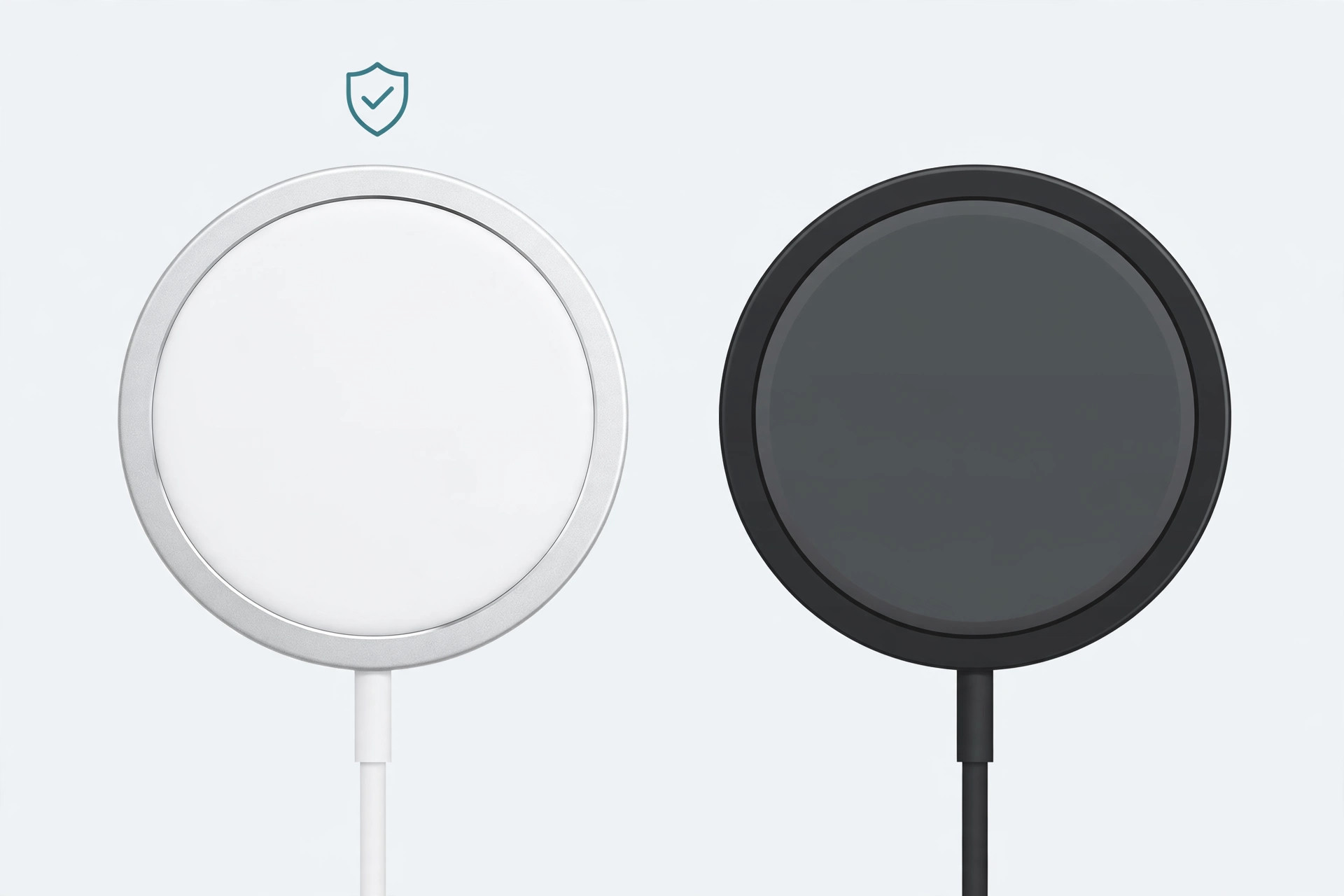
A genuine MagSafe charger is more than a ring of magnets. Inside it sits an NFC chip and firmware that identify the puck to the iPhone, enabling smart features like animated charging indicators and optimized power delivery. Apple’s own iPhone pages describe MagSafe as a whole system of magnets and intelligent communication between the charger and the phone. Counterfeits skip the electronics to cut costs — they slap magnets into a plastic disc and call it a day. Because of that, the iPhone simply does not recognize them as MagSafe hardware.
Check your charger in four steps
- Attach the MagSafe charger to your iPhone (it needs to be an iPhone 12 or later).
- Open Settings → General → About.
- Scroll all the way to the bottom of the page. If the charger is genuine, you will see a “MagSafe” entry listed there.
- Tap that entry to view the charger’s serial number and its installed firmware version.
That screen is the same place where the iPhone reports details for other Apple accessories, something outlets like MacRumors have covered in the past when new accessory firmware rolls out.
What if the MagSafe entry is missing?
First, rule out the simple causes. Make sure the puck is properly centered on the back of the phone and that the phone is actually charging — try removing any thick case and reattaching it. If you have access to a second iPhone 12 or newer, test the charger there too.
If the entry still doesn’t appear, the charger is not communicating as genuine Apple hardware, and it is almost certainly counterfeit. Stop using it if it feels hot to the touch or charges far slower than the 15W a real MagSafe puck delivers. While you’re at it, it’s worth keeping an eye on your long-term battery health — see our guide on how to monitor the battery levels of your devices from your Mac. And if your phone ever takes an accidental swim, eject the water from your iPhone’s speakers before putting it on any charger.
If it still doesn’t work
On rare occasions a genuine, older MagSafe charger may not show its details until its firmware updates — leave it attached to your iPhone overnight while the phone is on Wi-Fi and check again in the morning. If nothing appears after that, return the charger to the seller: a legitimate Apple or Apple-authorized unit will always identify itself on this screen.
Frequently asked questions
Do third-party MagSafe-compatible chargers show up on this screen?
Chargers certified under Apple’s Made for MagSafe program may display accessory details, but ordinary “MagSafe-compatible” magnetic chargers — the kind that only copy the magnet ring — will not. The absence of the entry means it isn’t genuine Apple hardware, not necessarily that it won’t charge.
Can I verify the serial number on Apple’s website?
No. Apple does not offer a public serial checker for MagSafe chargers, and any site claiming to do it should not be trusted. The About screen on your iPhone is the official verification method.
It takes less than a minute, and it settles the question for good: if your iPhone sees a MagSafe entry in Settings, your charger is the real thing.






[…] Where the 20W adapter earns its keep is MagSafe wireless charging. Apple’s MagSafe charger can deliver up to 15W to a compatible iPhone — but only when it’s paired with a 20W or higher USB-C adapter. Plug a MagSafe charger into the older 18W brick and wireless charging runs slower, because the 18W adapter can’t feed the puck its full 15W. If you use MagSafe daily, the 20W brick is worth having. While you’re at it, make sure your gear is the real thing — here’s how to check if a MagSafe charger is genuine. […]