
You update your iPhone or Mac, open the Contacts app, and your stomach drops: every contact is listed twice. Hundreds of duplicates — your mom, your boss, the plumber — all doubled. Before you start deleting them one by one (don’t!), know this: there’s a much faster fix hiding in iCloud, and it takes just a few minutes.
Why this happens
After some iOS or macOS updates, the contacts database can fall out of sync — especially if contacts flow through multiple accounts (iCloud plus Google, for example) or if the sync was interrupted mid-update. The result: the same entries imported twice. It’s annoying, but your data isn’t corrupted — it’s just duplicated.
Before you start: confirm iCloud contacts sync is on
This fix uses your iCloud contacts backup, so it only works if your contacts sync via iCloud. On iPhone, go to Settings > [your name] > iCloud and make sure Contacts syncing is enabled. On Mac, open System Settings > [your name] > iCloud and confirm Contacts is switched on. If you don’t use iCloud for contacts, skip to the alternative at the end of this guide.
Step 1: Go to iCloud.com and sign in
On any computer, open a browser and go to iCloud.com, then sign in with the same Apple ID you use on your iPhone and Mac. You’ll need to complete two-factor authentication — approve the sign-in on one of your trusted devices.
Step 2: Open “Restore Contacts”
Once signed in, look at the bottom-left corner of the iCloud.com page and click “Restore Contacts” (its exact spot varies slightly with iCloud.com’s layout). This opens a list of automatic contacts archives iCloud has saved — Apple keeps these snapshots for exactly this situation.
Step 3: Pick an archive from before the update
Choose the archive dated just before the iOS or macOS update that created the duplicates. If you’re unsure when the update happened, pick the most recent archive that predates the duplication, then click Restore next to it.
Step 4: Confirm and wait for the sync
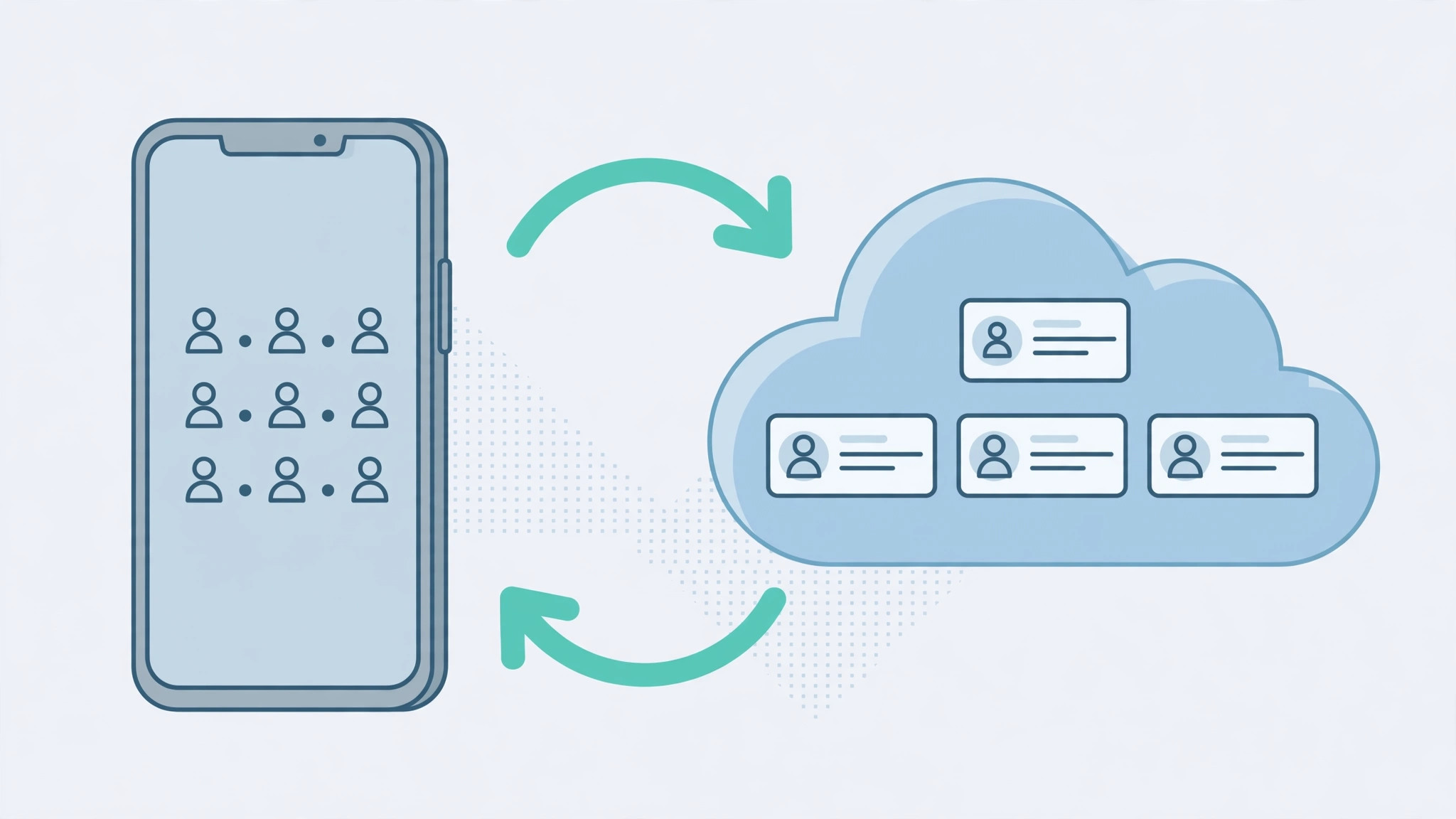
Confirm the restore when prompted. iCloud replaces your current cloud contacts with the clean archive — then just wait. The fixed list syncs automatically to every device with iCloud contacts enabled: your iPhone, Mac, and iPad. Depending on how many contacts you have, it can take a few minutes. When it’s done, the duplicates are gone everywhere at once.
This is the same iCloud sync that keeps your devices consistent in other ways — our guide on setting up message sync between iPhone and Mac relies on the same always-in-sync design.
If it still doesn’t work
If duplicates return after the restore, you probably have contacts syncing from two sources — for example, both iCloud and a Google account adding the same people. Check Settings > Contacts > Accounts on iPhone (or Internet Accounts on Mac) and turn off contact syncing for the extra account. Apple Support documents the iCloud restore process officially, and MacRumors has covered recurring contacts-sync quirks after major iOS updates. While you’re tidying contacts, it’s also worth learning how to mute Mail notifications for specific contacts on macOS to cut noise from threads you don’t need.
FAQ
Will restoring delete contacts I added after the archive date?
Yes — the restore replaces your entire contacts list with the archived version, so anything added after that date disappears from iCloud. Before restoring, note down (or screenshot) any new contacts you’ve added since, and re-add them afterward.
What if I don’t sync contacts with iCloud?
Then the archive restore isn’t available. Your options are manual cleanup — tedious but doable in small batches — or a reputable third-party duplicate-removal app from the App Store. And consider turning on iCloud contacts sync afterward so you have a safety net next time.
Conclusion
Duplicated contacts after an update look catastrophic but take minutes to fix: restore a pre-update contacts archive from iCloud.com and let sync do the rest. No manual deleting, no full-system restore — just a clean address book on every device.





