
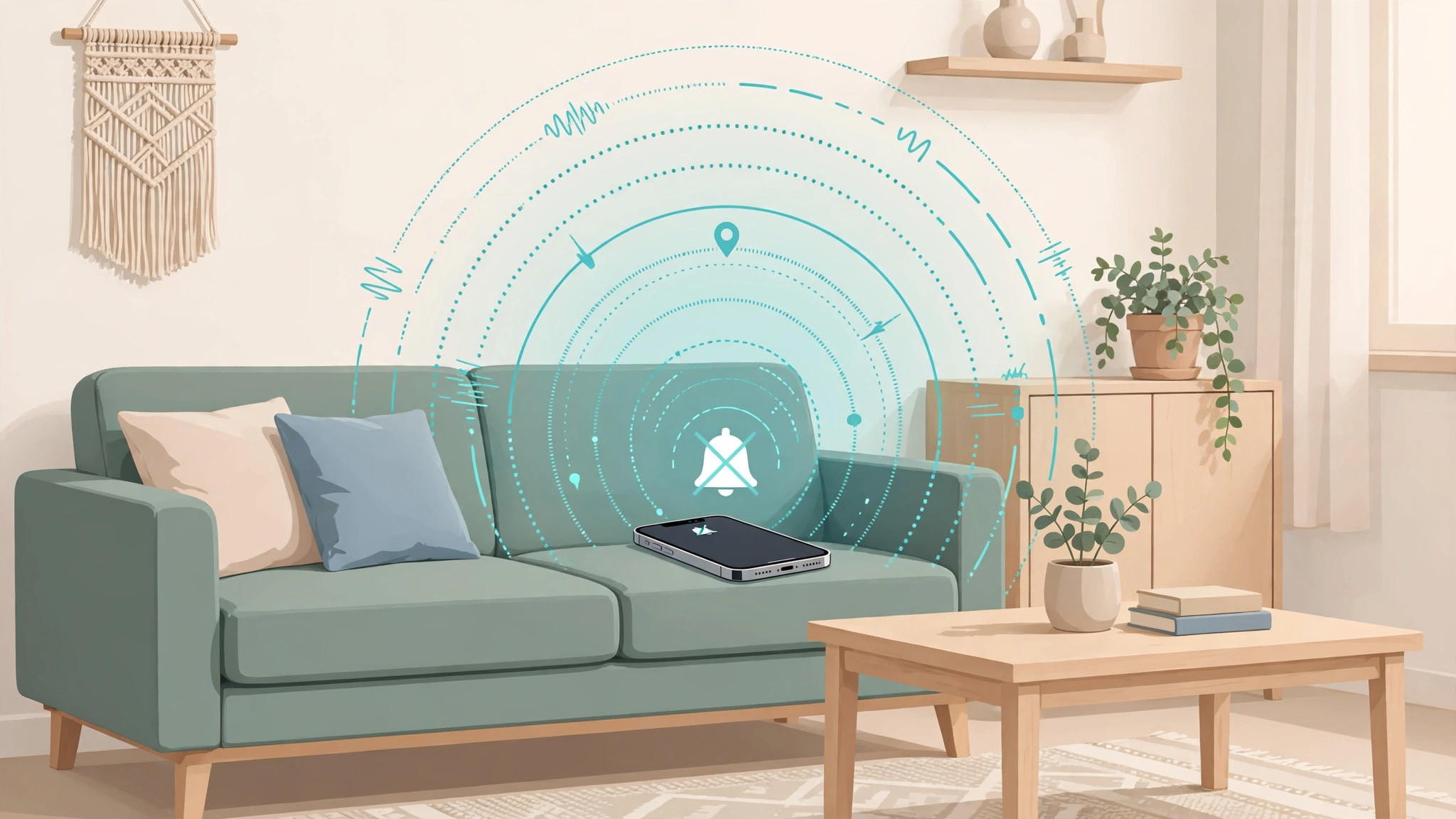
You’ve torn the house apart looking for your iPhone — but it’s on silent, so calling it from your partner’s phone is useless. Don’t panic: you can still make it ring loudly. Here’s how.
Make a silent iPhone ring anyway
There are two reliable ways to find it:
- Use Find My’s Play Sound. On another Apple device, open the Find My app (or go to iCloud.com on any computer), pick your iPhone from the device list, and tap “Play Sound”. The iPhone rings loudly — even when silent mode is on, and even in Do Not Disturb mode.
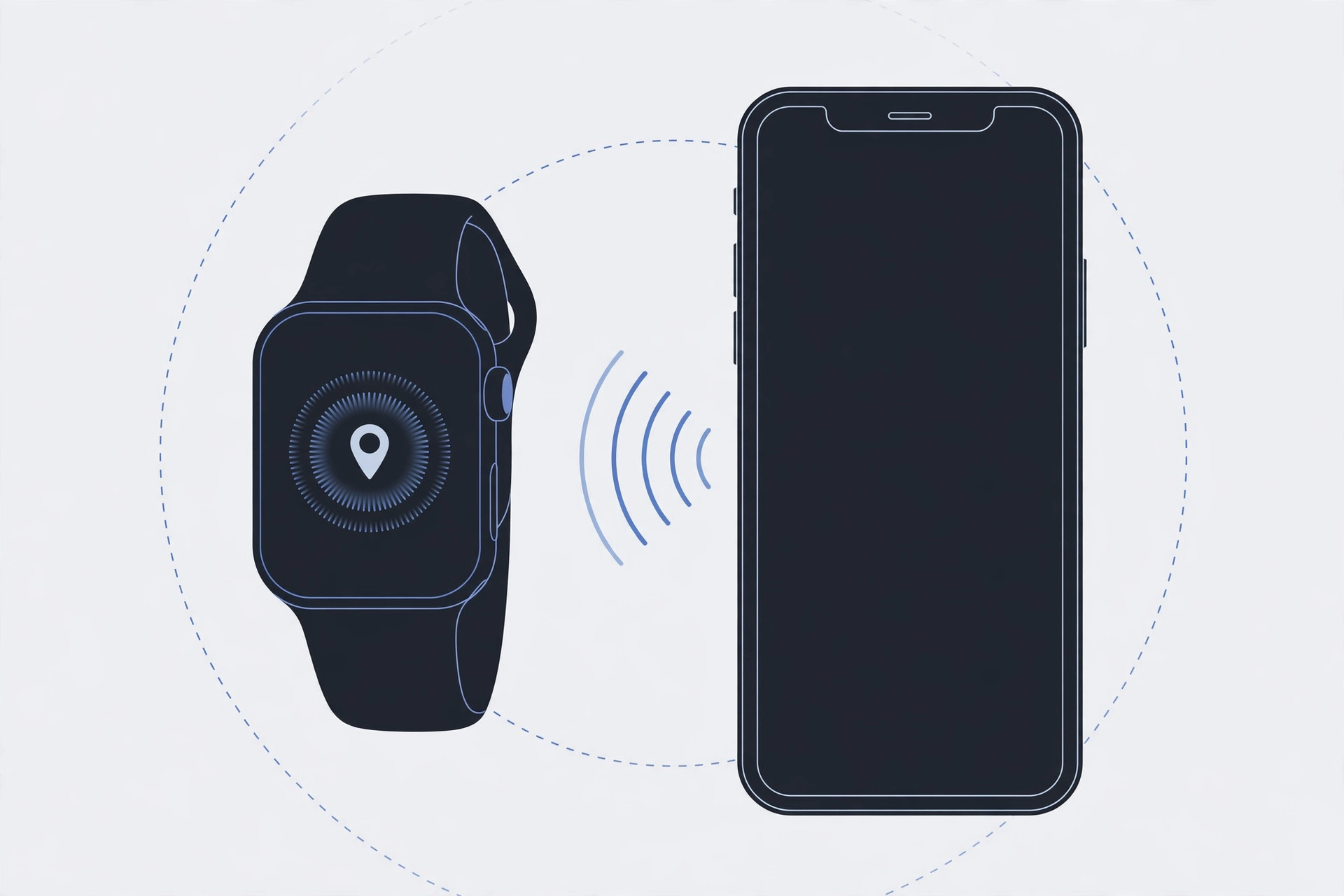
- Ping it from your Apple Watch. Swipe up on the watch face to open Control Center and tap the ping-iPhone icon. Your iPhone chimes — and this works even if Find My isn’t enabled.
That’s the core trick: Apple’s Play Sound documentation confirms the sound overrides silent mode, and 9to5Mac’s guide walks through the same steps. For related iPhone audio tips, see our guides on adding and changing the iPhone startup sound and setting up message sync between iPhone and Mac.
If it still doesn’t work
If the sound doesn’t play, make sure the iPhone isn’t powered off or out of battery — Play Sound needs the device to be on and connected. Also confirm you’re signed in to the same Apple ID on the other device, and that the watch is paired and within Bluetooth range of the phone.
Prevent it next time
Instead of flipping the physical silent switch (which is easy to forget), use a scheduled Do Not Disturb instead — your calls and alerts behave predictably, and you never lose your phone to silence again.
Frequently asked questions
Will Play Sound work if Do Not Disturb is on?
Yes. The Find My Play Sound alert is designed to override both the silent switch and Do Not Disturb, so it rings at full volume regardless.
Can I ping my iPhone without an Apple Watch?
Yes — that’s exactly what Find My (on another Apple device or iCloud.com) is for. The Apple Watch method is just the fastest option if you have one.
Conclusion
A silent iPhone isn’t a lost iPhone. Play Sound in Find My or ping it from your Apple Watch, and it’ll announce itself in seconds — then switch to scheduled Do Not Disturb so it never goes missing again.





