
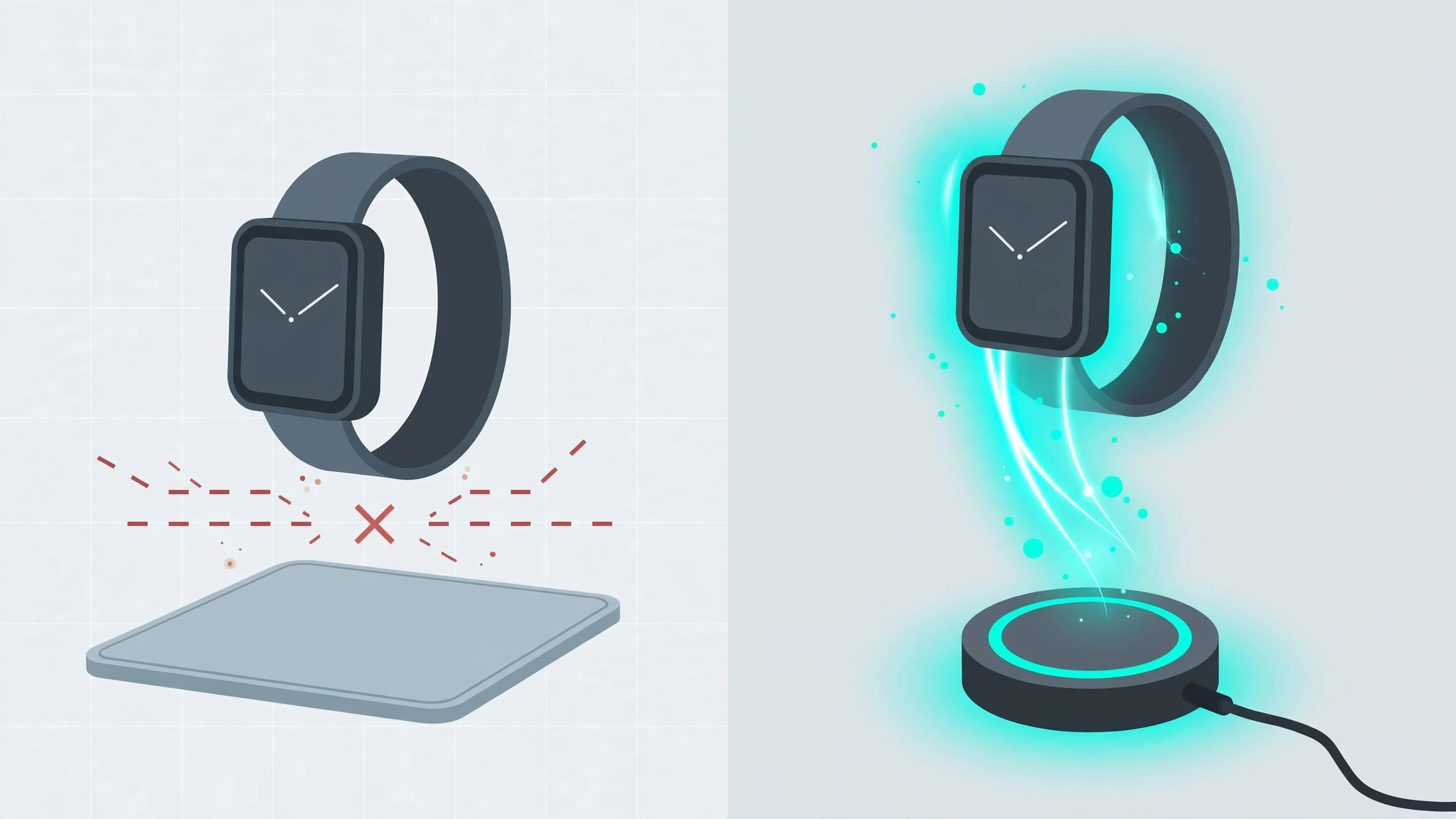
You set your Apple Watch down on the same wireless pad that tops up your iPhone every night — and nothing happens. No green lightning bolt, no buzz, just a dead watch in the morning. Before you blame a faulty charger, know this: most phone chargers were never designed to charge an Apple Watch in the first place.
The core reason: Apple Watch doesn’t use the Qi standard
Here’s the technical bit that explains everything. The Apple Watch charges through Apple’s own magnetic charging system, not the standard Qi wireless protocol your iPhone uses. That means a regular Qi or MagSafe phone pad physically cannot charge an Apple Watch — and, in reverse, the Watch’s little magnetic puck won’t charge your iPhone either. They look similar, they both involve magnets, but they speak different charging languages. Apple explains the distinction on its Apple Watch support pages, and outlets like MacRumors and 9to5Mac have covered the confusion for years.
Which chargers actually work with Apple Watch
Follow these rules and you’ll never wake up to a dead watch again:
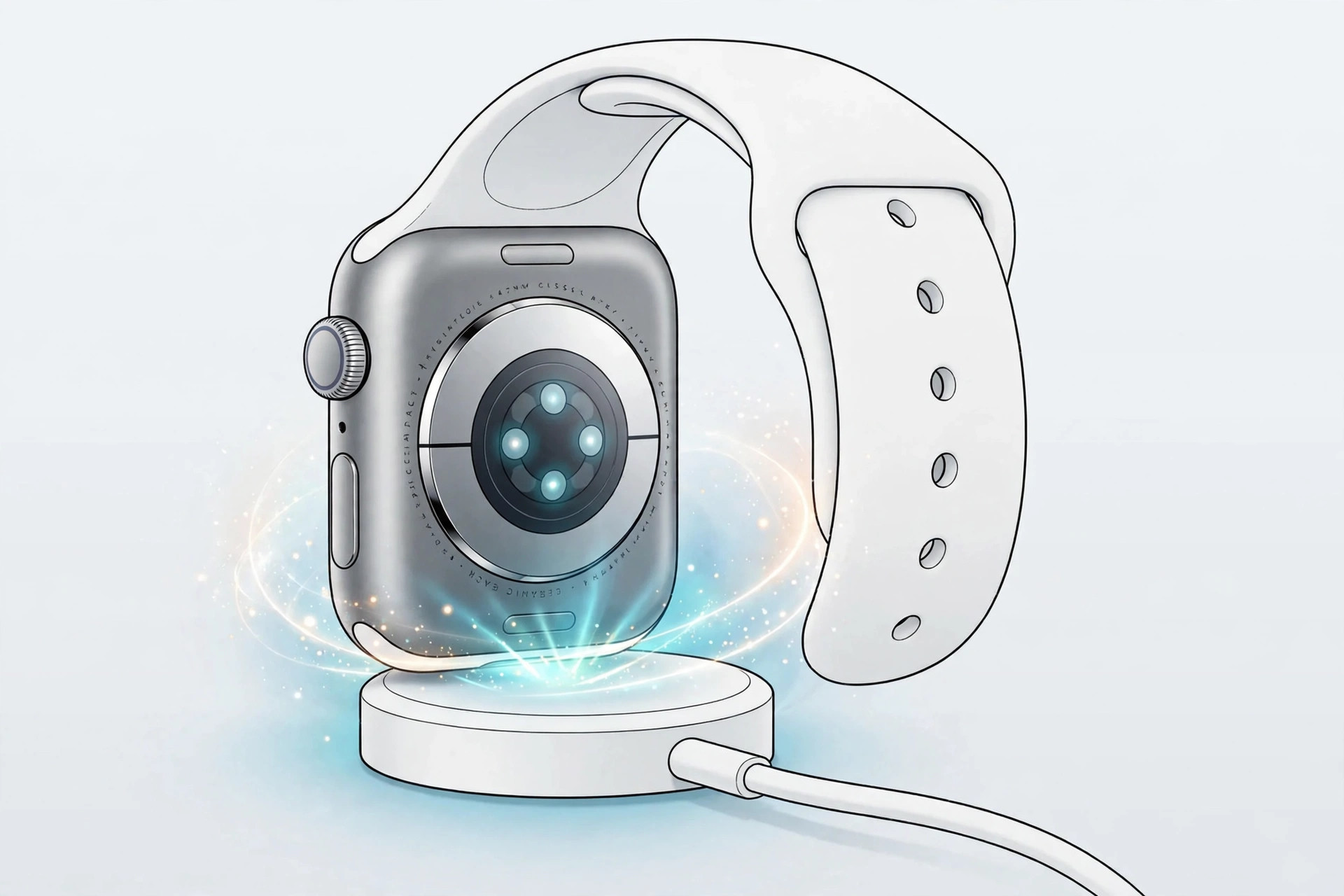
- Use Apple’s own magnetic charger. The magnetic charging cable or puck that came in the box (USB-C on newer models) is the guaranteed option. Any genuine Apple Watch charger works with any Apple Watch.
- Buy third-party chargers only if they’re certified for Apple Watch. Look for explicit “Made for Apple Watch” branding or a clear statement that the product charges Apple Watch — not just “wireless charger” or “Qi charger.” Generic Qi pads, no matter how premium, will not work.
- Check multi-device stations carefully. Those 3-in-1 docks that charge an iPhone, AirPods and a Watch only work because they include a dedicated Apple Watch charging module — usually a little raised puck or a flip-up pad. The flat phone-charging surface alone will never charge the Watch, even on the fanciest combo dock.
- Seat the Watch correctly. Center the back of the Watch on the puck so the magnets snap it into alignment. A crooked placement is the most common reason a compatible charger appears to do nothing.
- Rule out the basics. Try a different cable and power adapter, update to the latest watchOS, and if a third-party charger still misbehaves, test with the original Apple charger to confirm whether the accessory itself is at fault.
Charging speed is a separate question
Once you have a compatible charger, note that not all of them charge equally fast. Fast charging arrived with the Series 7 and requires both a supported Watch model and a USB-C fast-charge puck. Our guide on which Apple Watch models support fast charging breaks down the exact combinations. And if you’re curious about the reverse scenario — powering accessories from your phone — read what you can charge from an iPhone 15 (reverse charging).
If it still doesn’t work
Clean the back of the Watch and the puck with a soft dry cloth — sweat and grime weaken the magnetic connection. Remove any thick case that prevents the Watch from sitting flat. If the Watch gets warm but the percentage never climbs, leave it for a full hour; a deeply discharged battery can take a while to show signs of life. Persistent failure with the genuine Apple charger points to a battery or hardware issue worth a visit to Apple Support.
Frequently asked questions
Can I use a MagSafe iPhone charger for my Apple Watch?
No. Despite the magnetic name, MagSafe for iPhone is a Qi-based phone charging system and will not charge an Apple Watch. The Watch needs its own magnetic charger or a certified third-party equivalent.
Why does my 3-in-1 station charge my phone and AirPods but not my Watch?
Because only the dedicated Watch module on that station speaks the Watch’s charging protocol. Make sure you’re placing the Watch on its designated puck — not on the flat Qi pad — and that the station is plugged into a powerful enough adapter.
Conclusion
The rule is simple: Apple Watch needs Apple Watch charging hardware. Skip the generic Qi pads, buy chargers explicitly certified for the Watch, and always use the dedicated puck on multi-device docks. Get that right, and the mystery of the uncharged Watch disappears for good.





