
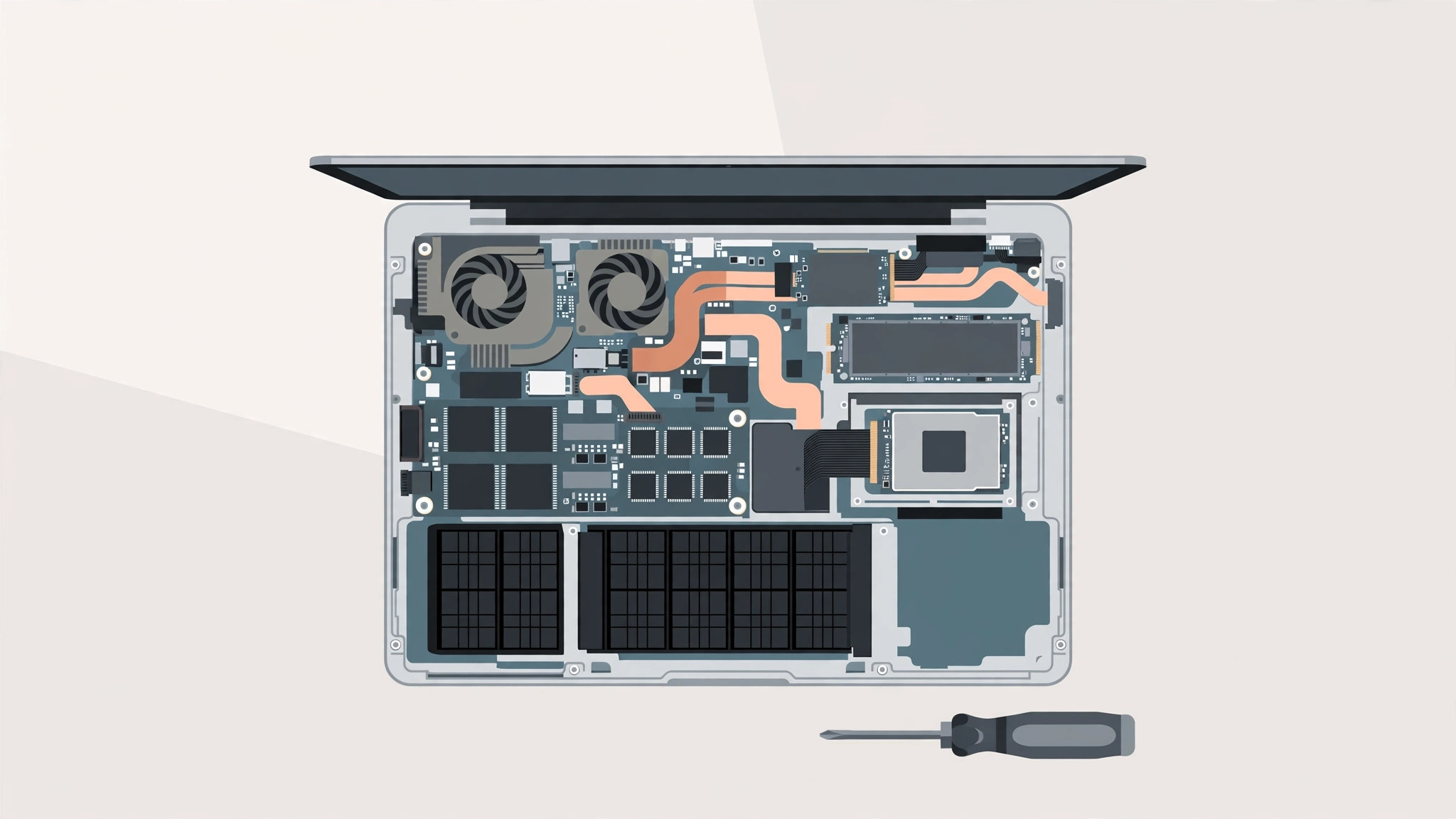
Eyeing a used MacBook Pro from 2016 or 2017? They are tempting — prices have dropped into bargain territory. But before you buy one with 8 GB of RAM and a 128 GB SSD while planning to upgrade later, you need the definitive answer: on these models, you cannot replace the RAM or the SSD. Here is what is soldered, the one exception, and the workarounds that actually help.
The short answer: no
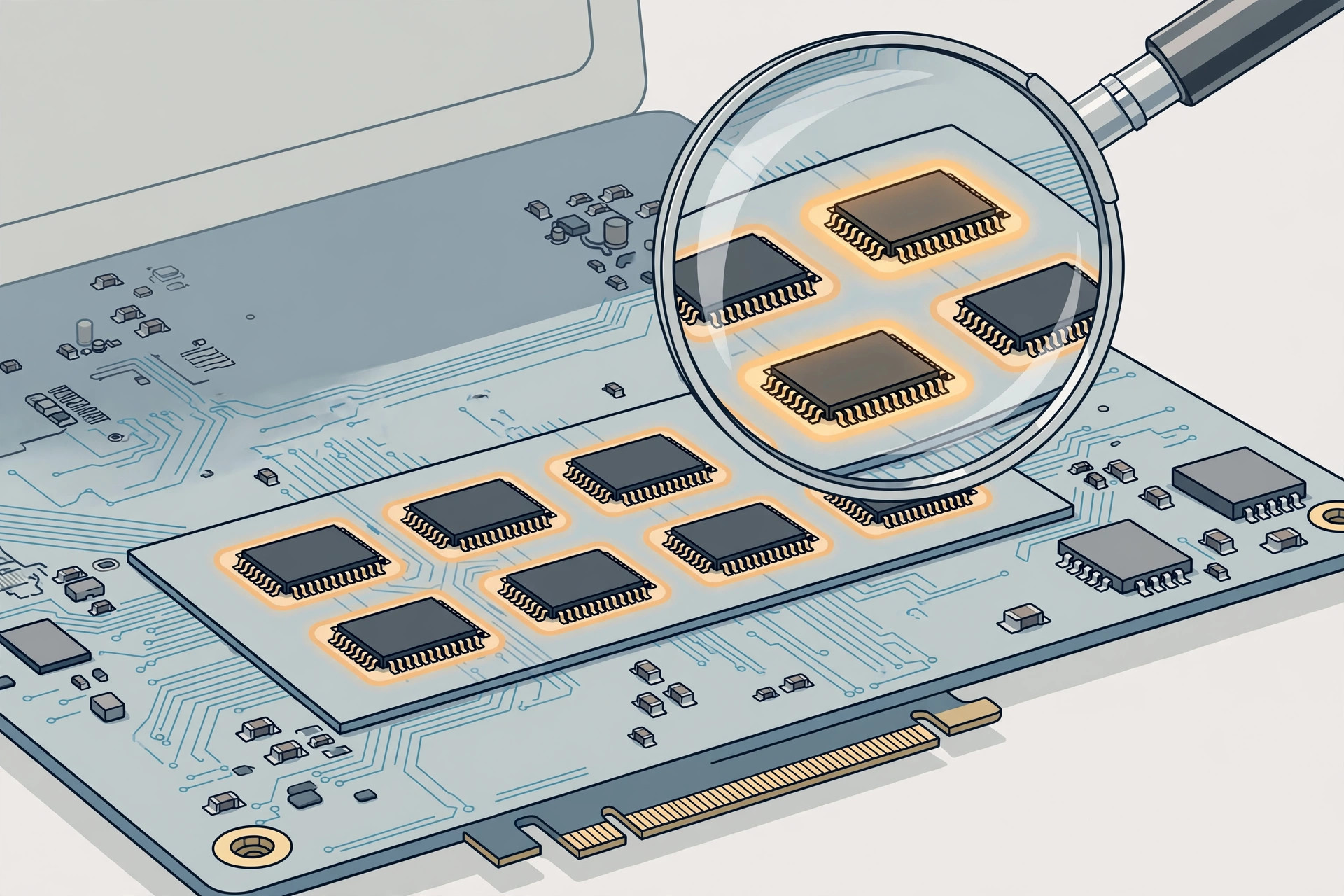
On the MacBook Pro 2016 and 2017, both the RAM and the SSD are soldered directly to the logic board. There are no slots, no sockets, nothing a technician can swap. The teardowns published by iFixit confirm it: the memory and storage chips are permanently attached at the factory. If you were hoping for a cheap RAM upgrade down the road, it is not happening on these machines.
The one exception
Exactly one model breaks the rule: the 13-inch MacBook Pro 2016 without the Touch Bar uses a removable SSD module. Its RAM, however, is still soldered. So even in the best-case scenario, memory upgrades are off the table — only storage has a limited, proprietary upgrade path.
What to do instead
Since nothing can be upgraded after purchase, choose wisely up front — especially on the used market:
- Treat the specs as permanent. When comparing used listings, prioritize 16 GB of RAM over a faster CPU: you can always add external storage, but you can never add memory.
- For cramped storage, buy a fast external SSD over Thunderbolt or USB-C. Modern external drives are quick enough for photo libraries, video projects, and Time Machine backups.
- Offload archives and media to cloud storage to keep the internal drive from filling up.
- Before buying, check the official tech specs on Apple Support to confirm exactly which configuration a listing has — sellers often misremember.
- MacRumors maintains model guides that help you tell the 2016 and 2017 machines apart, including the non-Touch-Bar exception.
If it still does not work
If a used machine you already own is constantly running out of space, audit what is eating the drive: our guide on quickly opening the installed apps list on macOS 26 helps you find candidates to move to external storage. And if video calls stutter on the aging hardware, enabling face lighting during video calls on Mac can at least make you look better while the machine struggles.
Frequently asked questions
Can an Apple Store upgrade the RAM or SSD for me?
No. Apple does not offer RAM or SSD upgrades on these models either — the components are soldered at the factory, so even Apple technicians cannot swap them.
Are older MacBook Pros upgradeable?
Yes — the 2012–2015 Retina-era machines, and especially the pre-Retina models, had removable RAM and standard drives. The soldering started with the 2016 redesign, which is exactly why used buyers need to check the model year first.
Conclusion
The 2016–2017 MacBook Pro is a buy-it-as-it-is machine: soldered RAM, soldered SSD (with one narrow exception), and no upgrades possible. Shop the used market accordingly — max out the memory in the listing, plan on external storage, and you will avoid the most common regret these models produce.





