
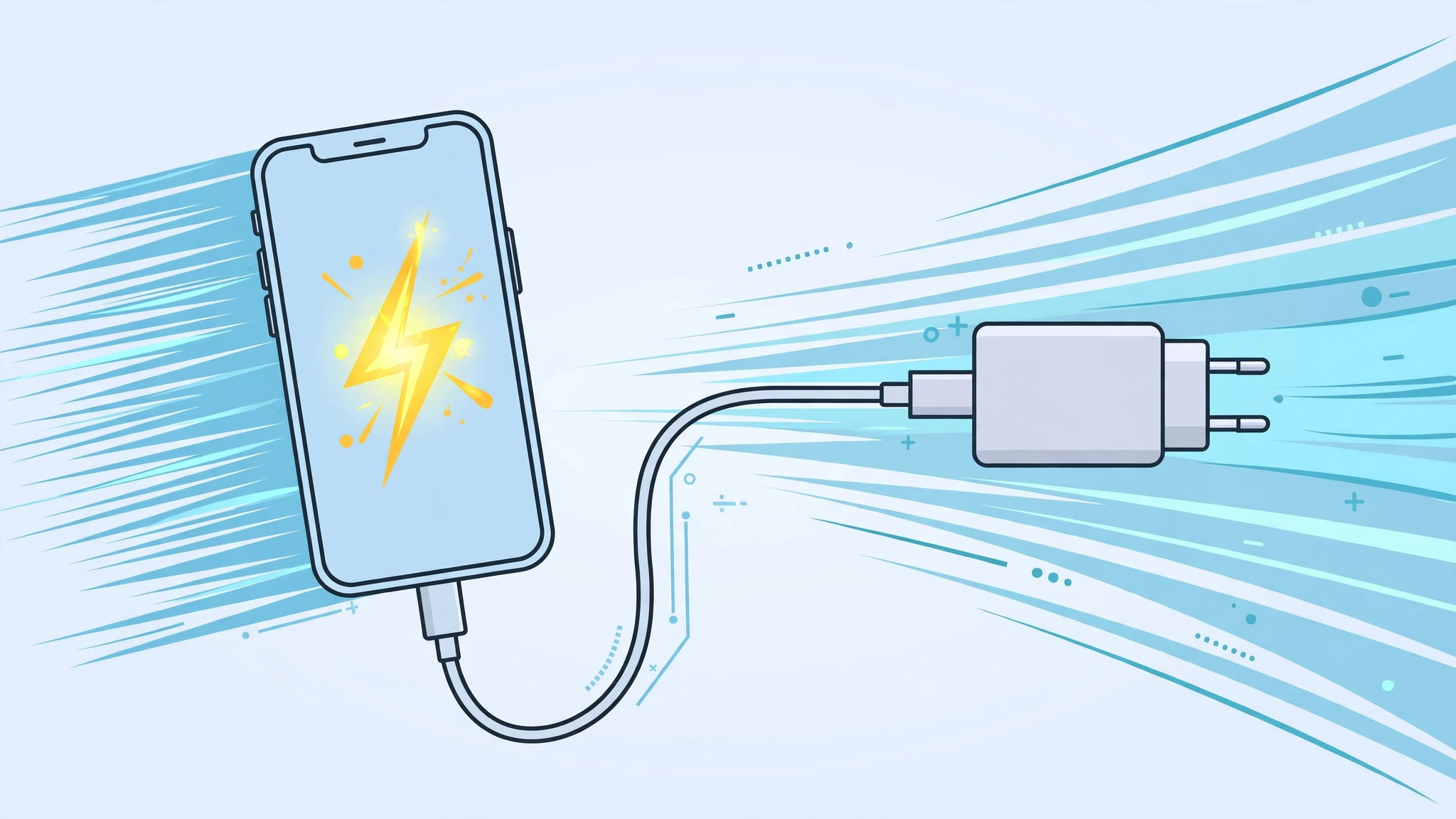
Your alarm is about to go off, your iPhone sits at 11%, and you are already running late. A slow trickle of charge will not cut it — you need the maximum battery in the minimum time. The good news: every iPhone since the iPhone 8 supports fast charging, and with the right gear plus a few smart habits you can grab roughly half a charge in about 30 minutes. Here is how to make every minute on the charger count.
How fast charging works on iPhone
Apple introduced fast charging with the iPhone 8: paired with a compatible adapter and cable, those models reach about 50% in roughly half an hour. Modern USB-C iPhones go further with USB-C Power Delivery adapters, and MagSafe adds another convenient fast option on supported models. Apple documents the current requirements in its fast-charge support guides — see Apple Support for the latest wattages. But the adapter is only half the story: how you charge matters just as much.
Use the right charger and cable
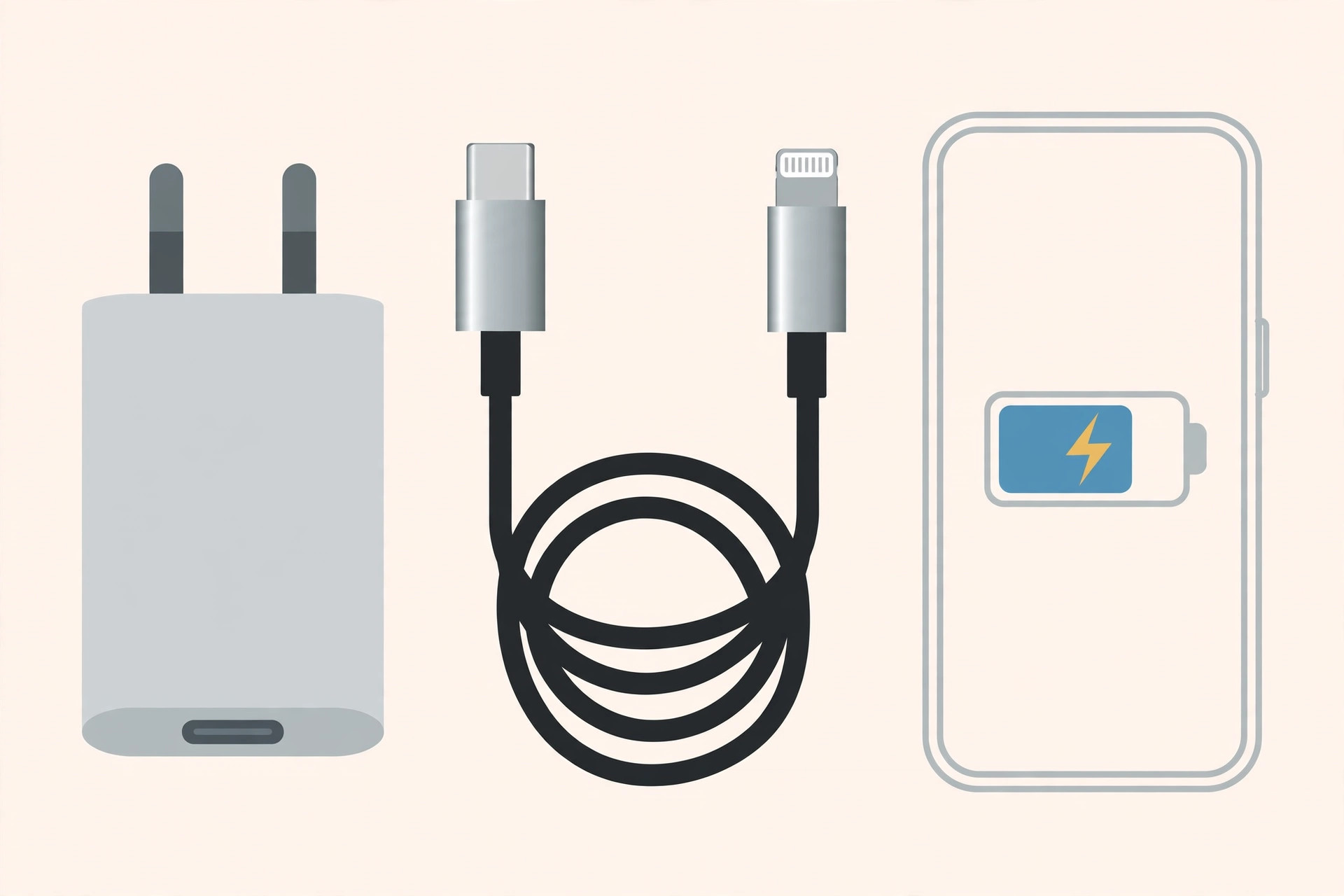
- Pair a USB-C cable with a USB-C power adapter. For a Lightning iPhone that means a USB-C to Lightning cable plus an Apple USB-C adapter of 20W or more; for a USB-C iPhone, a USB-C to USB-C cable with a 20W+ USB-C PD adapter.
- Still using an older iPhone? The 12W iPad adapter charges noticeably faster than the old 5W cube that used to come in the box.
- Plug into a wall outlet — never a computer USB port. PC ports deliver far less power and turn a 30-minute top-up into an all-morning affair.
- Stick to original or MFi-certified cables and adapters. Only certified gear negotiates the full fast-charging current; cheap no-name cables often fall back to a slow trickle. 9to5Mac regularly tests which third-party chargers actually hit fast-charge speeds.
Squeeze more charge into less time
- Switch on Airplane Mode while charging. The cellular and Wi-Fi radios are among the biggest power drains, and silencing them lets more current flow into the battery instead of feeding the radios.
- Put the phone down. Every minute of screen-on time while plugged in is charge you are not banking.
- If the phone feels warm, take it out of its case. Heat throttles charging speed, and a thick case traps it.
- Set a backup alarm so you do not leave the phone on the charger — see our guide on setting an alarm for urgent reminders in iOS 26.
If it still does not work
If the battery barely moves even with a proper fast charger, inspect the charging port for lint, try a different wall outlet, and check Settings → Battery → Battery Health — a worn battery charges and holds less. Also confirm Optimized Charging is not deliberately holding you at 80%. Related: if your audio keeps jumping between devices while you get ready, our guide on stopping the iPhone from auto-switching audio output fixes that distraction too.
Frequently asked questions
Will fast charging damage my iPhone battery?
No — iPhones manage charging intelligently, slowing down as the battery fills and pausing at 80% with Optimized Charging enabled. Heat is the real enemy, which is why the take-it-out-of-the-case tip matters more than the wattage.
Can I use my MacBook charger on my iPhone?
Yes. USB-C Power Delivery is a standard: the iPhone only draws what it can handle, so a higher-wattage MacBook adapter is perfectly safe and will fast-charge your iPhone at its maximum rate.
Conclusion
Fast charging is a combination of the right adapter, a wall outlet, and smart habits: Airplane Mode on, hands off the phone, case off if it warms up. Do all three and even a 15-minute window before work can buy you hours of use.





