
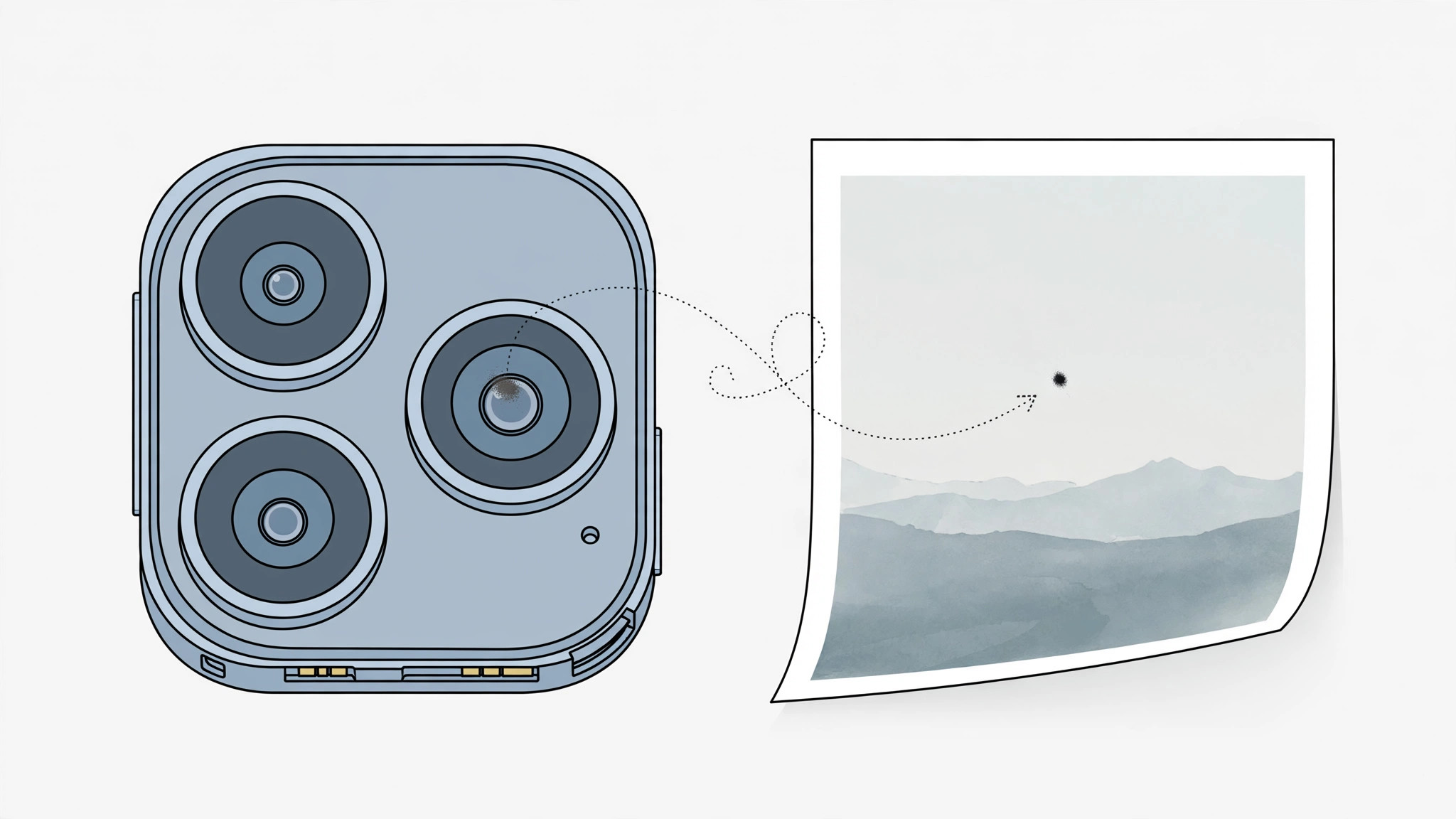
You open your latest photos and there it is: a dark smudge sitting in the same corner of every single shot — landscapes, portraits, selfies, all of them. It’s not your imagination, and it’s almost certainly not a software bug. A spot that appears in the identical position on all your iPhone photos has a physical cause, and in most cases you can fix it yourself in a few minutes.
Why every photo has the same spot — and how to fix it
1. Clean the lens the right way
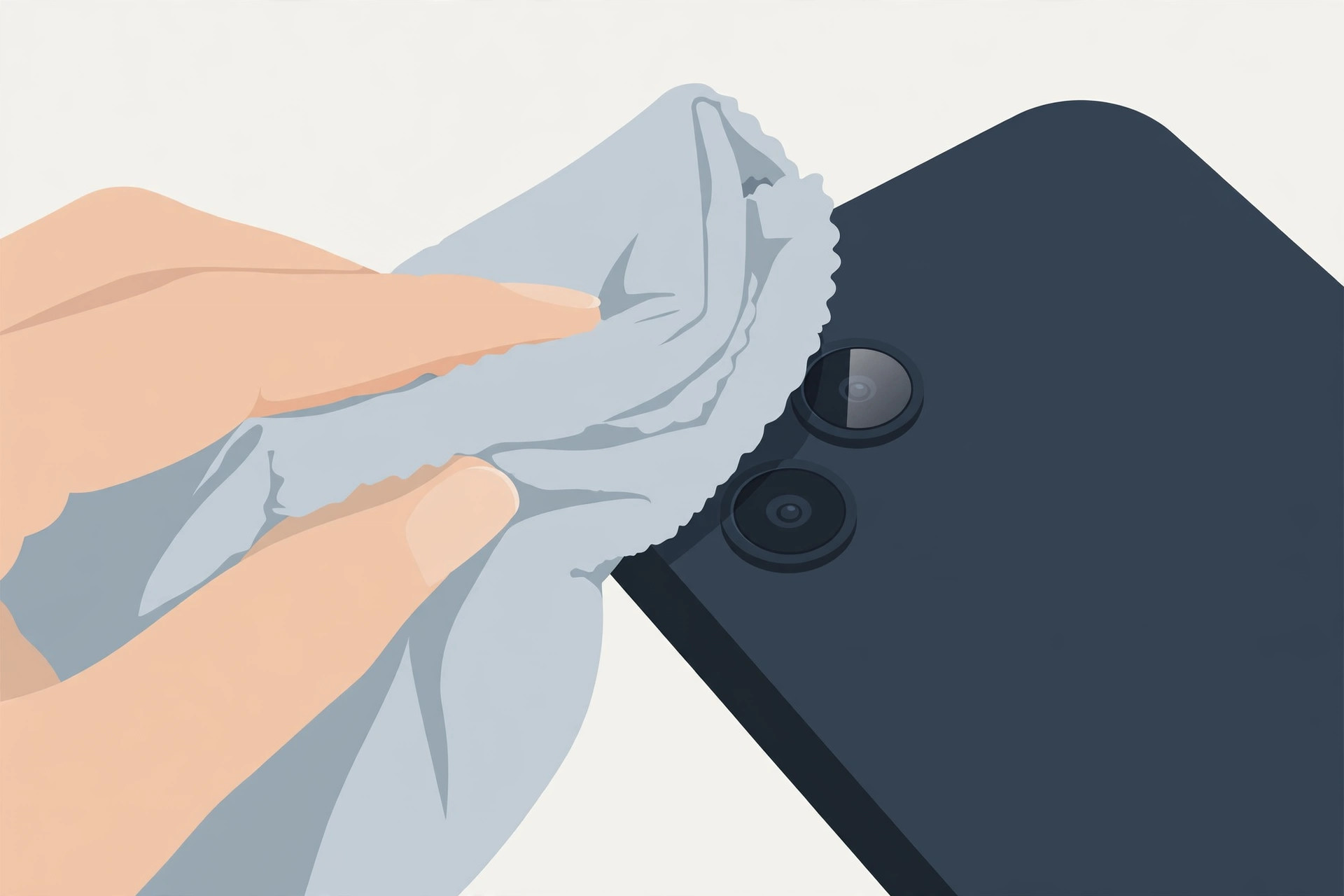
A spot that never moves between shots is almost never software — it’s a dirty lens or a dust particle on or inside the lens module. Start with the simplest fix: wipe the rear camera lens with a soft, dry microfiber cloth. No liquids, no solvents, no abrasives, and no blowing on it with your mouth (moisture makes it worse). Apple’s own iPhone camera guidance recommends the same gentle approach. If you were experimenting with camera features when you noticed it, our guide on why Spatial Photo mode isn’t working in iOS 26 covers another common camera confusion.
2. Remove the case and any lens protector
Take off the case and peel away any stick-on lens protector, then take a test photo. Cases with raised edges and cheap lens protectors can partially block the lens, trap dust against the glass, or add reflections that look like spots. If the spot vanishes, you’ve found your culprit — either clean the protector or replace it with a better-fitting one. While you’re adjusting camera habits, you may also want to try disabling quick camera launch from the lock screen to avoid accidental shots.
3. Rule out a software glitch
It’s rare, but worth thirty seconds: restart the iPhone, make sure iOS is up to date, and take a test shot with the stock Camera app rather than a third-party one. This rules out a rendering glitch in another app. The MacRumors forums confirm that a spot surviving a restart and the stock Camera app is essentially never software.
4. Accept when the dust is inside
If the spot persists after cleaning, removing the case, and restarting, the dust particle is trapped inside the camera module, between the lens elements. No cloth can reach it — take the iPhone to an Apple Store or authorized service provider. Under warranty (or AppleCare), this is usually a free repair; out of warranty, ask for a quote before approving anything. As GuidingTech notes, this is one of the most common hardware causes of persistent photo spots.
If it still doesn’t work
If a service center tells you the camera module needs replacing out of warranty and the quote seems steep, get a second opinion from another authorized provider — diagnostic conclusions (and prices) can differ. Back up your photos first, since a module replacement shouldn’t touch your data, but it’s cheap insurance.
Frequently asked questions
Can an iOS update cause spots on photos?
No. An update can’t deposit physical dust on your lens. If a spot appeared right after updating, the timing is coincidence — the smudge was likely already there and you only just noticed it while testing the new camera features.
Will cleaning the lens myself void the warranty?
Not at all. Wiping the outside of the lens with a dry microfiber cloth is normal maintenance. Only opening the phone or the camera module yourself would affect warranty coverage.
Conclusion
A spot on every iPhone photo is the camera telling you something physical is in the way: clean the lens, ditch the case and protector, restart, and let a service center handle internal dust. Work through those steps in order and you’ll know exactly which one fixed it.





