
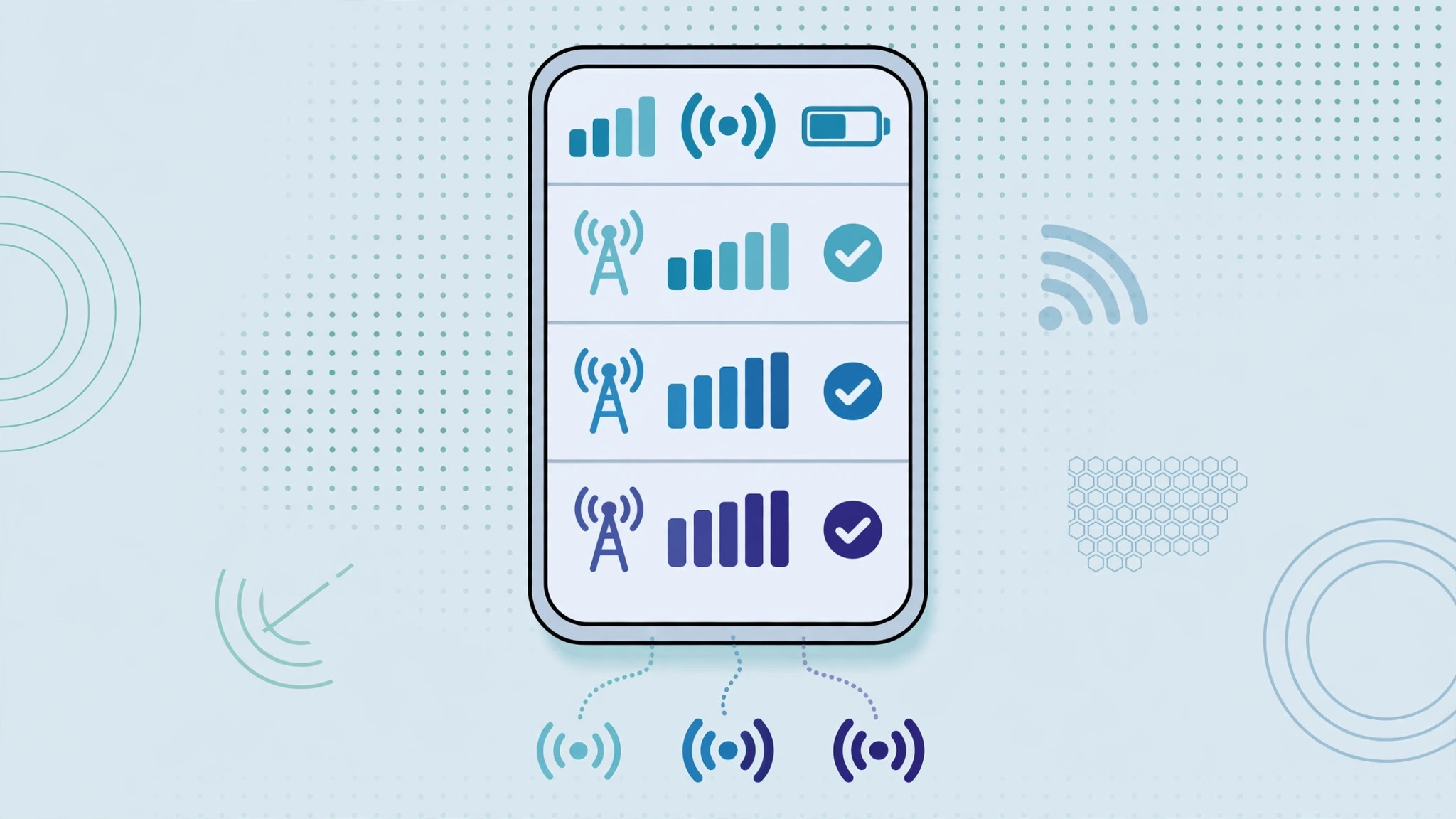
Still clinging to 2G in 2026? Old GSM voice calls sound scratchy, drop often, and some carriers are switching 2G towers off entirely. If your iPhone drops to a 2G connection for calls, forcing it to use LTE or 5G instead can clean up call quality dramatically. Here’s how to disable 2G voice calls on your iPhone.
Step 1: Open Voice & Data settings
- Go to Settings > Cellular > Cellular Data Options > Voice & Data (on some carriers it’s under Settings > Mobile Data > SIM > Voice & Data).
- You’ll see options like 5G On, 5G Auto, LTE, and possibly 3G or 2G depending on your carrier and model.
Step 2: Choose LTE or 5G instead of 2G/3G
- Tap 5G On or LTE — whichever your carrier supports best in your area.
- This tells the iPhone to make calls over VoLTE or 5G (Voice over NR) instead of falling back to the legacy 2G circuit-switched network.
- Carriers have been reported by MacRumors to be sunsetting 2G and 3G networks, so VoLTE is increasingly the only reliable option anyway.
Step 3: Enable VoLTE if it’s listed separately
On some carriers, there’s a separate VoLTE toggle under Settings > Cellular > Cellular Data Options. Make sure it’s on — without it, the phone may still drop to 2G for voice. Apple’s support pages confirm the exact menu names vary by carrier.
Step 4: Restart and test a call
- Restart your iPhone to force it to re-register on the network with the new settings.
- Make a test call and check that the status bar shows LTE or 5G during the call — not E or GPRS (the 2G indicators).
- For tips on related SIM quirks, see how to verify your SIM card and how to transfer an eSIM between iPhones.
If it still doesn’t work
Some carriers hide the Voice & Data menu or lock it to their own defaults — in that case only your carrier can change it, so contact them. If the option to select LTE is missing entirely, try enabling LTE on your iPhone first. Outlets like 9to5Mac and AppleInsider track which carriers still expose these settings, and Apple’s YouTube channel has cellular setup guides.
FAQ
Will disabling 2G break my calls?
No — as long as your carrier supports VoLTE or 5G voice in your area, calls will go over the faster network with better quality. Only in very remote areas with nothing but 2G coverage would calls fail.
Why does my iPhone still show 2G sometimes?
If LTE or 5G signal is weak, the phone may still drop to 2G as a last resort, or your carrier may route calls over 2G by policy. Check your IMEI details with your carrier to confirm your line is provisioned for VoLTE.
Conclusion
Disabling 2G voice calls on an iPhone is just a matter of selecting LTE or 5G under Voice & Data and making sure VoLTE is on. In most regions this is a strict upgrade: clearer calls, faster call setup, and a network your carrier actually still maintains.





