
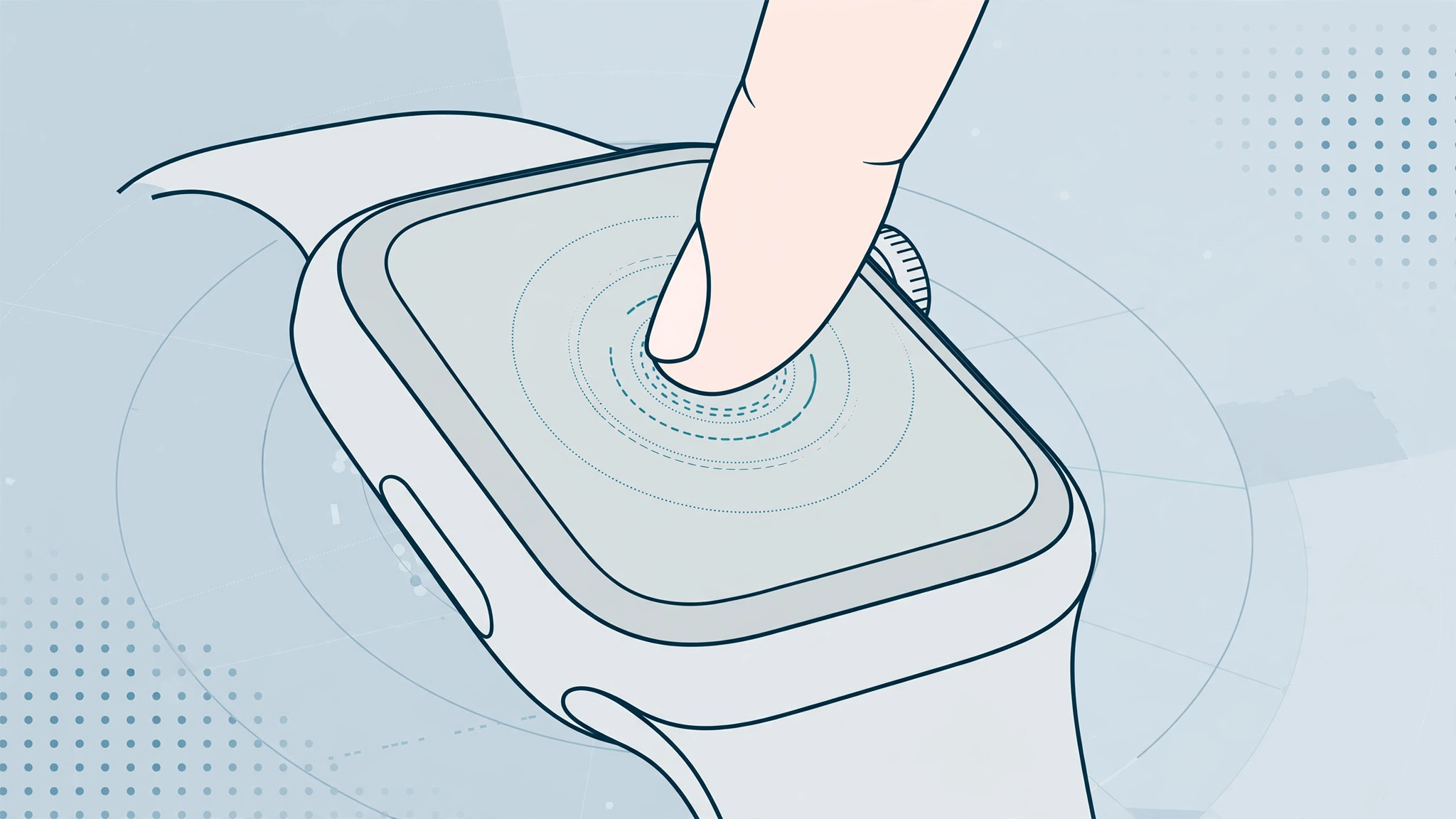
One day you press firmly on your Apple Watch and… nothing happens. The little pop-up menus that used to appear — clear all notifications, switch watch faces, peek at message details — are gone. Before you assume the screen is broken, read this: in most cases, 3D Touch didn’t break. Apple changed it. Here’s how to tell the difference and what to do in each case.
Step 1: Understand what actually happened
Apple Watch Series 0 through Series 4 had a pressure-sensitive layer that detected a firm press (Apple called it Force Touch, the watch equivalent of 3D Touch on iPhone). Starting with watchOS 7, Apple removed the firm-press gesture from the software and replaced it with a press-and-hold (long press). Later watch models dropped the hardware entirely.
So if your watch updated recently, 3D Touch didn’t stop working — it was retired. Outlets like MacRumors covered this transition when watchOS 7 launched: the same actions now live behind a long press.
Step 2: Check your watchOS version
- On your iPhone, open the Watch app and go to General > About.
- Look at the Version line. If it’s watchOS 7 or later, firm-press menus are gone by design.
- Try the replacement gesture: on the watch face, press and hold for about a second — the face gallery appears. In the Notification Center, press and hold to find Clear All.
Still on an older watchOS with a Series 4 or earlier and the firm press does nothing? Continue to the next steps — that points to a real problem. Our guide to restarting an Apple Watch two ways is handy background for what comes next.
Step 3: Restart the watch
- Hold the side button until the power menu appears, then drag Power Off.
- Wait 30 seconds, then hold the side button again until the Apple logo shows.
- Test the firm press (or long press) in a known spot, such as the watch face.
A simple restart clears the touch-controller glitches that sometimes swallow press events after a software update.
Step 4: Clean the screen and remove the protector
The force sensor on older watches is sensitive to anything between your finger and the glass. Wipe the screen with a soft, dry cloth, and if you use a screen protector or a thick case that overlaps the edges, peel it off and test again. Cracks or deep scratches over the display can also kill pressure sensing on older models.
Step 5: Unpair and re-pair the watch
- On the iPhone, open the Watch app, tap your watch at the top, tap the i icon, then Unpair Apple Watch (keep the backup it offers).
- Pair it again and restore from that backup.
- Test the press gesture before reinstalling third-party apps, in case one of them was interfering.
This is the heavy-duty fix for corrupted system settings — it also resolves plenty of other sync oddities, like the Messages delete out-of-sync issue between iPhone and Apple Watch.
If it still doesn’t work
On a Series 4 or older where the firm press never responds even after a restart and re-pairing, the force sensor itself may have failed — that needs Apple Support or an authorized service visit. On a Series 5 or later, there is no force hardware at all, so if the long press works, everything is behaving as designed: retrain your muscle memory. 9to5Mac maintains useful guides on which gestures replaced Force Touch in each watchOS version.
FAQ
Which Apple Watch models still have 3D Touch / Force Touch?
Only Series 0 through Series 4 have the hardware, and even those lost the software gesture in watchOS 7. Series 5 and later — including SE and Ultra models — use long press instead. Nothing you install can bring firm press back.
Is there a setting to re-enable Force Touch?
No. There is no toggle in Settings > General or anywhere else — Apple removed the API, not just the menu. AppleInsider and Apple’s YouTube channel have covered the gesture changes in their watchOS walkthroughs if you want a visual refresher on the new long-press gestures.
Conclusion
Nine times out of ten, “3D Touch stopped working” on an Apple Watch means watchOS retired it in favor of press-and-hold. Learn the new gesture, give the watch a restart, and only suspect hardware if a pre-Series-5 model ignores every kind of press after a full re-pair.





