
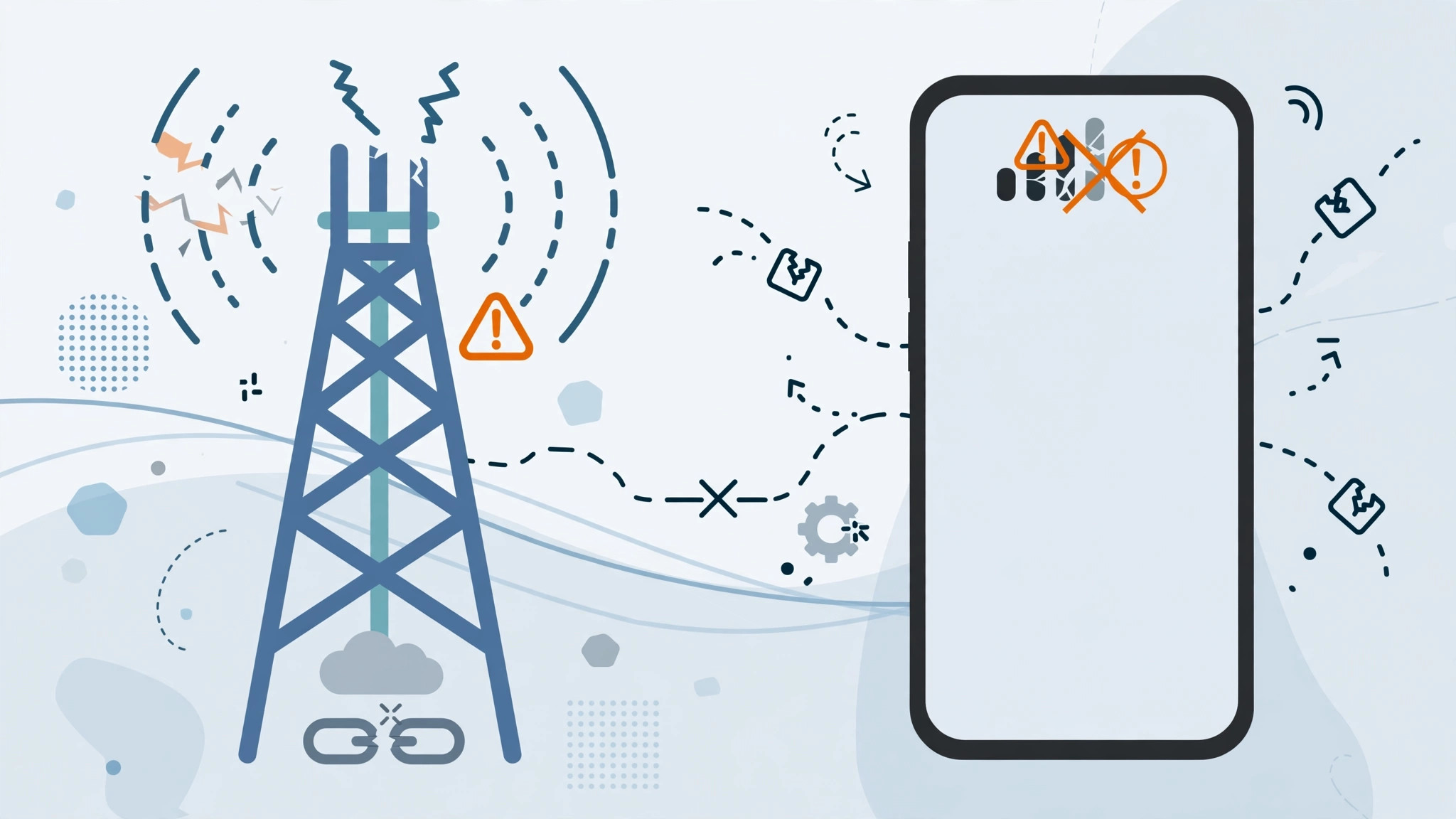
The short answer: your iPhone 5 physically can’t use Megafon’s LTE
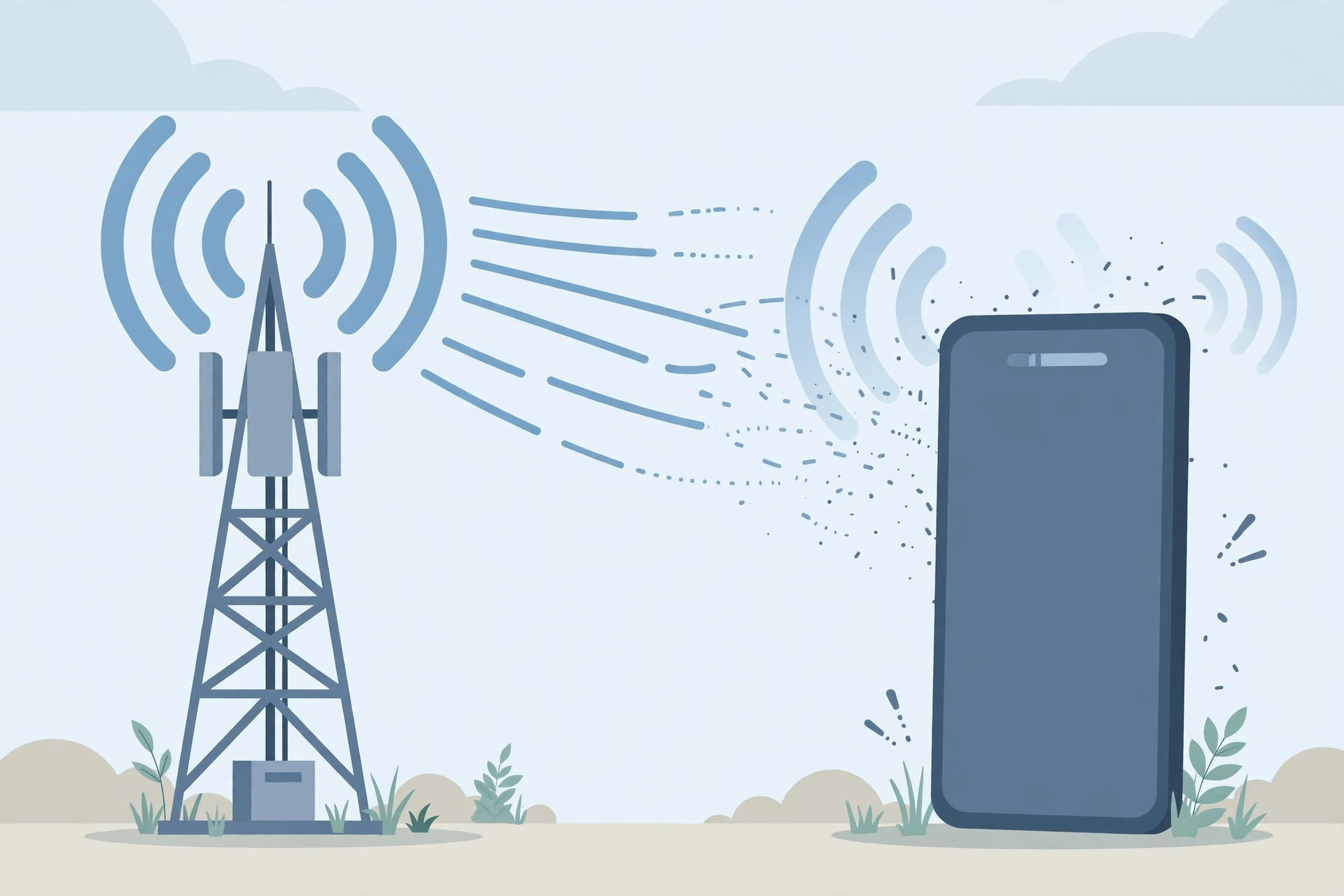
If you have put a Megafon SIM into an iPhone 5 and LTE refuses to appear, don’t waste hours on settings — the problem is hardware. The European GSM iPhone 5 (model A1429) supports LTE only on bands 1 (2100 MHz), 3 (1800 MHz) and 5 (850 MHz), while Megafon runs its LTE network on 2600 MHz (band 7). These two simply do not overlap, so no setting or SIM swap can ever make LTE work on this combination. Apple documents the iPhone 5’s LTE band support in its tech specs, and MacRumors has covered these band limitations for older iPhones in detail.
How to confirm the band mismatch on your phone
- Check your model number. Go to Settings > General > About and look at the Model field. The European GSM version is A1429. There is also a CDMA version of the iPhone 5 — neither supports band 7, but it’s worth knowing exactly what you have.
- Know which bands your phone supports. The GSM iPhone 5 handles LTE on band 1 (2100 MHz), band 3 (1800 MHz) and band 5 (850 MHz) — that’s it. If your carrier’s LTE lives on any other band, LTE simply won’t activate.
- Understand Megafon’s side. Megafon’s LTE network is built on 2600 MHz (band 7). Since the iPhone 5 can’t receive that frequency, the “LTE” option in your settings will never light up with a Megafon SIM, no matter what you do.
- Enable LTE anyway, just to be thorough. Go to Settings > Cellular > Enable LTE and make sure it’s switched on. Also install any pending carrier-settings updates under Settings > General > About — if the phone offers one, accept it.
- Use 3G instead. Since LTE is impossible here, set your phone to use the fastest network it can handle: go to Settings > Cellular > Voice & Data and choose 3G. On Megafon’s 3G network the iPhone 5 works fine for calls, messages and browsing.
- Accept the only real fix: newer hardware. The honest solution for LTE on Megafon is a newer iPhone whose modem supports band 7. Even an iPhone 6 or later handles it — the iPhone 5, released in 2012, is simply from before those bands were common. If you’re trying to verify a SIM card or set up calls from a specific SIM in Focus mode on a newer phone, those guides still apply.
If it still doesn’t work
If LTE still doesn’t appear after enabling it in settings, that’s expected — it’s the hardware mismatch described above, not a fault. Don’t buy into “LTE unlock” tricks or firmware patches sold online; they cannot add a missing radio band to your phone. The one exception: if LTE fails to work on a newer iPhone with Megafon, then it’s a settings or carrier issue — try reseating the SIM, resetting network settings, and contacting Megafon support.
FAQ
Will a different SIM card enable LTE on the iPhone 5?
No. The limitation is in the phone’s radio hardware, not the SIM. Even if another carrier offers LTE on band 1, 3 or 5, Megafon’s band-7 network will never work with the iPhone 5’s modem.
Is it worth fixing, or should I upgrade?
For an iPhone 5 in 2026, upgrading is the sensible answer. The phone is obsolete — it can’t run modern iOS, many apps have dropped support, and its cellular hardware misses most current LTE and all 5G bands. A used iPhone 8 or later gives you proper LTE support for very little money.
Conclusion
The iPhone 5 with Megafon can’t do LTE because the phone’s LTE bands (1, 3, 5) don’t include Megafon’s band 7 — it’s physics, not a setting. Enable LTE to be sure, then settle for 3G, or move to a newer iPhone for full-speed data. Knowing why it can’t work saves you from wasting money on fake fixes.





