
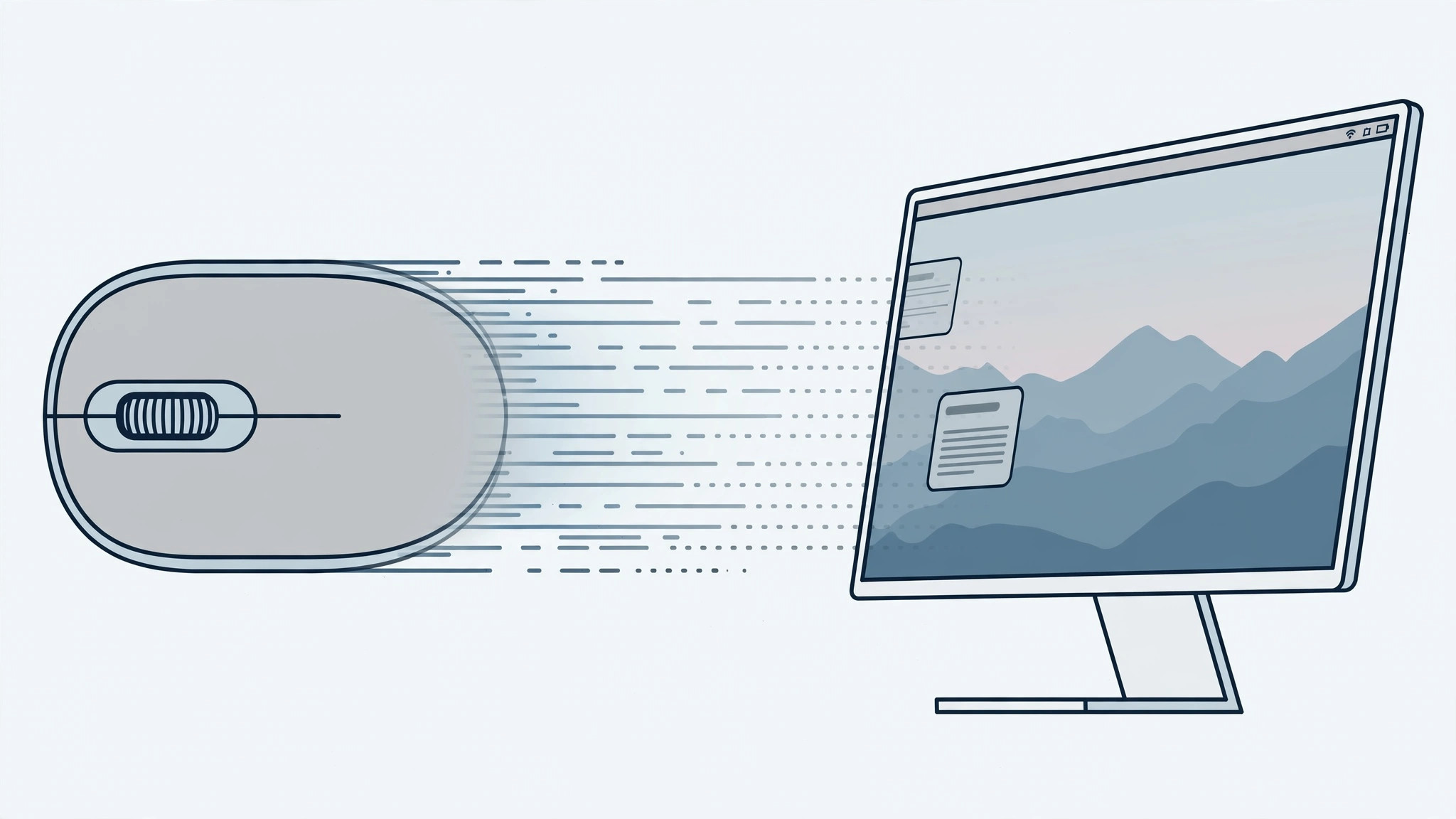
After updating to macOS Sierra, many owners of classic scroll-wheel mice noticed the same thing: scrolling turned slow, choppy and notch-by-notch — and the buttery smooth scrolling they were used to simply vanished. If your work depends on a mouse — designers, editors and spreadsheet users feel this most — the difference is night and day. Here’s why it happened and how to get fluid scrolling back.
What caused the slowdown
Sierra shipped with a bug that ignored third-party scroll-wheel mice: the system stopped applying its usual scroll acceleration and smoothing to them. Apple acknowledged the problem and fixed it in the 10.12.2 update. MacRumors covered the complaints and Apple’s fix in detail when the update shipped, and the change restored proper acceleration for external mice.
How to restore smooth scrolling
- Update macOS to 10.12.2 or later. This is the single most important step — the Sierra bug that made scroll-wheel mice sluggish is gone from 10.12.2 onward. See Apple Support for how to install the latest macOS update.
- Tune the Mouse settings. Open System Preferences > Mouse and adjust the scrolling speed and scroll direction to your liking.
- Fix Logitech drivers. If you use a Logitech mouse, remove or update the Logitech Control Center — the version available at Sierra’s launch was incompatible and wrecked scrolling on its own.
- Try a third-party mouse utility. If scrolling still feels wrong, tools like SteerMouse, USB Overdrive or SmoothMouse can restore linear, smooth scrolling with per-device control.
- Restart your Mac after changing drivers or utilities, then re-test scrolling in Safari and Finder.
About third-party mouse tools
Utilities such as USB Overdrive and SteerMouse replace the default scroll handling with their own acceleration curves, so a wheel mouse can feel as smooth as Apple’s own hardware. They’re especially useful if you keep an older macOS version for compatibility reasons. Install one, pick the linear or custom acceleration profile, and the choppy step-by-step scrolling should be history. Many users keep such a utility installed permanently because it gives finer control than Apple’s single speed slider.
If it still doesn’t work
Try the mouse in another USB port, and test a different mouse to rule out failing hardware — a worn-out encoder wheel can mimic the same symptoms. Also check whether a further macOS point update is available, since Apple kept refining scroll behavior after 10.12.2. If the whole machine feels sluggish rather than just the scroll wheel, you may be looking at a broader issue — our guide on how to enable face lighting during video calls on Mac walks through the same System Settings paths for peripherals, and how to quickly open the installed apps list in macOS 26 helps you jump between driver installers fast.
FAQ
Why did scrolling get choppy right after installing Sierra?
Sierra had a bug that ignored third-party scroll-wheel mice, so they lost acceleration and smooth scrolling. Updating to macOS 10.12.2 or later resolves it.
Do I still need a Logitech driver after updating?
Only if you want Logitech-specific features. Make sure it’s the latest version compatible with your macOS release — the old Sierra-launch version was the main culprit for wrecked scrolling.
Wrapping up
Slow, notch-by-notch scrolling in Sierra is a software problem with a software fix: update to 10.12.2 or later, clean up incompatible Logitech drivers, and fall back to USB Overdrive, SteerMouse or SmoothMouse if needed. Your wheel mouse can scroll like new again.





