

Sooner or later, every Mac owner who also uses a Windows PC goes hunting for the Num Lock key — and cannot find it. You run your eyes across the top row, check the number pad area on a full-size keyboard, and start wondering whether Apple hid it behind a function-key combination. Here is the short answer and everything that follows from it.
The short answer: there is no Num Lock key on a Mac
No Apple keyboard — not the MacBook keyboard, not the compact wireless Magic Keyboard, not even the full-size wired model — has a Num Lock key. Apple simply abandoned the concept years ago. On Apple’s keyboards the number pad (where one exists) is always active, so there was never anything for a Num Lock toggle to switch on or off. If you are looking for it because some app or tutorial mentions it, you can stop looking: it does not exist by design, not by accident.
What sits in the Num Lock position
On the full-size Apple wired keyboard, the key in the top-left corner of the numeric keypad — exactly where Num Lock lives on a PC keyboard — is labeled Clear. Its job is much narrower than a lock toggle: it clears the digits you have just typed, for example wiping a number you entered into Calculator. It does not enable or disable the keypad, because the keypad never needs enabling.
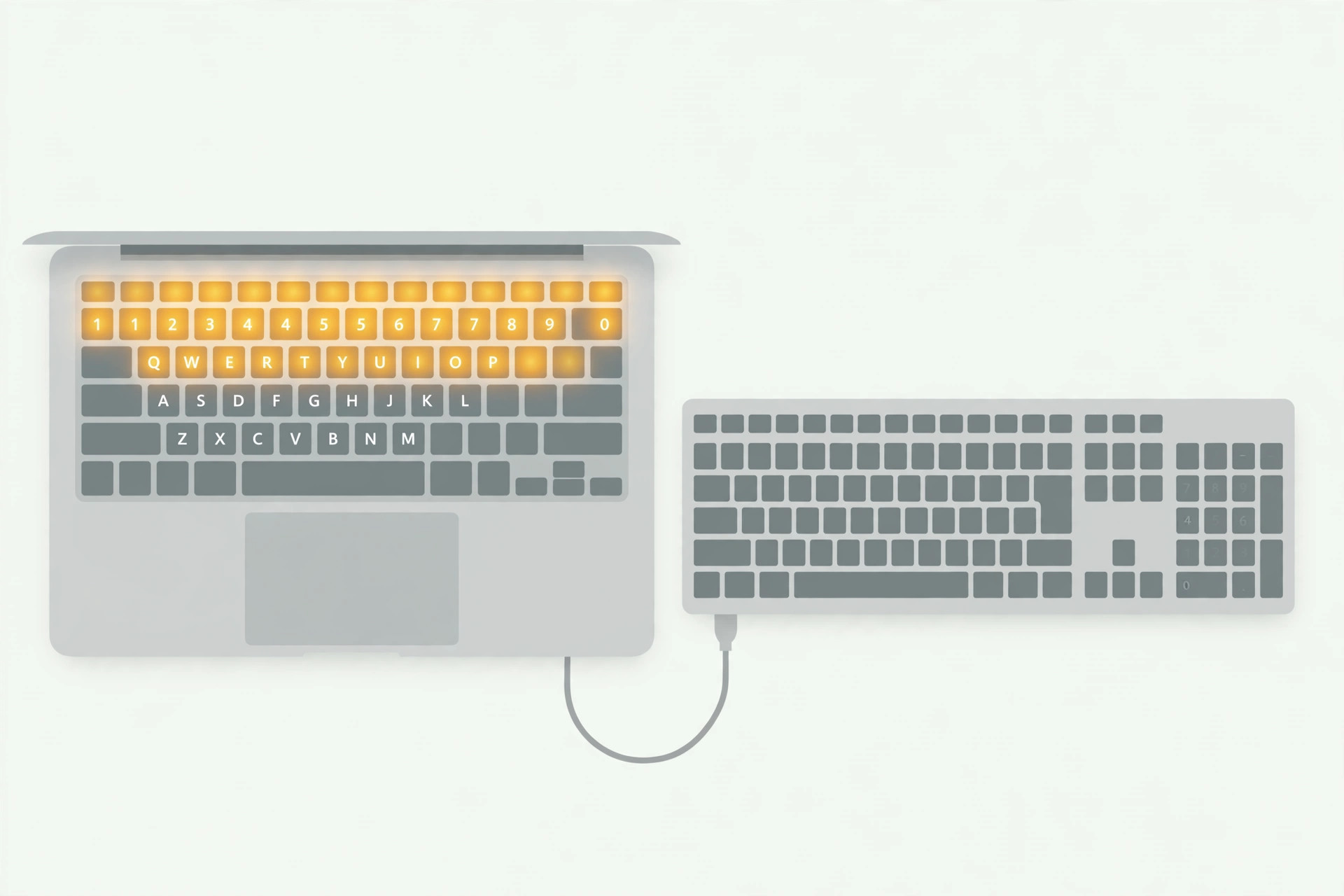
On a MacBook Pro there is not even a Clear key. Apple removed the dedicated numeric keypad from laptops entirely, so there is nothing in that position at all — and nothing to toggle. Our guide to enabling face lighting during video calls on Mac shows another case where Apple moved a familiar control somewhere unexpected, and if you are still learning your way around macOS, opening the installed apps list quickly is a handy next step.
What to do when you actually need Num Lock
- Accept that macOS does not need it. Every macOS app that uses the numeric keypad — Calculator, spreadsheets, accounting software — reads the keypad directly. Nothing in the system is waiting for you to “unlock” the numbers first.
- Use the Clear key where it exists. On the full-size wired Apple keyboard, press Clear to erase the current numeric entry. That is the entire job that key was designed for.
- Under Boot Camp, plug in a PC keyboard. This is the one situation where the missing key genuinely matters: Windows running via Boot Camp still expects a Num Lock key, and some Windows apps behave oddly without the toggle state they expect. The reliable fix is to connect an external Windows-layout keyboard, which has a real Num Lock key that Windows recognizes.
- Check the app, not the keyboard. Before assuming the keyboard is at fault, look in the app’s own preferences. Many programs that mention Num Lock also offer an on-screen keypad or a remappable shortcut that sidesteps the issue entirely. Apple’s support pages for Mac keyboards document which keys exist on each model, and MacRumors covers the perennial confusion in its forums.
- Know the After Effects exception. Video editors hit a famous edge case: After Effects CC 2015 used the Num Lock key as part of its RAM preview shortcut. Adobe later removed that shortcut from the default key bindings anyway, so updating the app (or remapping the preview key) resolves it without any hardware changes.
If it still doesn’t work
If a Windows app under Boot Camp still misbehaves with an external PC keyboard attached, toggle Num Lock on that keyboard and restart the app so it reads the state at launch. If a macOS app claims to need Num Lock, contact the developer — the app is almost certainly using outdated Windows-centric documentation.
FAQ
Can I remap another key to act as Num Lock on a Mac?
There is nothing in macOS for it to toggle, so remapping is pointless for native apps. Under Boot Camp or virtualization, keyboard remapping utilities can send the Num Lock scancode from another key if a specific Windows app demands it.
Does the Touch Bar have a Num Lock button?
No. The Touch Bar never included a Num Lock control, and on Apple Silicon MacBooks the Touch Bar is gone entirely. The numeric keypad simply does not need a lock state on macOS.
Wrapping up
Apple never shipped a Num Lock key because macOS never needed one — the number pad is always live. The Clear key covers the only related job on full-size keyboards, an external PC keyboard solves the Boot Camp case, and everything else is a matter of knowing the key was never there to begin with.





