
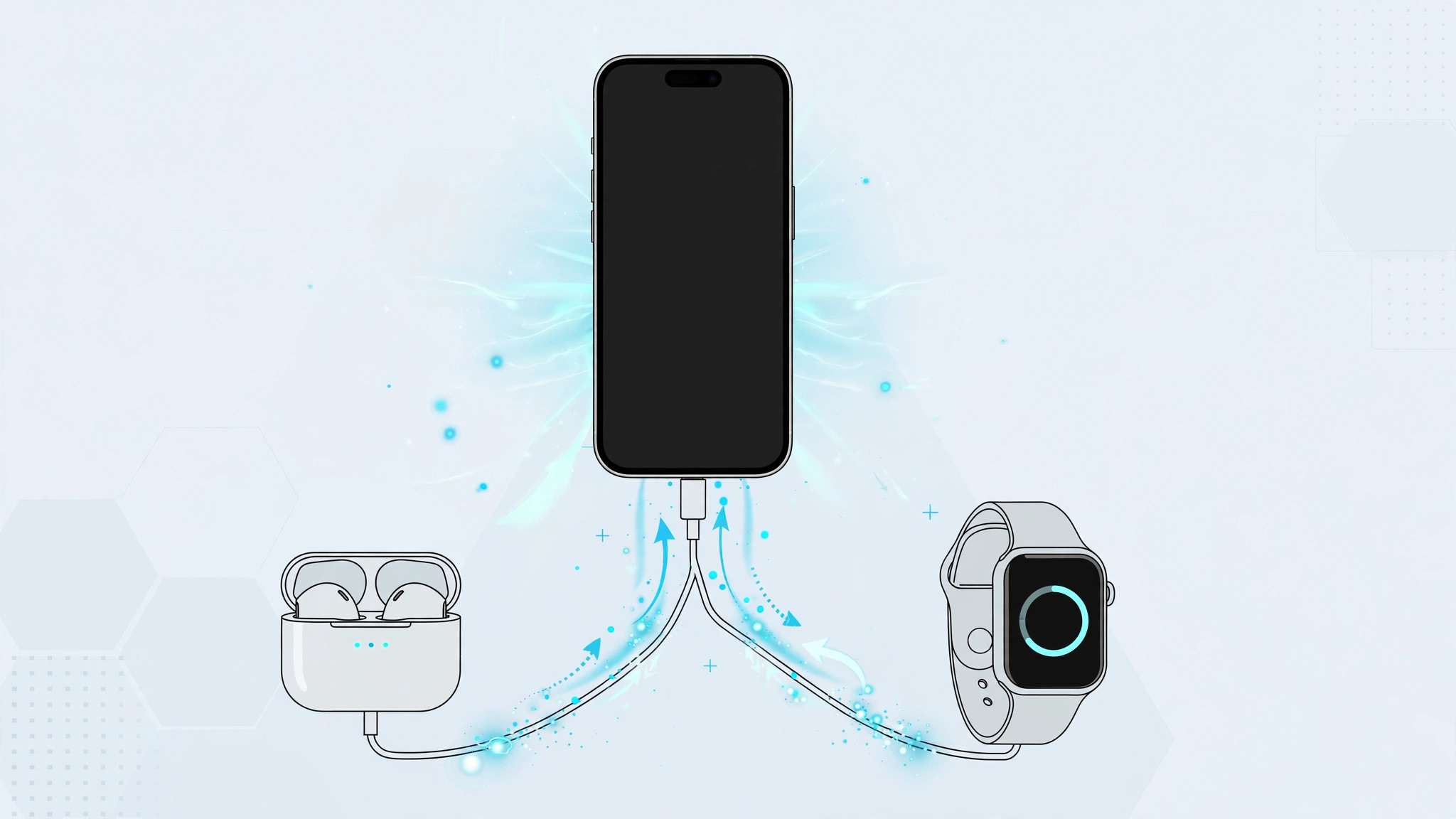
One of the most practical upgrades on the iPhone 15 is the switch from Lightning to USB-C — and it does more than simplify your cable drawer. The USB-C port can also send power out, turning your iPhone into a makeshift power bank for other gadgets. Apple doesn’t advertise this loudly, but the feature works on iPhone 15, iPhone 16, and iPhone 17 models.
Here’s everything you can charge from an iPhone 15, the cables you’ll need, and the one limitation worth knowing before you rely on it.
How reverse charging works on iPhone 15
When you connect another device to your iPhone 15’s USB-C port, the iPhone detects the accessory and shares a small amount of battery power — roughly 4.5 watts. No setting needs to be enabled; it starts automatically as soon as you plug in. Apple’s iPhone User Guide documents the USB-C port’s capabilities, and 9to5Mac has verified the behavior in real-world testing.
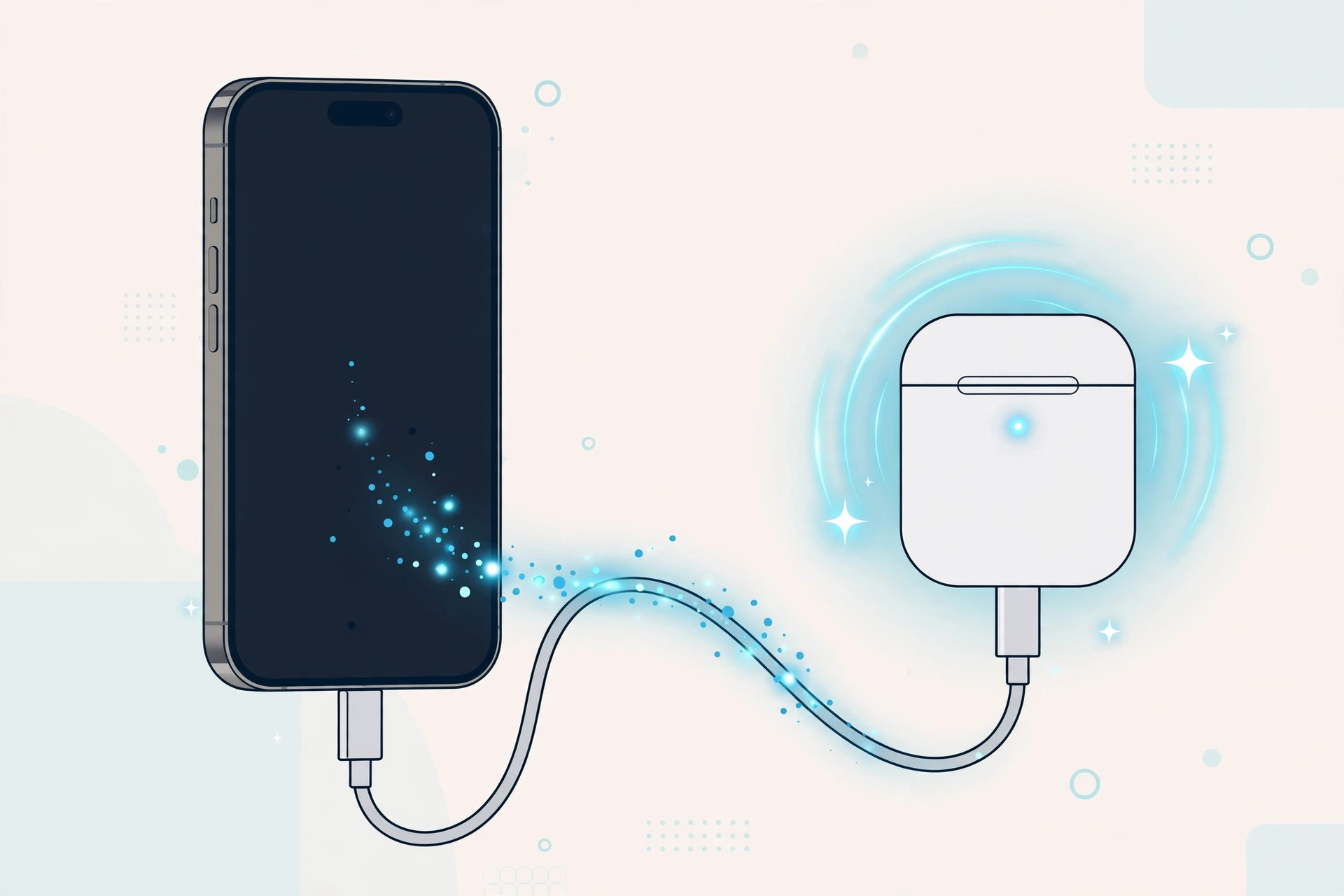
What you can charge from an iPhone 15
- Another iPhone 15 or newer. Connect two USB-C iPhones with a USB-C to USB-C cable. The phone with the lower battery level automatically receives the charge — perfect when a friend’s phone is dying and yours isn’t.
- An older Lightning iPhone. Use a Lightning-to-USB-C cable, with the USB-C end in your iPhone 15. The older iPhone draws power from your battery.
- Other smartphones. Most Android phones and gadgets that charge over USB without requiring USB Power Delivery negotiation will simply start charging when cabled up.
- AirPods. A USB-C AirPods charging case tops up with a USB-C to USB-C cable, while a Lightning case works with a Lightning-to-USB-C cable. For more AirPods tips, see our guide on turning off AirPods charging case sounds.
- Apple Watch. Newer Apple Watch charging cables end in USB-C and plug straight in. If yours ends in USB-A, add a small USB-A to USB-C adapter between the cable and your iPhone.
- Almost any USB accessory. Wireless earbuds, fitness trackers, e-readers — if it charges over USB and you have the right cable, your iPhone 15 can feed it.
The one big limitation: only about 4.5W
Reverse charging from an iPhone is slow — around 4.5 watts versus 20W-plus wired fast charging. Think of it as emergency or convenience power, not a replacement for a wall charger or power bank. It’s ideal for rescuing a dead AirPods case before a flight, less so for refilling a tablet. It also drains your own battery, so keep an eye on your percentage.
If it still doesn’t work
If nothing happens when you plug in, try a different cable — some ultra-cheap cables only carry power in one direction or lack the wiring the iPhone expects. Make sure your iPhone 15 itself has ample charge, and check the USB-C port for lint. For an Apple Watch, always use Apple’s own charging puck. And if you’re sharing internet rather than power, our guide to setting up automatic hotspot connection from iPhone on Mac covers the wireless side.
Frequently asked questions
Can I charge another iPhone 15 with my iPhone 15?
Yes. Connect them with a USB-C to USB-C cable and the iPhone with the lower battery automatically draws power from the other. There are no settings to change.
Will reverse charging damage my iPhone’s battery?
No — it’s a designed feature operating within safe limits. It does consume your battery faster, so it’s best reserved for situations where you can recharge soon afterward.
The bottom line
Your iPhone 15’s USB-C port is a two-way street: it charges your phone, and it can rescue your other gadgets in a pinch. Keep a short USB-C cable in your bag and you’ll never be the friend with a dead AirPods case again.





