

Your AirPods case chirps when it starts charging and chimes when the battery runs low. Those little sounds come from a tiny built-in speaker — genuinely useful, until the case starts chiming on your nightstand at two in the morning. If you would rather have silence, there is a single toggle that quiets the case down without affecting anything else about your AirPods. It is a small quality-of-life fix that takes less than thirty seconds.
Which AirPods can even make case sounds
Not every AirPods case has a speaker. The chimes come with the newer cases: AirPods Pro 2, AirPods Pro 3, and AirPods 4 with Active Noise Cancellation. The charging cases of the first three generations of standard AirPods, the first-generation AirPods Pro, and AirPods 4 without noise cancellation were never given a speaker — so if you own one of those, there is nothing to turn off and this guide does not apply to you. Not sure which model you own? MacRumors’ AirPods guide breaks down every generation and its features.
How to turn off the charging case sounds
Make sure your AirPods are connected first, then:
- Put your AirPods in the case, keep the lid open, and hold them near your iPhone so they stay connected.
- Open Settings — you will see your AirPods listed near the top, just below your Apple Account name. Tap them to open their settings.
- Scroll down and switch off Enable charging case sounds.
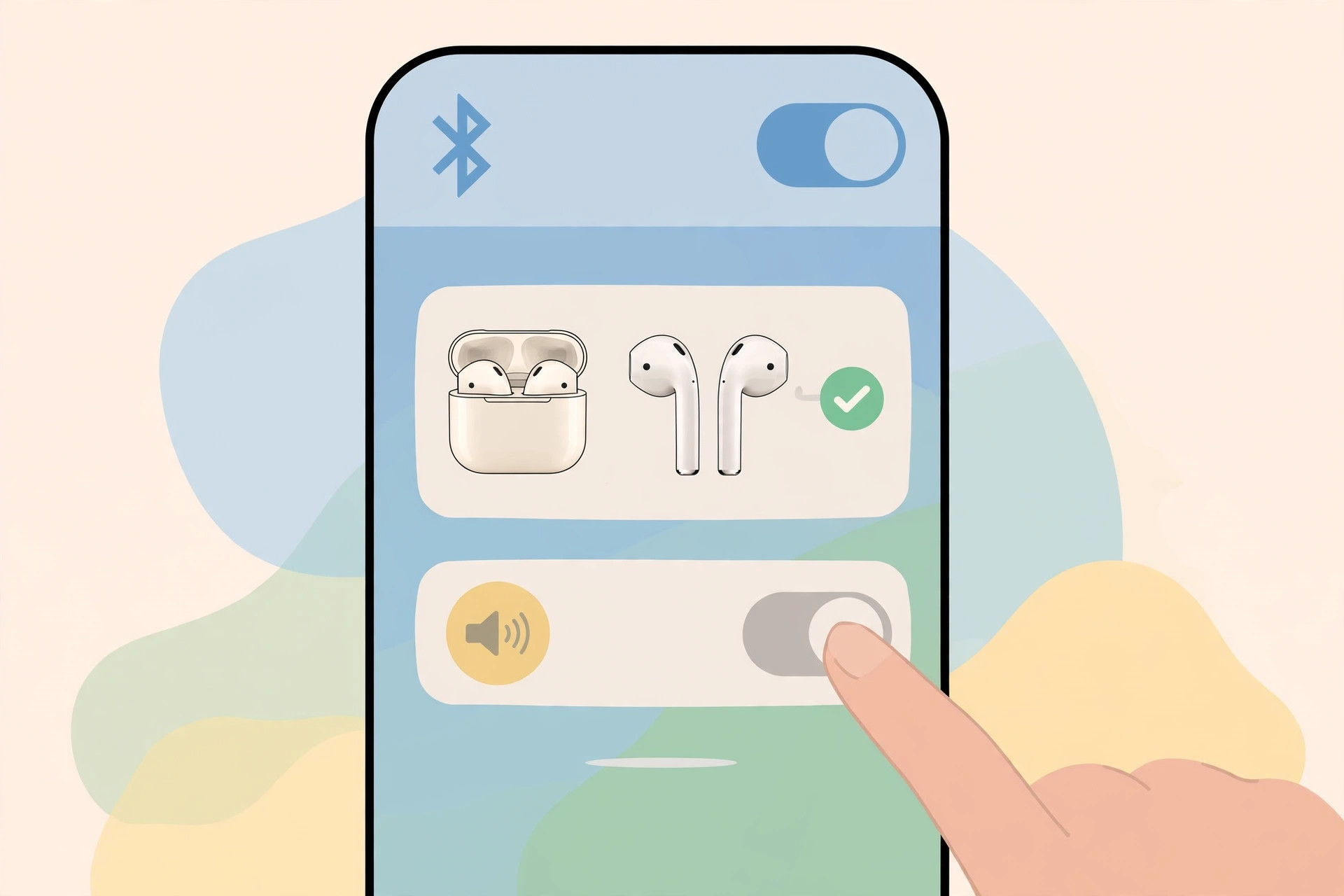
That is it — the case goes quiet. No more chirps when charging starts, no low-battery chimes in the middle of the night. Apple’s AirPods support pages document the rest of the case’s tricks if you want to explore. And if you are shopping for earbuds anyway, our BOSECXTING Ultra V11 ANC Noise Cancelling Earbuds review and our 1MORE Aero Ear Buds review cover two strong alternatives worth a look.
If it still doesn’t work
Do not see your AirPods in Settings at all? They need to be connected — keep the earbuds near the phone with the case lid open until the name appears. If the toggle itself is missing, your model probably has no case speaker (check the list above). Also make sure your iPhone runs a recent iOS version, since the toggle only appears on software that supports these AirPods models. Still hearing chimes after switching it off? Flip the toggle on and off once more, then restart your iPhone while the AirPods are connected — that clears the rare glitch where the setting does not stick.
Frequently asked questions
Will this mute my AirPods’ audio?
No. This only silences the charging case’s own little speaker — the chirps for charging and low battery. Your music, calls, transparency mode, and noise cancellation are completely unaffected.
Does this affect the earbuds themselves?
Not at all. The toggle controls only the case speaker. The earbuds keep working exactly as before, and you can still see the case’s battery level on your iPhone’s widget or in the Find My app.
Conclusion
One toggle in your AirPods settings, and the midnight chirping stops for good. Keep the case sounds on if you like the audible confirmation when charging starts — or switch them off for blissful silence. Either way, your AirPods keep working exactly as before.






[…] FaceTime, consider a couple of companion tweaks. If call audio matters to you, our guide to turning off AirPods charging case sounds removes another small annoyance. And if you are exploring everything new in the latest system, the […]
[…] Not at all — you are using the app’s built-in keyboard customization, a supported feature. Nothing is modified or hacked. For more iPad power tips, see how to change Safari’s design on iPhone and how to turn off AirPods charging case sounds. […]
[…] A watch face that matches the moment is a small delight you notice a dozen times a day. Set the automations up once, and your wrist keeps pace with your life on its own. For a truly undisturbed night, pair your sleep face with our guide on how to turn off AirPods charging case sounds. […]
[…] misbehave in other ways too — if the case chimes at odd hours, see how to turn off AirPods charging case sounds, and if sound keeps jumping between your AirPods and the speaker, our guide on stopping iPhone […]
[…] walks through the same toggle. While you’re tuning AirPod behavior, you may also want to turn off the charging case sounds for quieter […]
[…] you are in the Bluetooth settings, you might also want to turn off your AirPods charging case sounds if the chimes bother […]
[…] disconnecting, which covers ear-detection sensors and hardware checks. Also worth a look: how to turn off AirPods charging case sounds and how to stop your iPhone from auto-switching audio between […]