
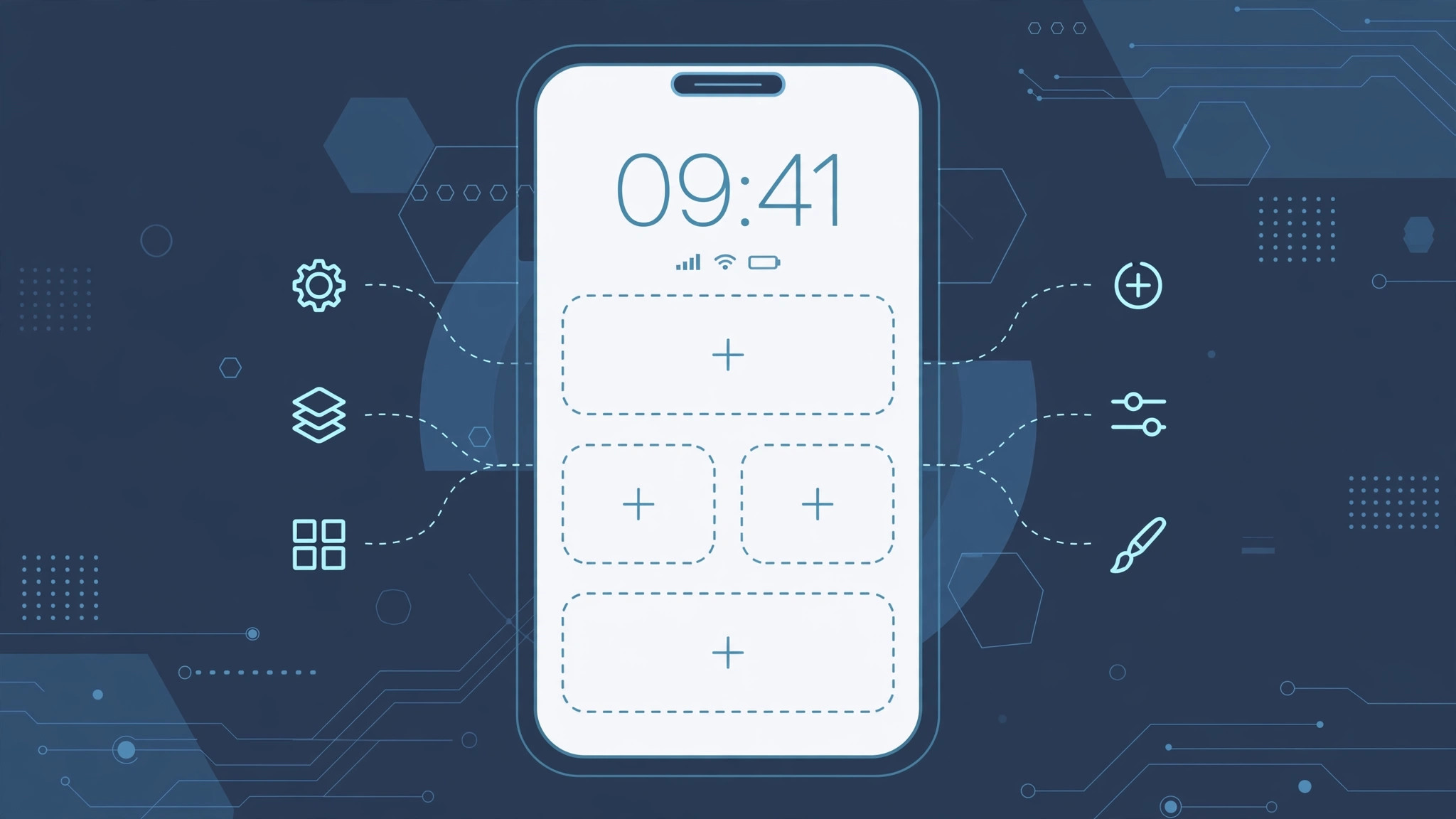
iOS 16 finally let iPhone owners put widgets on the lock screen — but Apple snaps them into fixed slots with no way to leave a gap. If you want your weather widget on the left and your calendar on the right, with breathing room between them, you’re out of luck… unless you cheat with an invisible widget.
The trick is a free app called MD Blank – Transparent widget. It provides blank tiles that render completely invisible on the lock screen, so they act as spacers that push your real widgets wherever you want them. Here’s how to use it.
How the empty widget trick works
iOS lets any app offer lock-screen widgets, including ones that draw nothing at all. MD Blank’s widgets are transparent, so once placed they disappear — but they still occupy their slot, shoving neighboring widgets aside. 9to5Mac’s guide to clear lock screen widgets covers the same idea. The app is free on the App Store and the widget is purely a spacer: no data, no battery use, no function beyond holding space.
Add an empty widget step by step
- Install “MD Blank – Transparent widget” from the App Store. It’s free.
- Open the app once and swipe through its short tutorial animation so the widgets register with iOS.
- Long-press an empty area of the lock screen to enter editing mode, then tap Customize.
- Tap the widget area below the clock to open the widget picker.
- Add the MD Blank widget. Pick the small square size for a single-slot spacer or the wide rectangular size to push widgets further. The tile is invisible once placed.
- Arrange to taste. Drag your real widgets around the blank tile until the layout looks right. Repeat the steps to add more spacers — you can stack several for wider gaps.
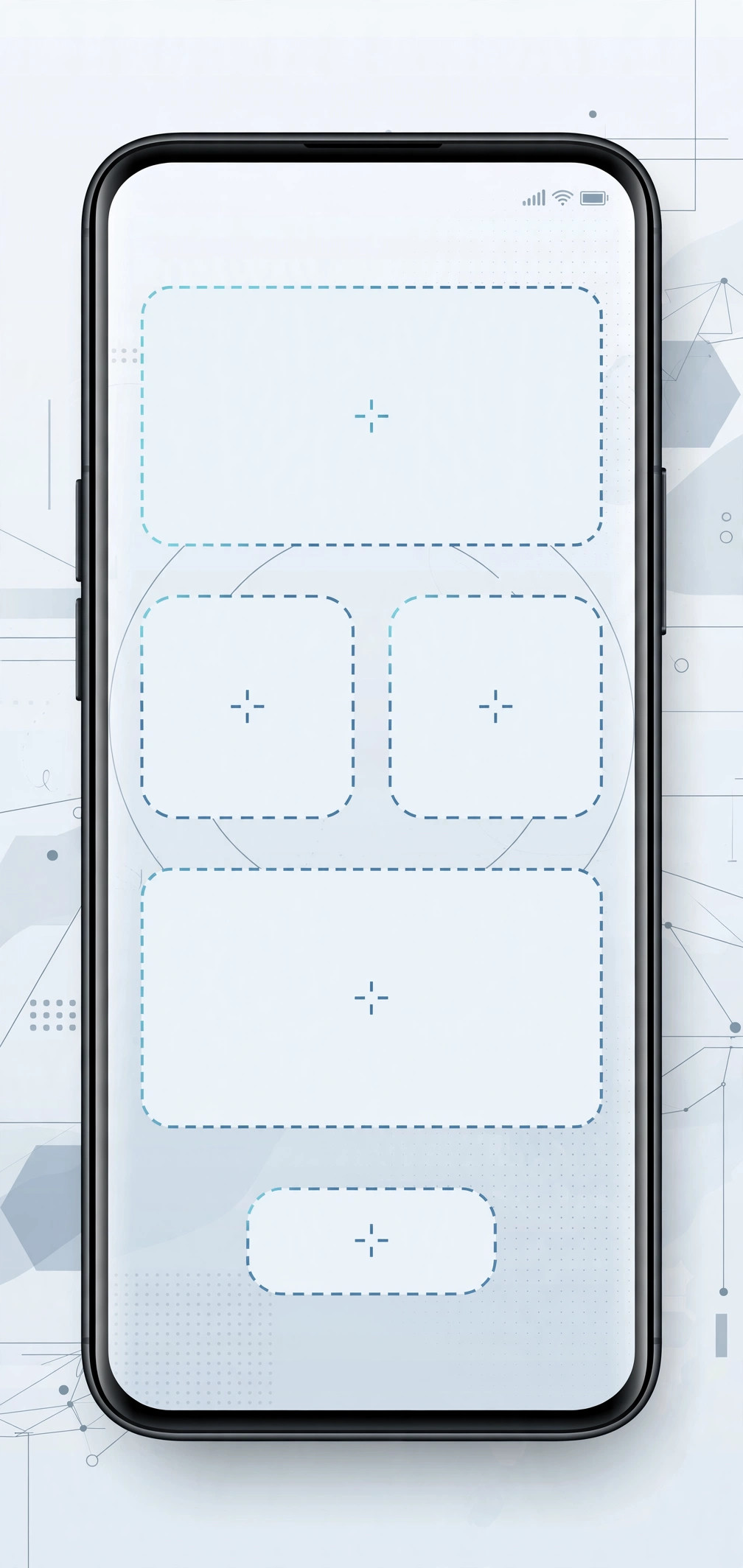
Apple’s own guide to creating a custom iPhone lock screen explains the official widget options — the blank tile just fills the gap Apple left out.
If it still doesn’t work
- Make sure you’re on iOS 16 or later — lock screen widgets don’t exist on older versions.
- If MD Blank doesn’t appear in the widget picker, open the app again and finish its tutorial; iOS sometimes needs a nudge to register new widgets.
- Remove the widget and re-add it if it shows up as a visible box instead of disappearing.
- Restart the iPhone if the widget picker refuses to open — a fresh start usually fixes it.
Frequently asked questions
Is MD Blank really free?
Yes. The app is free on the App Store and its blank widgets work without any purchase. It does one job — invisible spacers — and does it without upsells.
Does a blank widget drain the battery?
No. The tile draws nothing and runs no code on a schedule; it simply occupies a slot. If anything, a cleaner lock screen you glance at less often saves power. For more lock screen ideas, see how to move lock screen widgets down in iOS 26 and the Liquid Glass lock screen clock.
Conclusion
Apple may never add an official spacer, but MD Blank’s invisible widgets get you the same result today: a lock screen laid out exactly the way you want it, with space where you want space.





