
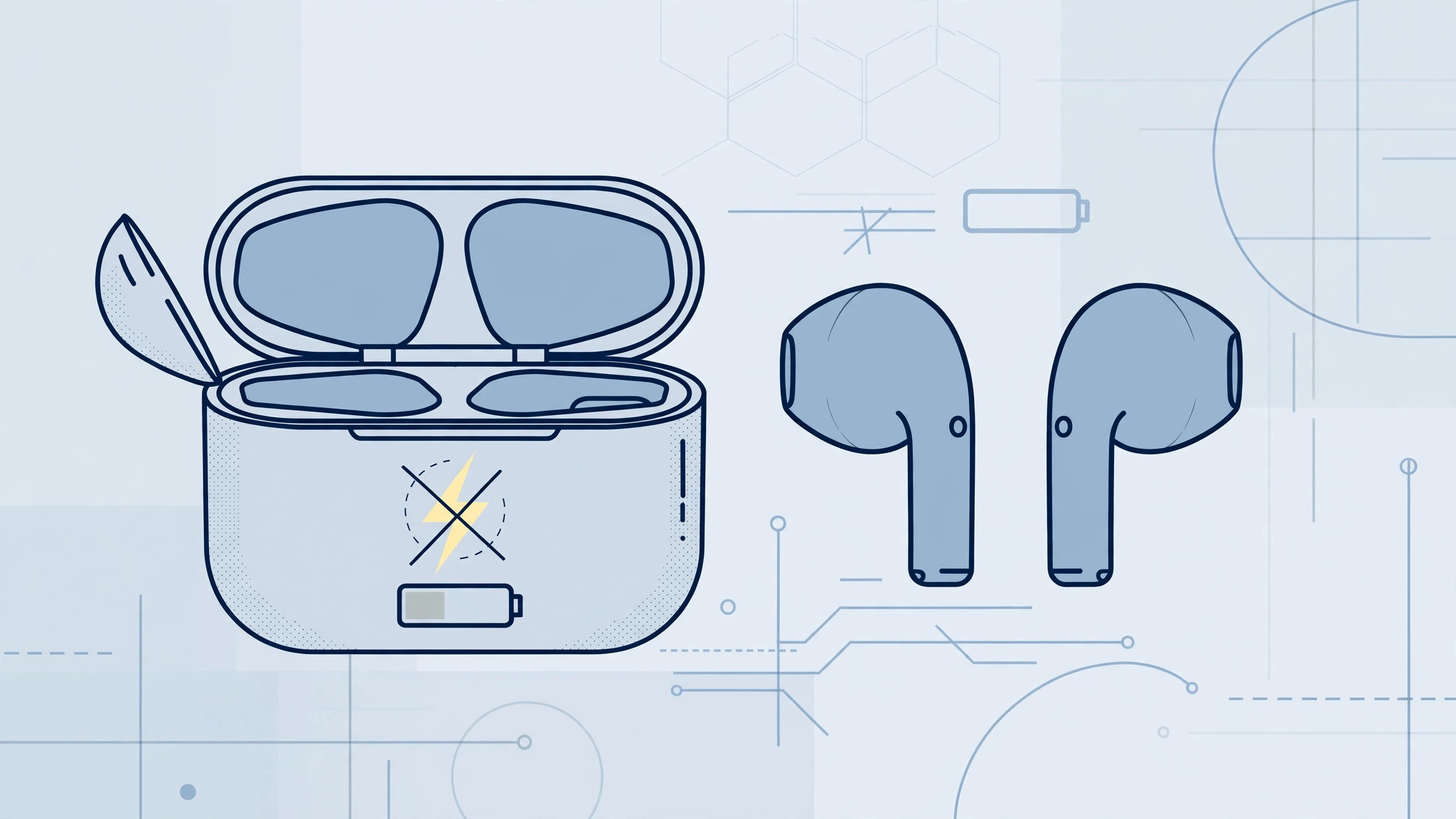
You put your AirPods back in the case, close the lid, come back an hour later — and nothing has charged. Before you assume the battery is dead for good, work through the checks below. In most cases the problem is a worn cable, a weak adapter, or dirty charging contacts, and you can fix it in minutes.
First, figure out what is not charging, because the fix is different. If the case itself will not charge — no light at all, or the light never turns green — the problem is the case, the cable, or the adapter. If the case charges fine but one or both earbuds stay flat inside it, the problem is usually dirty charging contacts or a firmware glitch. Apple’s guide to charging your AirPods explains what each status-light color means, a handy reference while you troubleshoot.
How to fix it
1. Try a different cable
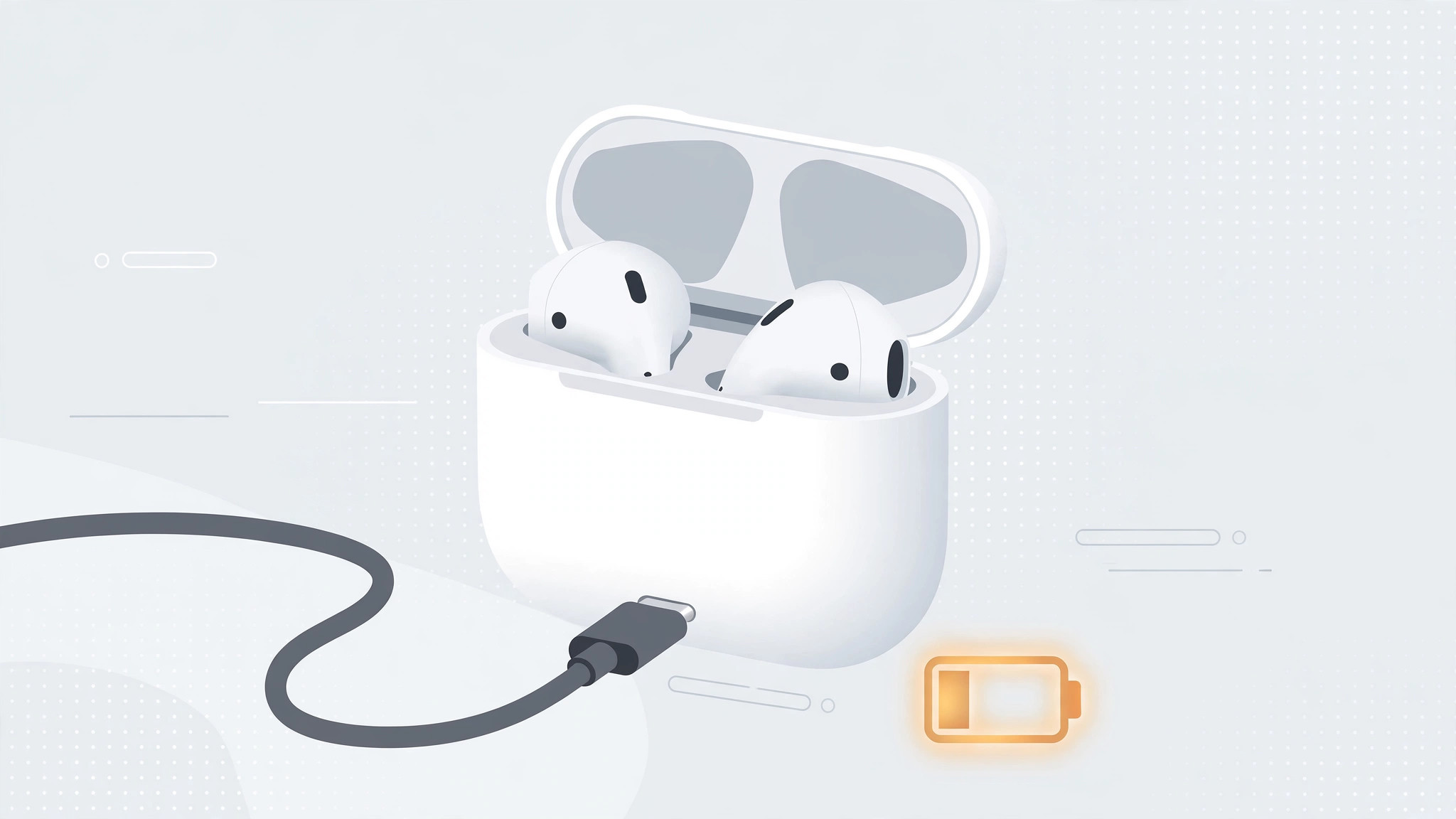
The original Lightning or USB-C cable (depending on your AirPods model) wears out over time, especially near the connectors. Swap in another cable you know works — ideally an Apple original or a certified one — and check whether the amber charging light comes on. This single step resolves a surprising number of “dead AirPods” cases.
2. Use a different power adapter
Some low-power or no-name adapters do not deliver a stable current to the tiny charging case. Plug the cable into a different adapter — an iPhone or iPad charger, or a Mac USB port — and give it fifteen minutes. If charging starts, your old adapter was the culprit.
3. Try wireless Qi charging
If your case supports wireless charging, place it on any Qi charging pad with the status light facing up. If it charges wirelessly but not over a cable, you have narrowed the fault to the port or the cable rather than the battery. MacRumors’ AirPods guide lists which generations support wireless charging.
4. Update the AirPods firmware
Outdated firmware can cause charging weirdness. Updates install automatically: put both earbuds in the case, close the lid, and keep the case near a connected iPhone, iPad, or Mac for about fifteen minutes. You cannot force the update manually. Afterwards, verify the version in Settings → Bluetooth → the info button next to your AirPods.
5. Clean the charging contacts
Lint and pocket dust love the inside of the charging case. Look at the metal contacts at the bottom of each earbud well and the matching contacts on the earbuds, and gently wipe them with a dry cotton swab. Dirty contacts are the most common reason the case charges while the earbuds do not.
6. Factory-reset the AirPods
If nothing above helped, reset everything: put the earbuds in the case, open the lid, then press and hold the setup button on the back of the case for about fifteen seconds, until the status light blinks amber and then white. Re-pair the AirPods with your iPhone. If your iPhone then keeps jumping between audio outputs on its own, here is how to stop iPhone auto-switching audio to headphones.
If it still doesn’t work
You have eliminated the cable, the adapter, dirt, firmware, and pairing — at this point the battery or the charging circuitry inside the case is likely failing. Visit an Apple Store or an authorized service center; if the AirPods are still under warranty or covered by AppleCare+, the repair may cost you nothing. And if your case keeps playing charging sounds while you test, you can turn off AirPods charging case sounds entirely.
FAQ
Why does the case charge but the earbuds don’t?
Almost always dirty or misaligned charging contacts. Clean the contacts inside the case and on the earbuds with a dry cotton swab, then reseat the earbuds firmly. If one earbud consistently refuses to charge, run the factory reset described above.
How do I know my AirPods are actually charging?
With the earbuds inside and the lid open, the status light shows the earbuds’ charge: amber means charging, green means fully charged. With the earbuds removed, it shows the case’s charge. 9to5Mac’s AirPods hub explains each light pattern across generations.
Charging problems feel serious but are usually trivial — a tired cable or dusty contacts. Work through the steps in order, and within half an hour you will know whether this is a five-minute fix or a trip to the service center.





