
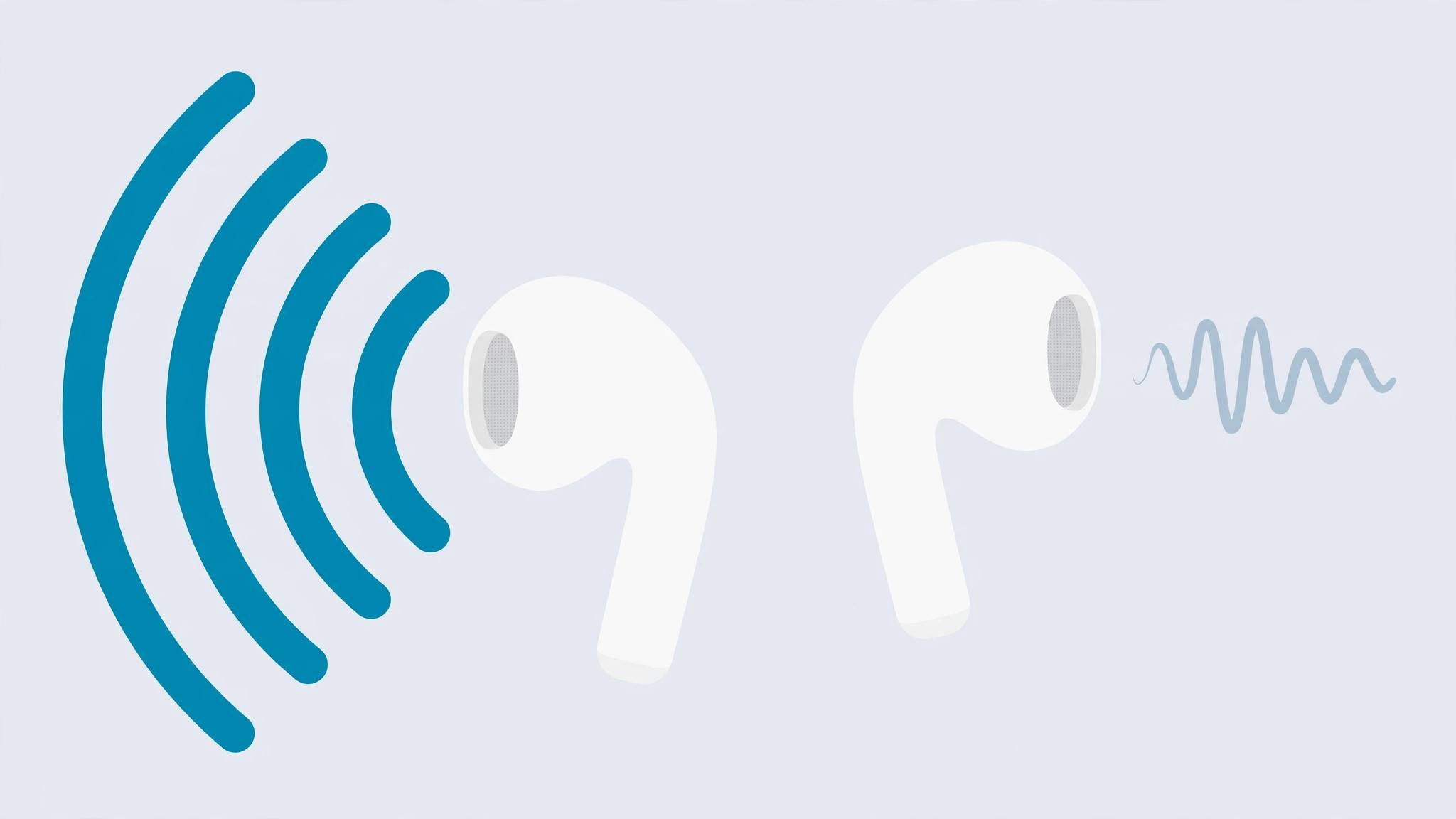
You put in your AirPods, press play, and something feels off — one earbud is noticeably quieter than the other. Before you start shopping for a replacement pair, take a breath: a volume imbalance between AirPods is a common issue, and in most cases it has a simple cause and an equally simple fix.
Below are the verified solutions, ordered from the most likely cause to the last-resort software workaround. Work through them in sequence and stop as soon as your stereo sound is back.
How to fix one AirPod sounding quieter
1. Check whether it is a manufacturing defect (new AirPods only)
If the imbalance was present from the very first day — right out of the box — the earbud itself may be faulty. In that case, skip the DIY steps and take your AirPods to an Apple authorized service center for a replacement. This is covered under warranty, so it is worth checking your coverage on Apple Support before you do anything else.
2. Clean the speaker mesh of the quieter earbud
When the problem develops gradually over weeks or months, the culprit is almost always dirt: earwax, dust, and pocket lint slowly clog the fine speaker mesh, muffling the sound. Apple itself lists cleaning as the first troubleshooting step — see Apple’s official guide to cleaning AirPods.
Take a soft, dry, lint-free cloth or a soft-bristled brush and gently wipe the mesh. For debris lodged in the edges, a dry cotton swab works well. Never poke the mesh with sharp objects, and keep all liquids away from the openings. As MacRumors notes in its AirPods guide, regular light cleaning prevents most volume issues before they start.
3. Rebalance the stereo sound in iOS settings
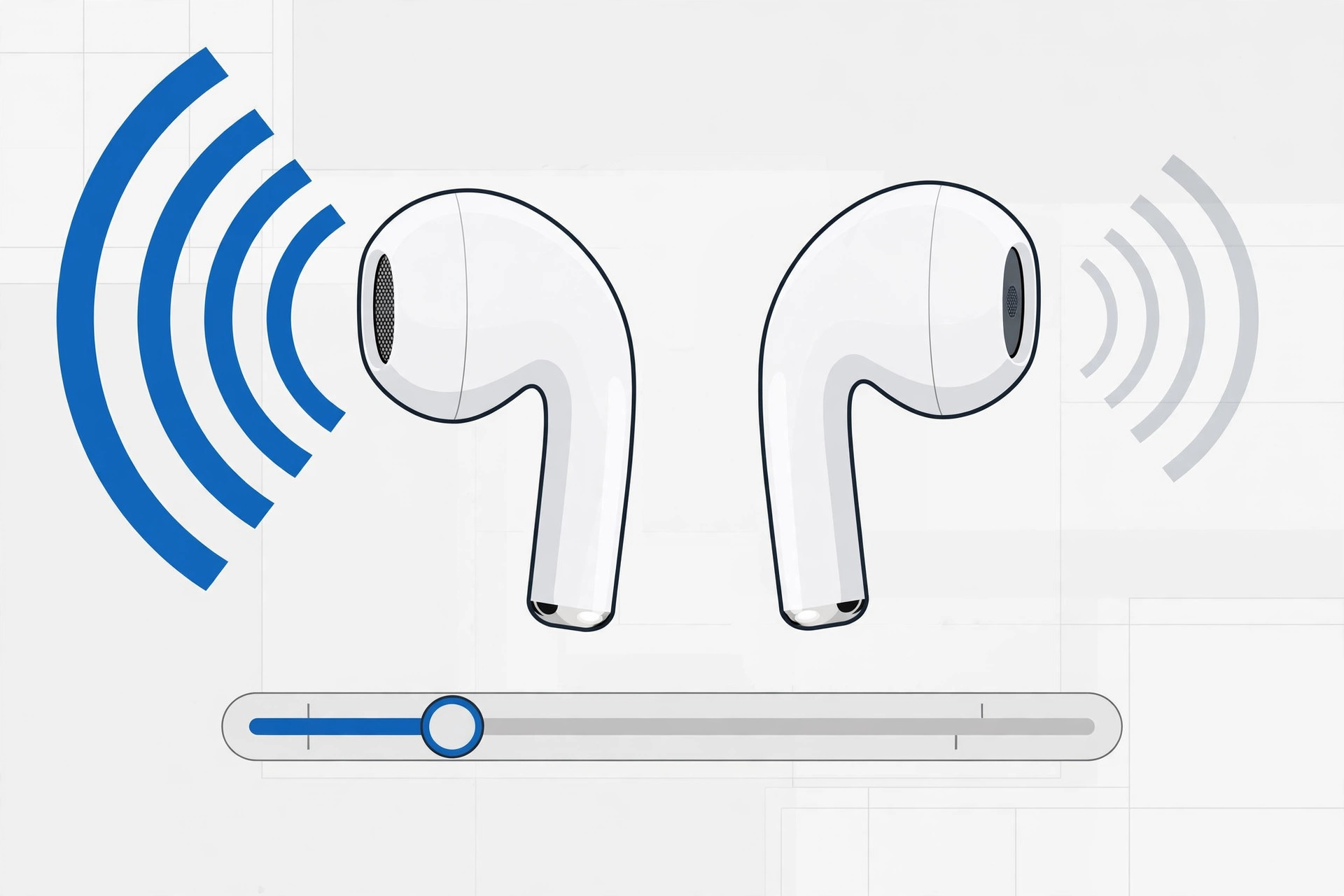
If cleaning helped but the two sides still are not perfectly even, compensate with the built-in iOS balance control:
- Connect your AirPods to your iPhone and start playing music, so you can hear the change as you adjust it.
- Open Settings > Accessibility > Audio/Visual.
- Drag the Balance slider toward the quieter earbud until both ears sound equal.
One important note: this is a system-wide setting, so it affects every app and every audio output on the iPhone — not just your AirPods. When you switch to a different headset later, remember to drag the slider back to the center.
While you are sorting out your AirPods, you may also want to turn off the AirPods charging case sounds if they annoy you — and if your iPhone keeps auto-switching audio between your headphones, we have a dedicated fix for that too.
If it still doesn’t work
Still uneven after cleaning and rebalancing? Reset your AirPods: place them in the case, then on your iPhone go to Settings > Bluetooth, tap the info icon next to your AirPods, choose Forget This Device, and pair them again from scratch. If one earbud remains stubbornly quieter after a reset, the speaker driver itself may be damaged — at that point, contact Apple Support or book a service appointment, particularly if you are still covered by warranty or AppleCare+.
Frequently asked questions
Why did one AirPod suddenly become quieter?
The most common reason is a gradual buildup of earwax and debris on the speaker mesh. Because the mesh is extremely fine, the clogging happens invisibly over time — many people only notice once the volume difference becomes obvious. A thorough cleaning resolves it in the majority of cases.
Is it safe to move the audio balance slider all the way to one side?
Yes. The slider only redistributes the existing stereo signal between the left and right channels; it does not send extra power to either speaker, so it cannot damage your AirPods. It is fully reversible — just re-center it when you connect different headphones.
Conclusion
One quiet AirPod is frustrating, but it is rarely a sign that your earbuds are finished. Clean the mesh first, fine-tune with the iOS balance slider second, and save the service center for genuine hardware faults. Follow this order and most listeners get their balanced stereo sound back in under ten minutes.





