
Your AirPods used to fill your ears with sound, and now you’re cranking the volume to maximum just to follow a podcast. Before you assume they’re dying, know this: fading volume is one of the most fixable AirPods problems. In most cases the culprit is dirt, a setting, or a glitch — not dead hardware.
Start with the most common culprit: dirt
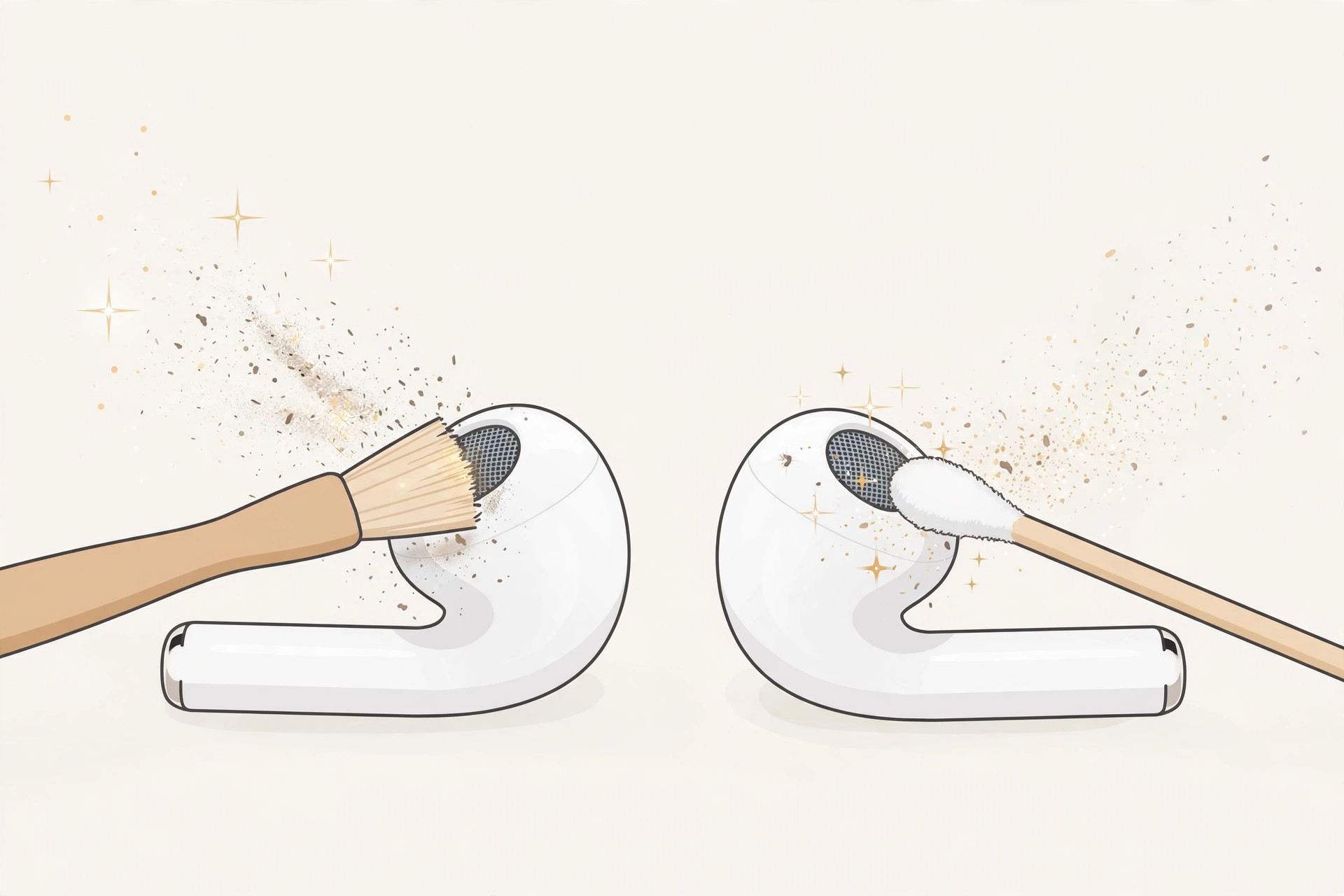
Earwax and pocket lint pack into the tiny speaker mesh over time and muffle the sound — this is the number-one reason AirPods fade in volume. Take a soft, dry brush or a cotton swab and gently clean the mesh, working the debris outward. Be patient and gentle, and never push anything deeper into the mesh or use sharp objects or liquids. Apple publishes its own cleaning guidance for AirPods, which is worth a look before you start. For many people, the full volume returns the moment the mesh is clear.
Rule out software and connection glitches
If cleaning didn’t help, work through these checks:
- Fully charge both earbuds and refresh the connection. Make sure both AirPods are fully charged and the firmware is current, then unpair and re-pair them: go to Settings > Bluetooth, tap the info icon next to your AirPods, choose Forget This Device, and pair them again. This clears connection glitches that can quietly cap the volume. MacRumors’ AirPods roundup tracks the latest firmware versions if you want to confirm yours is up to date.
- Check the audio balance. If one earbud sounds quieter than the other, compensate with the balance slider: Settings > Accessibility > Audio/Visual, then drag the balance until both sides sound even. One caveat — remember to reset the slider to the center when you connect other headphones, or everything else will sound lopsided too.
- Turn off volume limits. Open Settings > Sounds & Haptics and make sure no volume limit is set and that “Reduce Loud Sounds” (Headphone Safety) isn’t capping your output. This safety feature quietly lowers loud audio, and it can make everything feel faint.
AirPods misbehave in other ways too — if the case chimes at odd hours, see how to turn off AirPods charging case sounds, and if sound keeps jumping between your AirPods and the speaker, our guide on stopping iPhone auto-switching audio covers that.
If it still doesn’t work
Two scenarios remain. If the quietness or uneven battery drain appeared right after purchase, it’s likely a manufacturing defect — take the AirPods to an authorized service center for a replacement. If the volume faded gradually after long use and cleaning changes nothing, the battery or the driver is simply worn out. AirPods are practically unrepairable, so replacing the pair is the realistic option.
FAQ
Why is one AirPod quieter than the other?
Usually it’s wax buildup in one earbud’s mesh, or the balance slider got nudged off-center. Clean both meshes gently and check the balance slider under Settings > Accessibility > Audio/Visual.
Will unpairing my AirPods delete anything?
No. Forgetting and re-pairing only clears the Bluetooth pairing between the AirPods and that device — your settings and Apple ID link are unaffected.
Conclusion
In most cases the fix is a cotton swab, not a credit card: clean the speaker mesh, check the balance and volume limits, and re-pair the AirPods. Only when the fade comes with age — or was there on day one — should you be thinking about service or replacement.





