
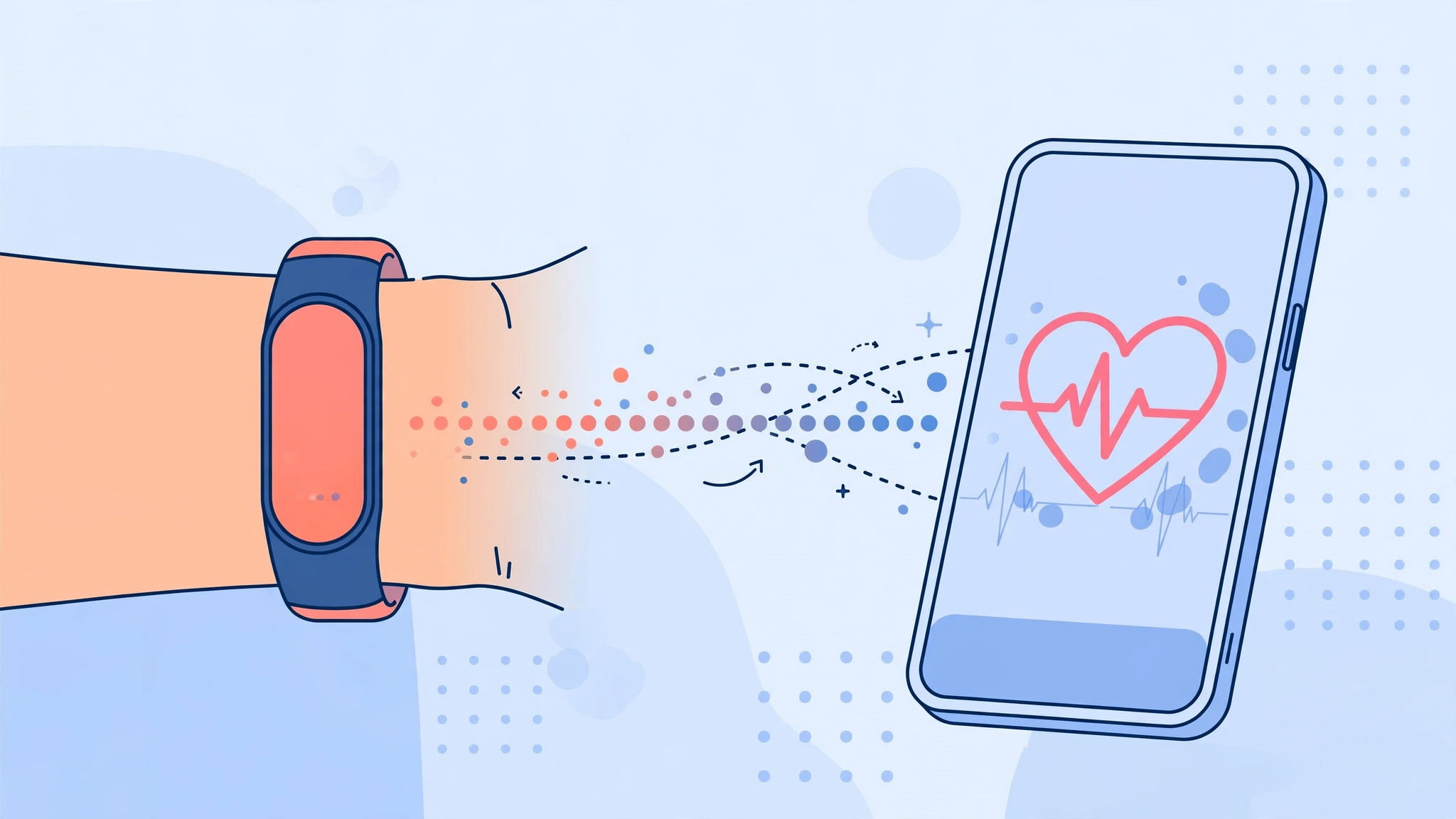
A fitness band is only as useful as the data it keeps. Most trackers ship with their own companion app, but that app is rarely where you want your health information to live. The Health app on iPhone is the natural hub: it gathers steps, workouts, heart rate, and sleep from every source into one timeline, and other apps can read from it as well.
The catch is that nothing syncs on its own. Your band’s app must ask for permission to write into Apple Health, and you have to grant it. Do it once, and every workout lands in the Health app automatically. Here is how to set it up.
What you need before you start
Install your band’s companion app from the App Store — Mi Fitness, Zepp, Fitbit, Garmin Connect, or whichever matches your tracker — and pair the band inside that app first. Keep both apps updated. Open the Health app once on your iPhone so it completes its first-run setup. If you wear a smartwatch instead of a band, our guide on why Apple Watch heart-rate readings can look off is worth a read too.
Connect your fitness band to the Health app
- Open your band’s companion app and finish pairing the tracker if you have not already.
- Look for a Health, Apple Health, or data-sharing section in the companion app’s settings — most brands put it under Profile or Settings. Switch on the connection to Apple Health.
- Open the Health app on your iPhone.
- Tap your profile picture in the top-right corner, then tap Apps under Privacy.
- Select your band’s app from the list of apps that have requested access.
- Turn on every data category you want synced — Steps, Walking + Running Distance, Workouts, Heart Rate, and Sleep are the useful ones.
- Go back and open the Browse tab in the Health app to confirm new data is arriving. Give it a few minutes after your next walk or workout.
If it still doesn’t work
Data missing? First, check that the companion app may run in the background: open Settings, tap the app’s name, and make sure Background App Refresh is on. Second, reopen Health, tap your profile, tap Apps, and confirm each category is still enabled — iOS sometimes resets permissions after major software updates.
If workouts appear but heart rate does not, the band’s app may only sync heart rate during recorded workouts, which is normal for budget trackers. As a last resort, turn off the app’s Health access entirely, force-close both apps, and grant the permissions again from scratch. And if you are still shopping for a tracker, see our roundup comparing the best smartwatches of 2026.
FAQ
Do I need to keep the band’s companion app installed?
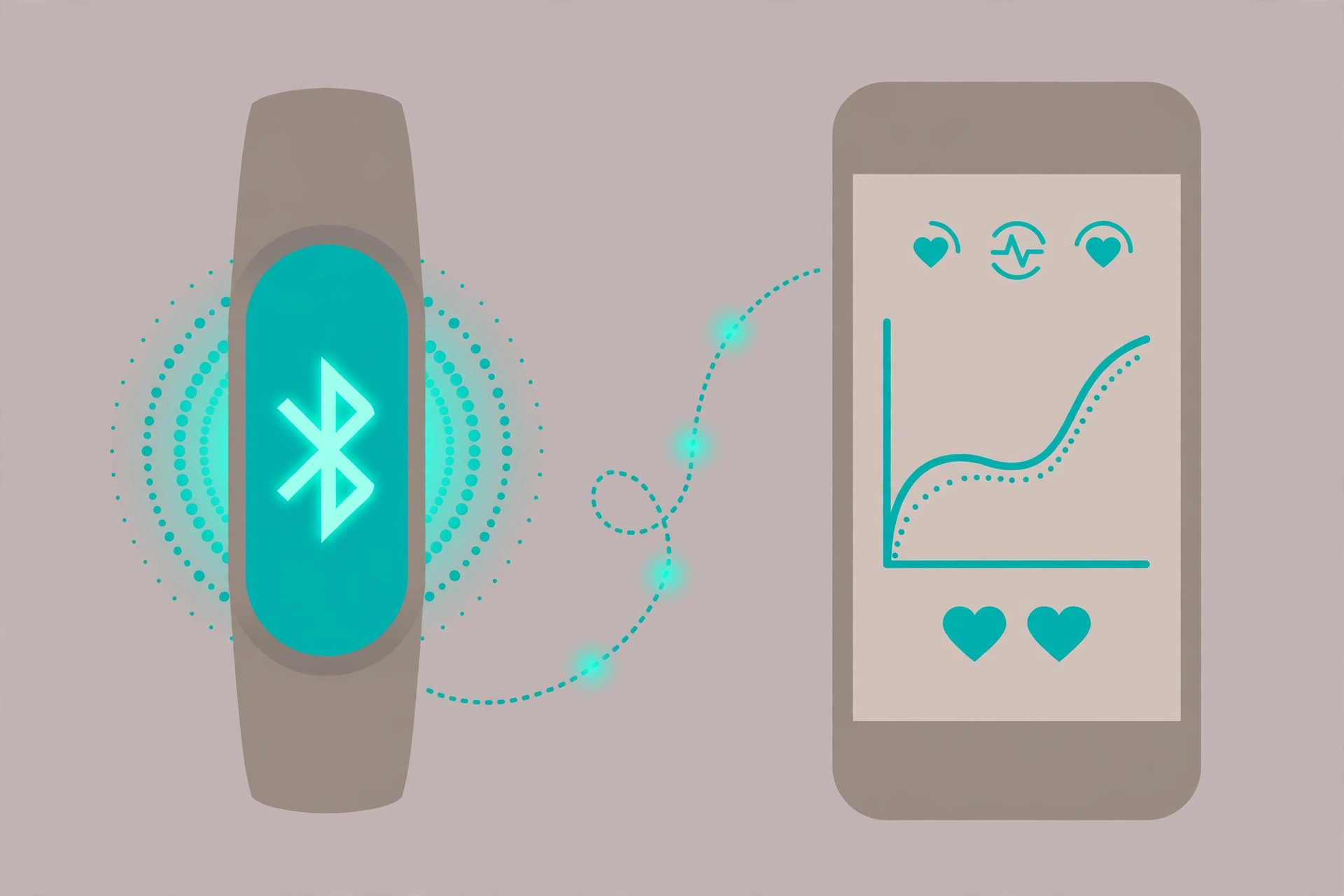
Yes. The companion app is the bridge — it collects data from the band over Bluetooth and forwards it to Apple Health. Deleting it stops the sync, although data already in Health stays put.
Will syncing drain my iPhone battery?
Barely. Bluetooth Low Energy syncs are tiny, and the Health app itself does no extra polling. If you notice battery drain, it usually comes from the companion app’s background refresh, which you can tune in Settings.
Conclusion
Once the permissions are set, the Health app quietly becomes the single record of everything your band measures. Check back after your next workout — steps, distance, and heart rate should all be there, ready to share with any other fitness app you use. For the official documentation, see Apple’s Health app support pages, and 9to5Mac regularly covers new Health features as iOS evolves. If you get stuck on a particular brand’s app, a quick search on YouTube usually turns up a video walkthrough.





