
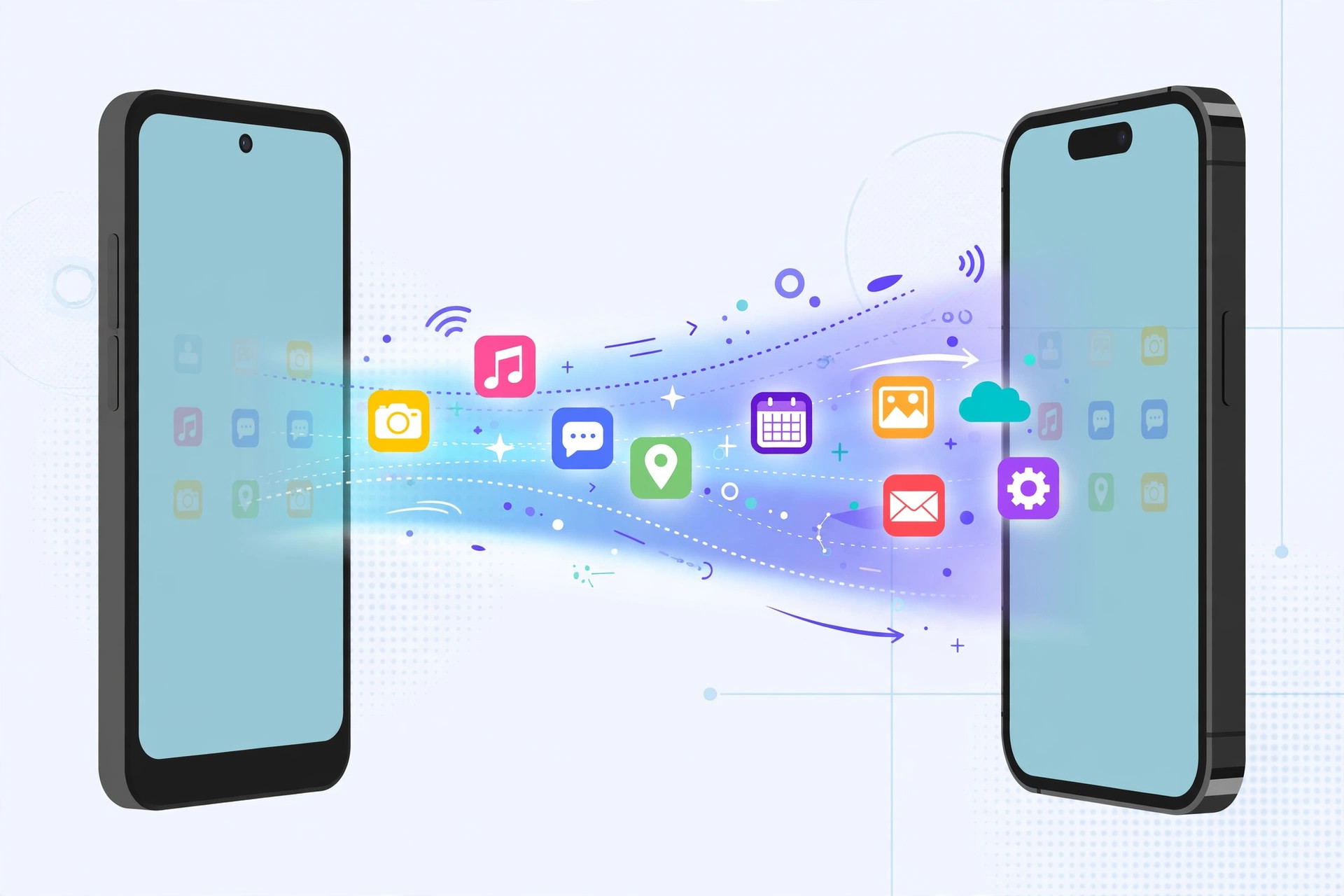
Switching phones is exciting — until you wonder what happens to your apps. Can you transfer apps from Android to iPhone, or back again? Here’s the honest answer up front: you can’t copy installed app binaries across platforms. You reinstall each app from the other store, but your data, accounts, and app lineup absolutely transfer. Here’s how.
Step 1: Understand what actually transfers
An Android app and an iOS app are completely different software — there’s no way to move the installed files themselves. What you can move: your contacts, messages, photos, files, and your list of apps. Most apps also keep your data in the cloud tied to your login, so signing in on the new phone restores everything. Apple’s own Move from Android to iPhone guide explains the official path, and 9to5Mac has covered the cross-platform switching experience in detail.
Step 2: Move from Android to iPhone with Move to iOS
Apple’s free Move to iOS app (available on Google Play) does the heavy lifting. Install it on your old Android phone, start setting up your new iPhone, and choose “Move Data from Android” when prompted. The app transfers contacts, message history, photos, videos, and files — and it even suggests iPhone equivalents of your free Android apps so you can reinstall them in one tap.
Step 3: Reinstall paid apps on iPhone
Open the App Store, tap your profile picture, then Purchased to see everything tied to your Apple ID. One important caveat: purchases are not cross-platform. A paid app you bought on Google Play must be bought again on the App Store — there’s no way around it, so budget for your must-have paid apps. This is also a good moment to see which built-in iPhone apps you can delete to make room on your new device.
Step 4: Move from iPhone to Android
Going the other way, use Google One backup or — on Samsung phones — Smart Switch to move your contacts, photos, messages, and files. Then open Google Play Store > Library to re-download your apps. Smart Switch is especially thorough: over cable or Wi-Fi it can transfer a surprising amount of app data directly.
Step 5: Sign in to restore your app data
Here’s the good news: most modern apps sync through their own accounts. Install WhatsApp, Spotify, your banking apps, or games on the new phone, sign in with the same login, and your chats, playlists, and progress reappear. Your app lineup may change stores, but your digital life comes with you.
If it still doesn’t work
If Move to iOS stalls, keep both phones plugged into power, on the same Wi-Fi network, and close to each other — the transfer is sensitive to interruptions. If a specific app’s data didn’t carry over, check whether that app offers its own cloud backup (WhatsApp, for example, needs its own backup enabled before you switch). As a last resort, contact the app’s developer: some paid apps will transfer a license across platforms if you ask.
FAQ
Do I have to re-buy all my paid apps when switching platforms?
Unfortunately, yes. Google Play and the App Store are separate stores with separate purchases — a license on one doesn’t transfer to the other. Free apps can simply be re-downloaded at no cost.
Will my WhatsApp chats transfer from Android to iPhone?
Yes. The Move to iOS app can transfer your WhatsApp chat history directly, as long as both phones run up-to-date versions of WhatsApp and you follow the prompts during setup.
Conclusion
You can’t copy apps between Android and iPhone, but you don’t need to. Move to iOS and Smart Switch handle your data, the app stores handle reinstalls, and your logins restore the rest. An afternoon of setup and your new phone feels like home. And if you also use a Mac, you can quickly open the installed apps list on macOS 26 to keep your desktop apps organized alongside your phone.





