
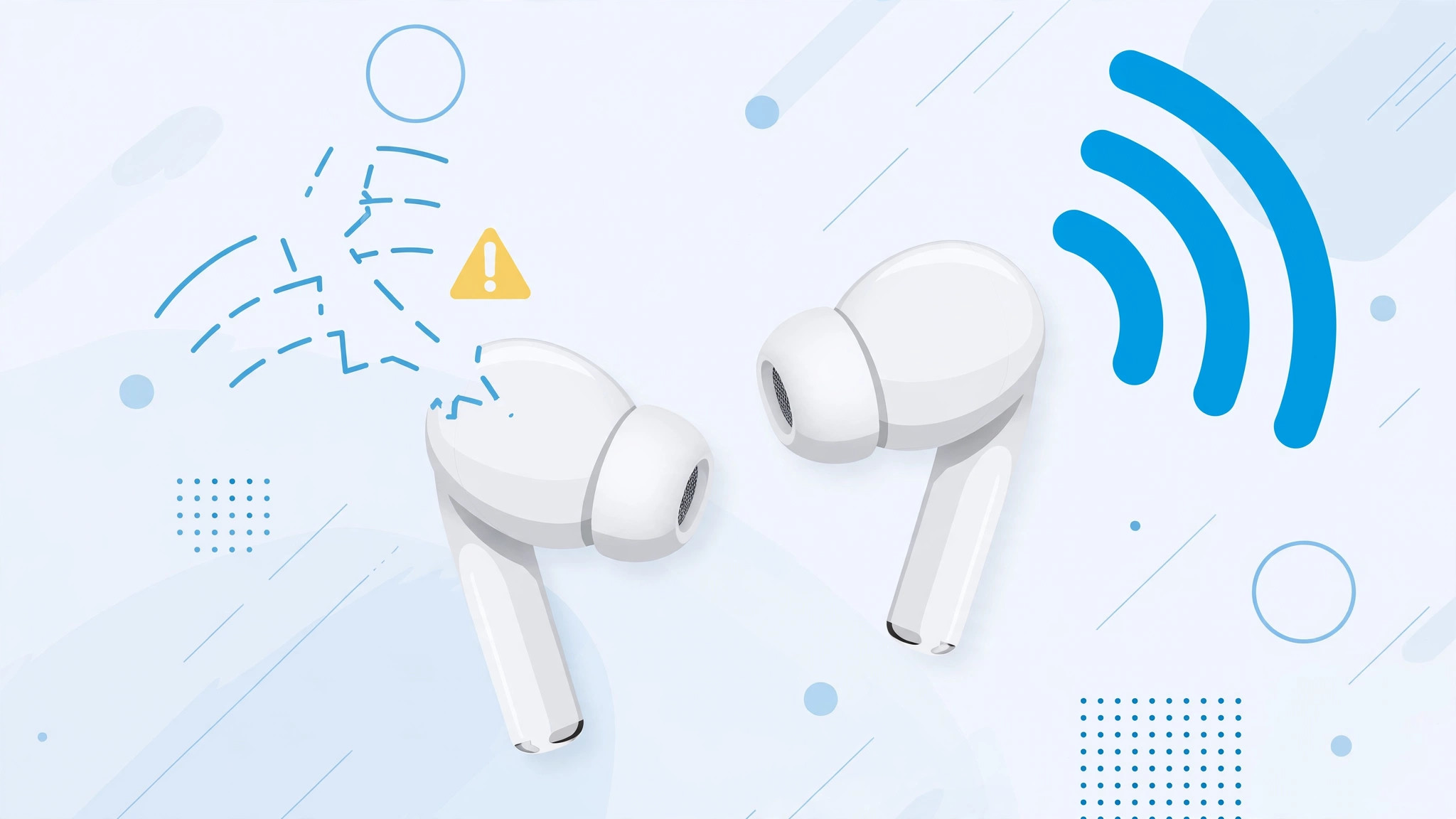
If you are listening to music or taking a call and one AirPod suddenly goes silent while the other keeps playing, you are far from alone. One-sided dropouts are among the most reported AirPods quirks, and the good news is that they are usually fixable at home in a few minutes.
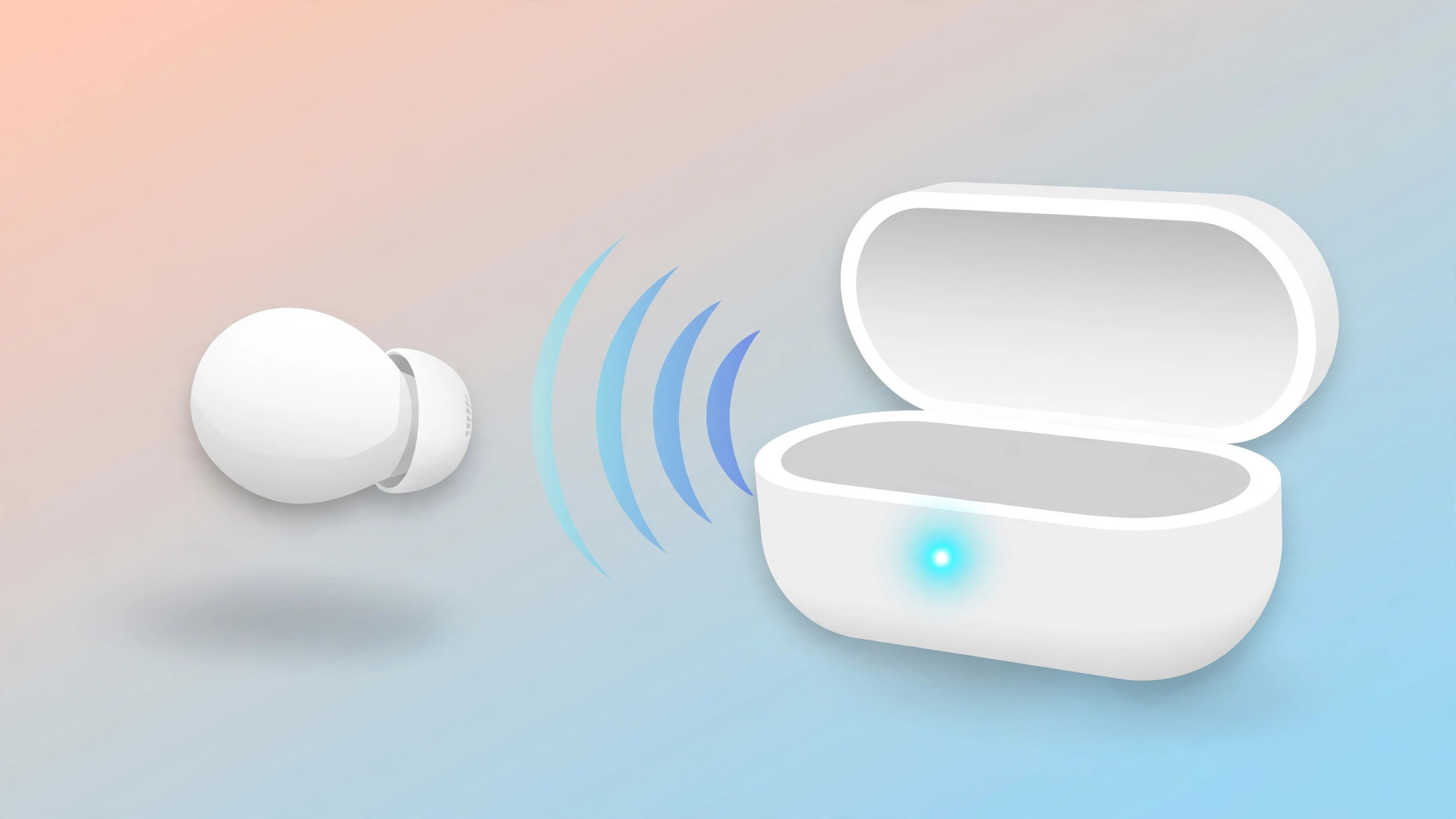
Why only one AirPod disconnects
In most cases the fault is software, not a dying battery. Each bud keeps its own copy of the Bluetooth pairing data, and when those get out of sync — or when the ear-detection sensor in one bud starts misfiring — that side can pause or drop while the other keeps playing. Hardware failure is possible, but it is the least likely cause, so work through the software fixes below before you assume a bud is dead.
How to fix it: step by step
- Reset your AirPods and pair them again. A factory reset wipes the pairing data on both buds and the case, clearing whatever mismatch was dropping one side. Put both earbuds in the case, close the lid for about 30 seconds, then open the lid and hold the setup button until the status light flashes amber and then white. Pair them again from the iPhone’s Bluetooth menu. For model-by-model instructions, follow our guide to factory resetting AirPods, which covers every model including AirPods 4 and AirPods Max.
- Test them with a second device. Connect the AirPods to another iPhone, iPad, or Mac and use them for a while. If the same earbud keeps dropping out there too, the problem lives in the AirPods themselves. If they behave normally, your original iPhone’s Bluetooth stack is the suspect — restart the phone and try again.
- Turn off Automatic Ear Detection. The proximity sensors that pause audio when you remove a bud can misfire from dirt, sweat, or a failing sensor, cutting the sound in one ear. With your AirPods connected, open Settings, go to Bluetooth, tap the i icon next to your AirPods, and switch off “Automatic Ear Detection.” Apple’s own documentation describes this setting at support.apple.com, and 9to5Mac has covered cases where turning it off stops random one-sided dropouts.
- Clean the ear-detection sensors gently. Wipe the inner surfaces of both buds with a dry, lint-free cloth, and clear any lint or debris from the charging contacts in the case — a poor charging connection can also make one bud behave oddly. If the dropout stops with Automatic Ear Detection switched off, the sensors are the culprit: keep them clean, or visit an Apple Store or authorized service provider if cleaning doesn’t help. Owner reports on MacRumors forums repeatedly trace one-sided dropouts to grimy sensors.
While you are in the Bluetooth settings, you might also want to turn off your AirPods charging case sounds if the chimes bother you.
If it still doesn’t work
If one bud still drops out after a reset, a second device test, and disabling ear detection, you are most likely looking at a hardware issue — a failing battery or antenna in that bud. Check your warranty in Settings, General, About, your AirPods: Apple replaces individual AirPods for a fee, and Apple Support can run remote diagnostics before you visit a store.
Frequently asked questions
Can I still use a single AirPod while the other one keeps disconnecting?
Yes. AirPods work with just one bud: leave the problem earbud in the case and use the working one as a mono headset. Keep the faulty one charging in the case until you sort out the fix, since a deeply discharged bud can complicate re-pairing.
Will resetting my AirPods unpair them from all my devices?
Yes. A factory reset removes the AirPods from every device signed in to the same Apple Account, not just your iPhone. You will need to pair them again afterward, which takes about a minute.
The bottom line
One AirPod dropping out is almost always a software hiccup: reset and re-pair, test on a second device, then try turning off Automatic Ear Detection. Nine times out of ten, one of those three steps brings both buds back to life — and you won’t need a service appointment.





