
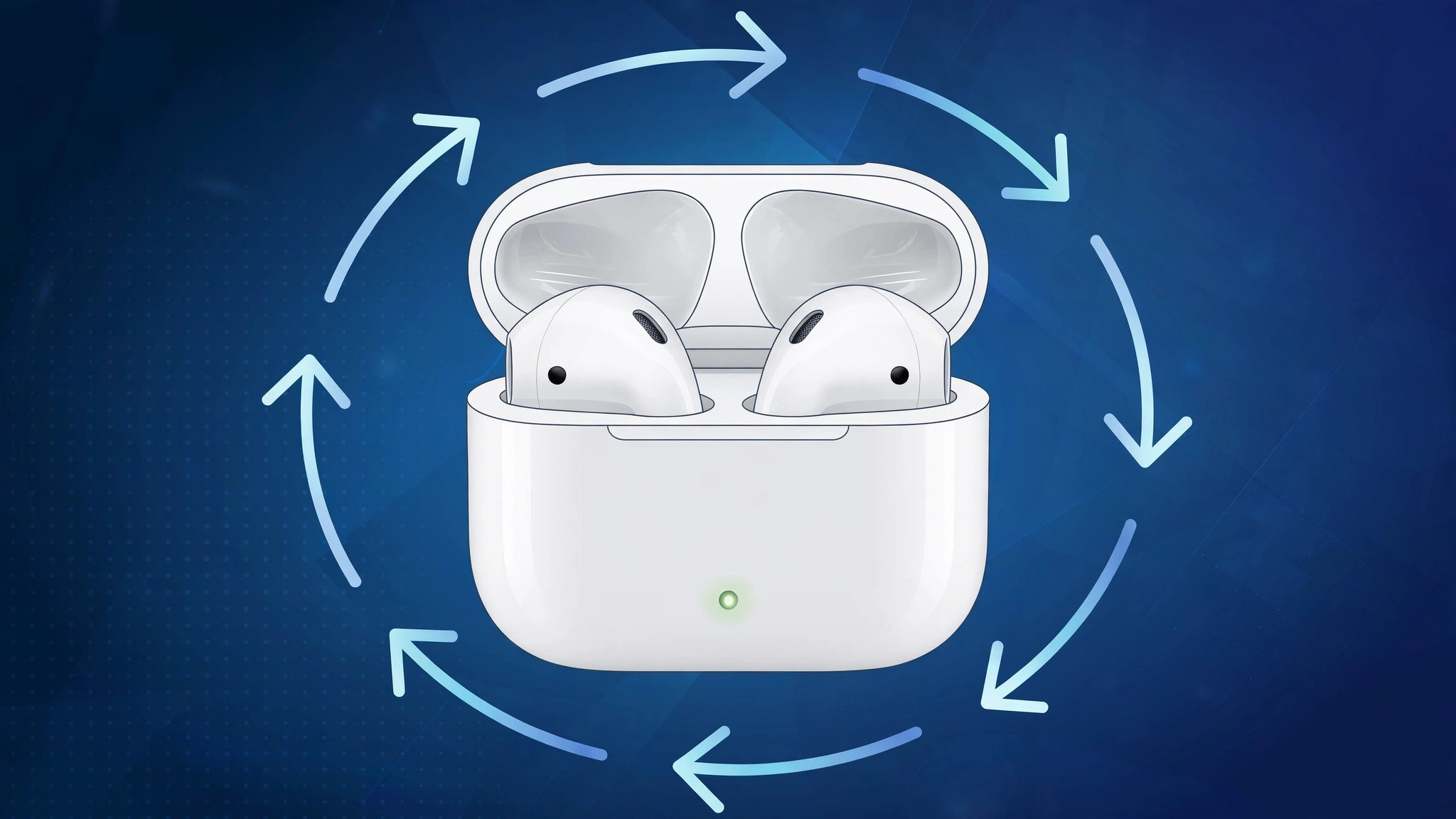
When your AirPods start acting up — refusing to pair, disconnecting at random, or ignoring taps — a factory reset is often the fastest way to make them behave again. Resetting wipes the slate clean: it unpairs the earbuds from every device on your Apple Account and restores them to their out-of-the-box state. Here is how to do it on every model, from the first-generation AirPods to AirPods Max.
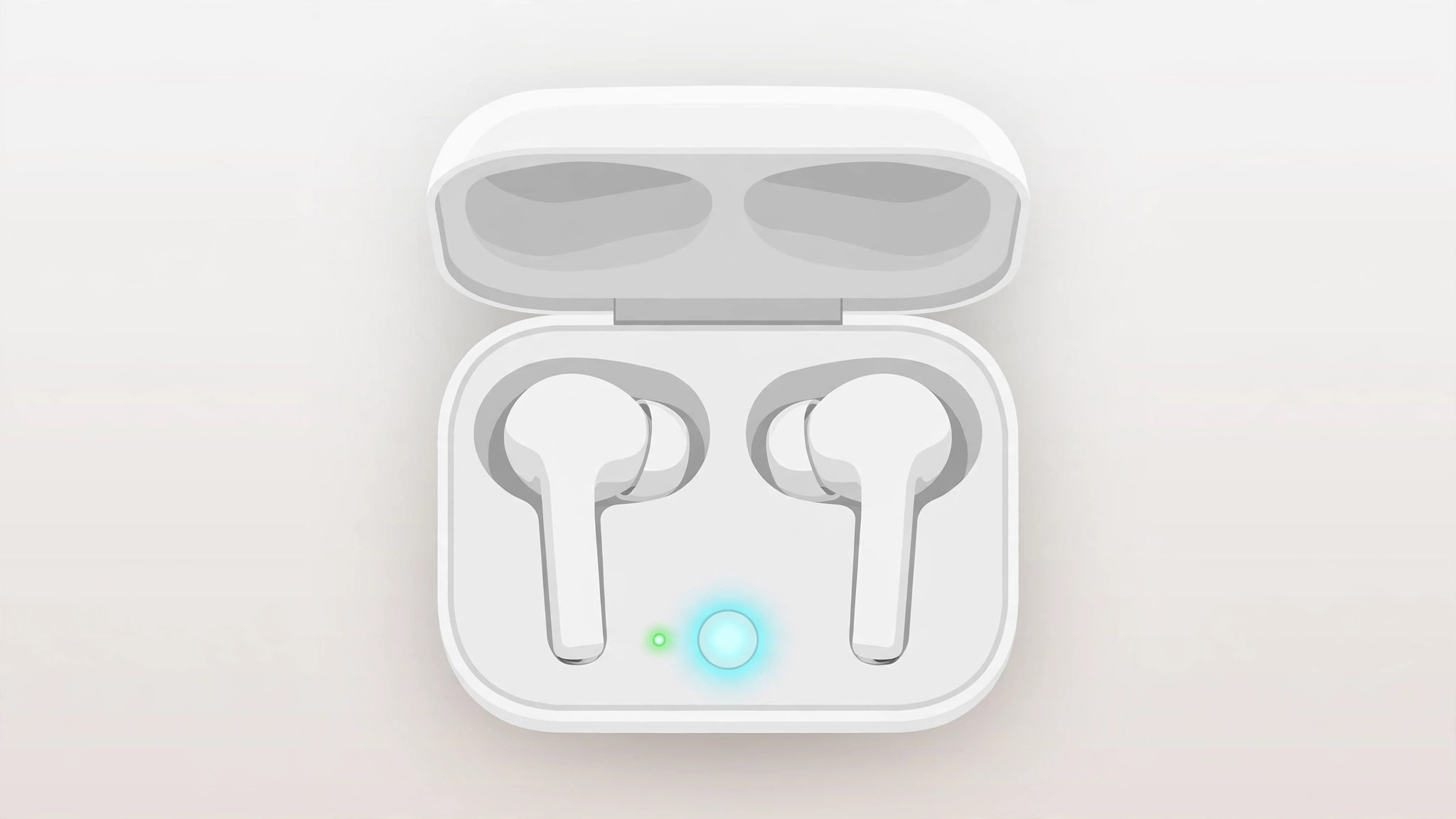
Reset AirPods (1st–3rd gen) and all AirPods Pro
- Put both earbuds in the charging case and close the lid. Wait about 30 seconds, then open the lid.
- Forget the device on your iPhone. Go to Settings > Bluetooth, tap the ⓘ icon next to your AirPods, choose “Forget This Device,” and confirm.
- Hold the setup button. With the lid open, press and hold the setup button on the back of the case for about 15 seconds until the status light flashes amber and then white. Apple’s official Reset your AirPods guide describes the exact light sequence to look for.
- Pair again. Hold the open case near your iPhone and follow the on-screen animation to pair.
Reset AirPods Max
AirPods Max have no charging case setup button. Instead, press and hold the noise-control button and the Digital Crown together for about 15 seconds, until the status light next to the charging port flashes amber and then white. As 9to5Mac notes, this is the same move used to troubleshoot most Max pairing problems.
Reset AirPods 4
AirPods 4 ditched the back setup button entirely. With the lid open, double-tap the front of the case three times (tap-tap, pause, tap-tap, pause, tap-tap) until the light flashes amber and then white. The odd gesture catches people off guard, but MacRumors confirms it is the official method.
If it still doesn’t work
If the reset does not fix the problem, charge the case and both earbuds to full and try once more — a dead battery can mimic a pairing fault. Make sure the case and your iPhone are running up-to-date firmware. If one earbud keeps misbehaving even after a reset, see our guide to fixing an AirPod that keeps disconnecting, which covers ear-detection sensors and hardware checks. Also worth a look: how to turn off AirPods charging case sounds and how to stop your iPhone from auto-switching audio between headphones.
Frequently asked questions
Will a reset erase my settings on other devices?
Yes, in the sense that a reset unpairs your AirPods from all devices signed in to the same Apple Account. Once you pair them with one device again, they reappear on the others.
Does resetting delete any music or data?
No. A reset only clears pairing information and settings like ear-tip fit or press-and-hold assignments. Your music, playlists, and iPhone data are untouched.
The bottom line
A factory reset takes under a minute and fixes the majority of AirPods pairing and connection glitches across every model. Forget the device, trigger the reset with the right button combination for your model, and pair again — your AirPods will feel brand new.





