
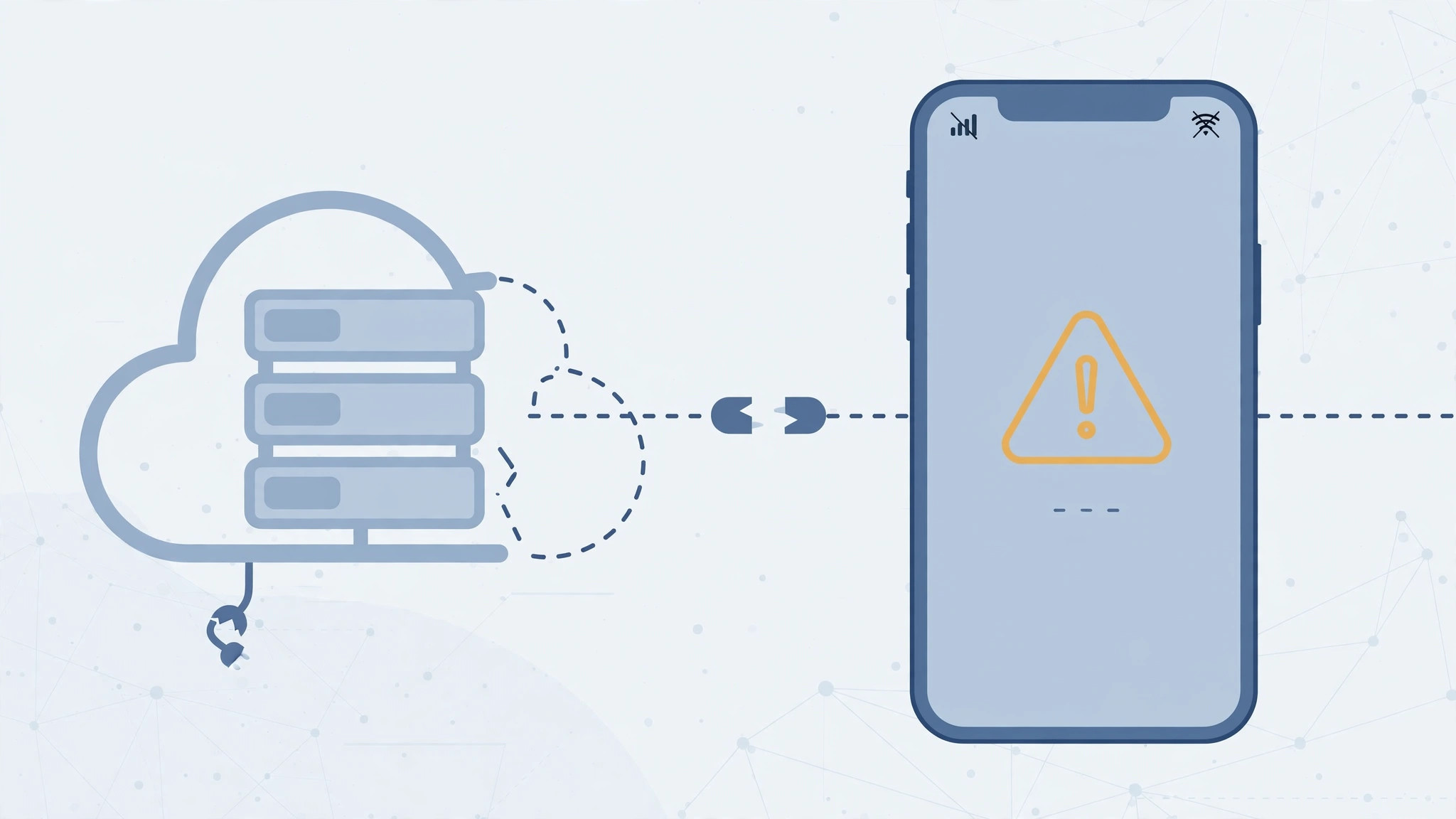
Nothing spoils the excitement of a new — or newly reset — iPhone like the message “Could not activate iPhone” followed by “your iPhone could not be activated because the activation server is temporarily unavailable.” The good news is that this error rarely means a broken phone. It usually points to Apple’s servers, your connection, or the SIM. Work through these steps in order.
What the error actually means
Before an iPhone can be used, it must check in with Apple’s activation servers to verify it is legitimate and – on carrier models – properly tied to a network. When that handshake fails, setup stops dead. The failure can sit on Apple’s side (busy or down servers), on your side (no stable internet, no recognized SIM), or, more rarely, inside the phone itself.
Fixes for the “server temporarily unavailable” error
1. Wait a few minutes and retry
Apple’s activation servers do get overloaded, especially after major iOS releases or iPhone launches, and they occasionally go down for maintenance. Put the phone aside for ten to fifteen minutes and tap Try Again. An astonishing number of “broken” activations fix themselves this way.
2. Restart the iPhone
A restart clears temporary network glitches that can interrupt the activation handshake. Power the iPhone fully off, wait half a minute, power it back on, and attempt activation again.
3. Switch to a reliable Wi-Fi network
Activation needs stable internet. Move off flaky public hotspots and join a dependable home or office Wi-Fi network, then retry. If Wi-Fi is not cooperating at all, some activations can complete over cellular — but a solid Wi-Fi connection is the safer bet.
4. Check the SIM card
Make sure a SIM card is inserted and recognized: go back through setup and confirm the phone does not complain about a missing or invalid SIM. If it does, reseat the SIM, try a different known-good SIM, or contact your carrier — an unsupported or deactivated SIM will block activation every time. If you are setting up a new line, our guide on how to verify a SIM card and avoid the cooling-off period walks through the carrier side of things.
5. Check Apple’s System Status
Open Apple’s System Status page on another device and look for “iOS Device Activation.” If the dot is not green, the problem is confirmed on Apple’s side — there is nothing to fix on your phone, so wait until the status turns green and try again.
6. Activate via a computer
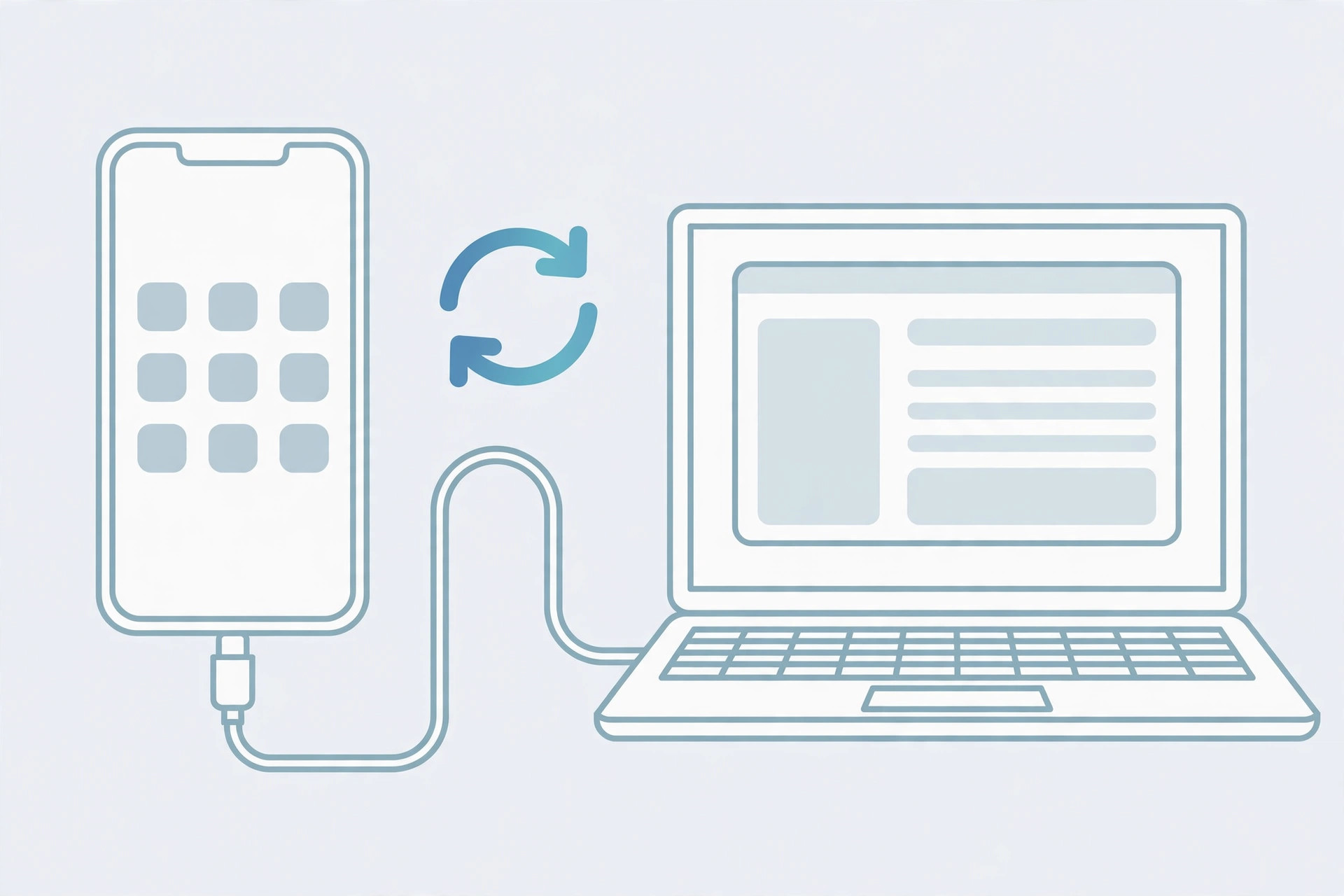
Connect the iPhone to a Mac or PC with its cable. On recent macOS, open Finder and select the iPhone in the sidebar; on older Macs or Windows, use the latest version of iTunes. The computer will detect the phone and can complete activation even when the on-device attempt keeps failing. Plenty of owners on X report that computer activation succeeded where Wi-Fi activation would not.
7. Restore in recovery mode
If the computer says it cannot obtain activation information from the device, put the iPhone into recovery mode, restore it via Finder or iTunes, and try the activation again from scratch. A fresh restore clears corrupted setup data that can block the handshake. YouTube fix videos demonstrate the button sequence for entering recovery mode on each iPhone model.
8. Rule out hardware faults and Activation Lock
If nothing above works, suspect the hardware — a baseband or modem fault can prevent activation permanently — or Activation Lock. If you bought the iPhone second-hand and setup asks for the previous owner’s Apple ID, only that owner can remove the lock; no workaround exists. The iFixit answers community has extensive threads on distinguishing baseband failures from lock issues. Apple’s own “If you can’t activate your iPhone” guide covers the official escalation path.
If it still doesn’t work
At this point you have eliminated servers, network, SIM, and software. Contact Apple Support with the exact error message and everything you tried, or visit an Apple Store or authorized service provider for a hardware diagnosis. Bring proof of purchase — you will need it if the device turns out to be Activation Locked to someone else.
Frequently asked questions
How long should I wait before trying activation again?
Give it at least fifteen minutes, and check the System Status page in the meantime. If Apple’s status is green and it still fails after an hour of retries, move on to computer activation rather than waiting longer.
Do I need a SIM card to activate an iPhone?
Yes — activation requires a recognized SIM (or an active eSIM on models that support it). Without one, the process cannot complete, so sort out the SIM with your carrier first.
Conclusion
The “server temporarily unavailable” error looks alarming but is usually temporary: overloaded Apple servers, a weak connection, or an unrecognized SIM. Patience plus computer activation resolves the vast majority of cases. Once your iPhone is up and running, you can fine-tune it — for instance, learn how to allow calls only from a specific SIM card in Focus mode.





