
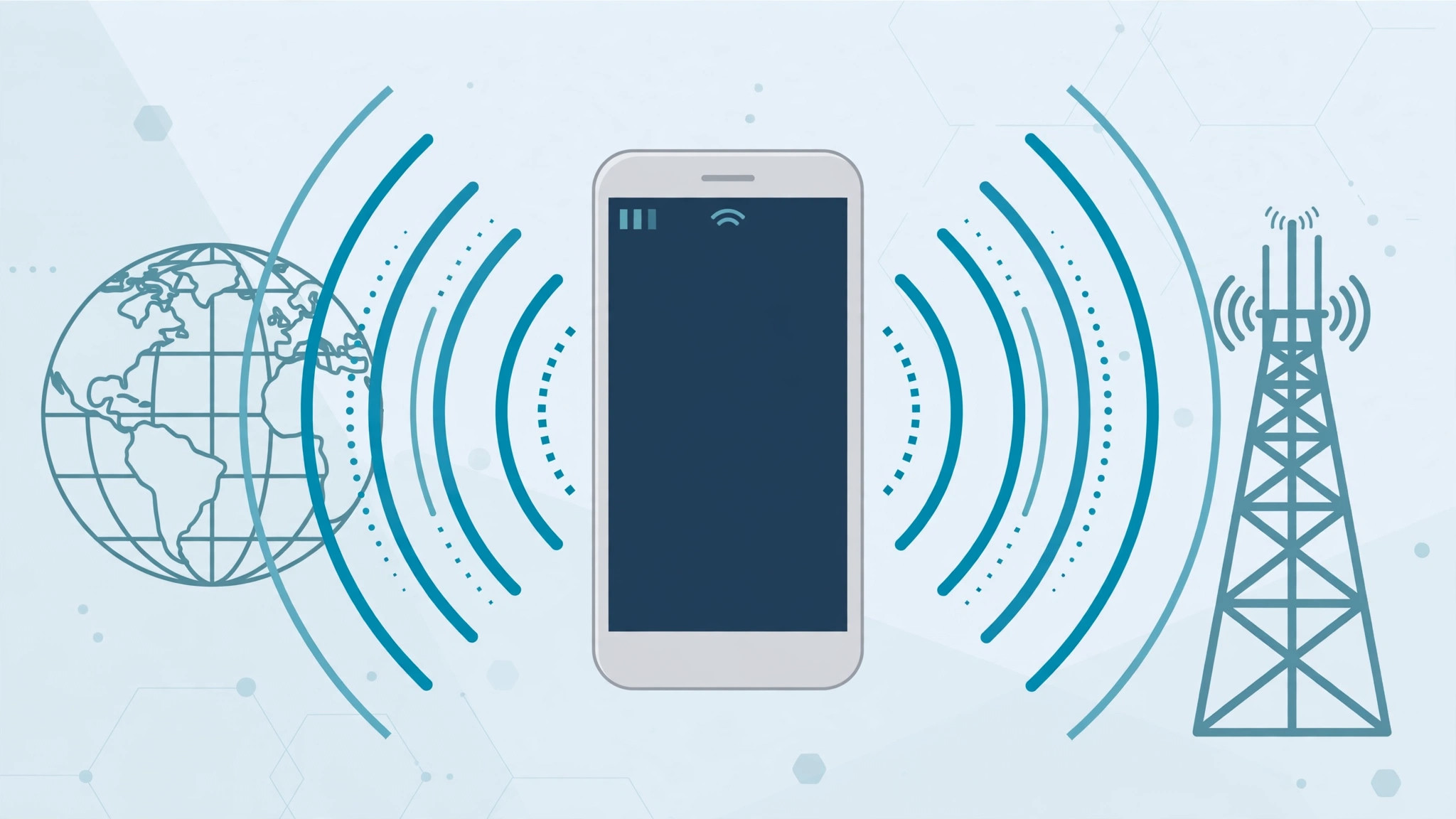
Buying an iPhone in the United States and taking it back home is a classic way to save money — but one question stops almost every traveler cold: will LTE actually work on it? With the iPhone 8, the short answer is reassuring: yes, it almost certainly will. Both American hardware variants cover the LTE bands that matter most in Europe, Asia and beyond, and once you insert a local SIM, fast data usually switches on by itself. The thing that actually ruins the plan for most people is not the radio hardware at all — it is the SIM lock. Here is exactly what to check before and after you buy.
1. Confirm which US model you are buying
Apple sold the iPhone 8 in the US as two hardware variants: the A1863 (distributed through Sprint and Verizon) and the A1905 (sold through AT&T and T-Mobile). Both support an unusually wide sweep of LTE spectrum — FDD-LTE bands 1, 2, 3, 4, 5, 7, 8, 12, 17, 18, 19, 20, 25, 26, 28, 29, 30 and 66, plus TD-LTE bands 34, 38, 39, 40 and 41 — with the A1863 adding band 13 on top. The practical takeaway is simpler: bands 3, 7, 20 and 38, the workhorses of LTE across Europe and much of Asia, are supported by both models. You can double-check any variant against Apple’s official iPhone 8 tech specs page. The model number is printed in tiny type on the back of the phone, or find it under Settings → General → About. Before you hand over any money, it is also worth reading our guide on how to verify a SIM card so you know what a healthy activation looks like.
2. Buy unlocked — the SIM lock is the real catch
This is where most “my US iPhone doesn’t work” stories actually begin. A carrier-locked iPhone 8 will flatly refuse a SIM from another network, and no amount of band support can fix that. When you buy, ask specifically for the SIM-free or factory-unlocked version — those accept any nano-SIM from any carrier. If the phone is already in your hands, the test takes ten seconds: insert your local SIM. A locked phone greets you with a SIM-not-supported warning, while an unlocked one simply connects. If you juggle more than one line, our guide to allowing calls only from a specific SIM card in Focus mode is a handy companion once your new SIM is live.
3. Insert your SIM and let the phone handle the rest
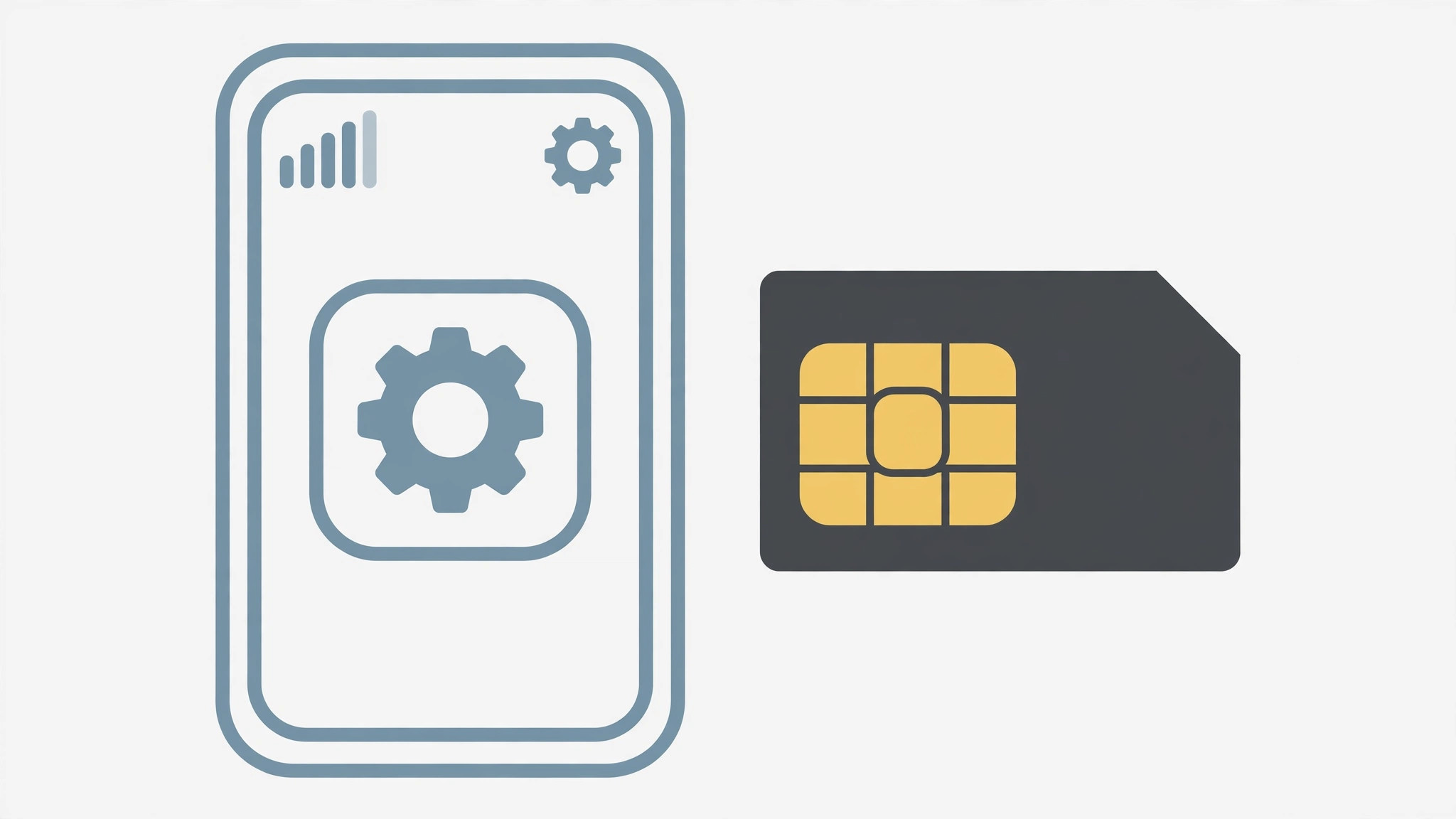
With an unlocked iPhone 8 and a local nano-SIM, there is nothing to configure by hand. iOS fetches the correct carrier settings automatically — usually within a minute of the first connection — and registers the phone on LTE or 4G by itself. iOS offers no manual band selection, and you do not need it: the modem scans the airwaves and camps on the best band your carrier broadcasts. Give it a moment after the first boot with the new SIM, then glance at the status bar — the LTE or 4G indicator tells you everything worked. Publications like MacRumors and 9to5Mac have long documented that American iPhones roam onto foreign LTE networks without special tweaks, and the iPhone 8 is no exception.
If it still doesn’t work
If LTE refuses to appear, work through three quick checks. First, open Settings → General → About — if a carrier-settings update is offered, install it. Second, look under Settings → Cellular → Cellular Data Options and make sure LTE or 4G is enabled for mobile data rather than 3G only. Third, try the SIM in a different phone to rule out a provisioning issue on your carrier’s side. And do not skip the classic: power the iPhone fully off and on again after inserting a new SIM — that alone resolves a surprising share of stubborn connections.
FAQ
Does the iPhone 8 support 5G?
No. The iPhone 8 predates 5G entirely — it has an LTE modem and nothing newer. What you get is fast LTE/4G, which remains more than enough for navigation, HD video and tethering in daily use.
Is the A1863 better than the A1905 for travel?
Only marginally. The Sprint/Verizon A1863 adds LTE band 13, which the A1905 lacks. In practice, bands 3, 7, 20 and 38 carry the load in most countries outside the US, and both models support all of those — so pick whichever unlocked unit you find at the better price.
A US-bought iPhone 8 is a perfectly good travel companion: the LTE hardware covers the bands you need, and setup is essentially automatic. Just remember the golden rule — buy SIM-free or factory unlocked. Get that right, and your American iPhone will feel right at home on LTE wherever you land.





