
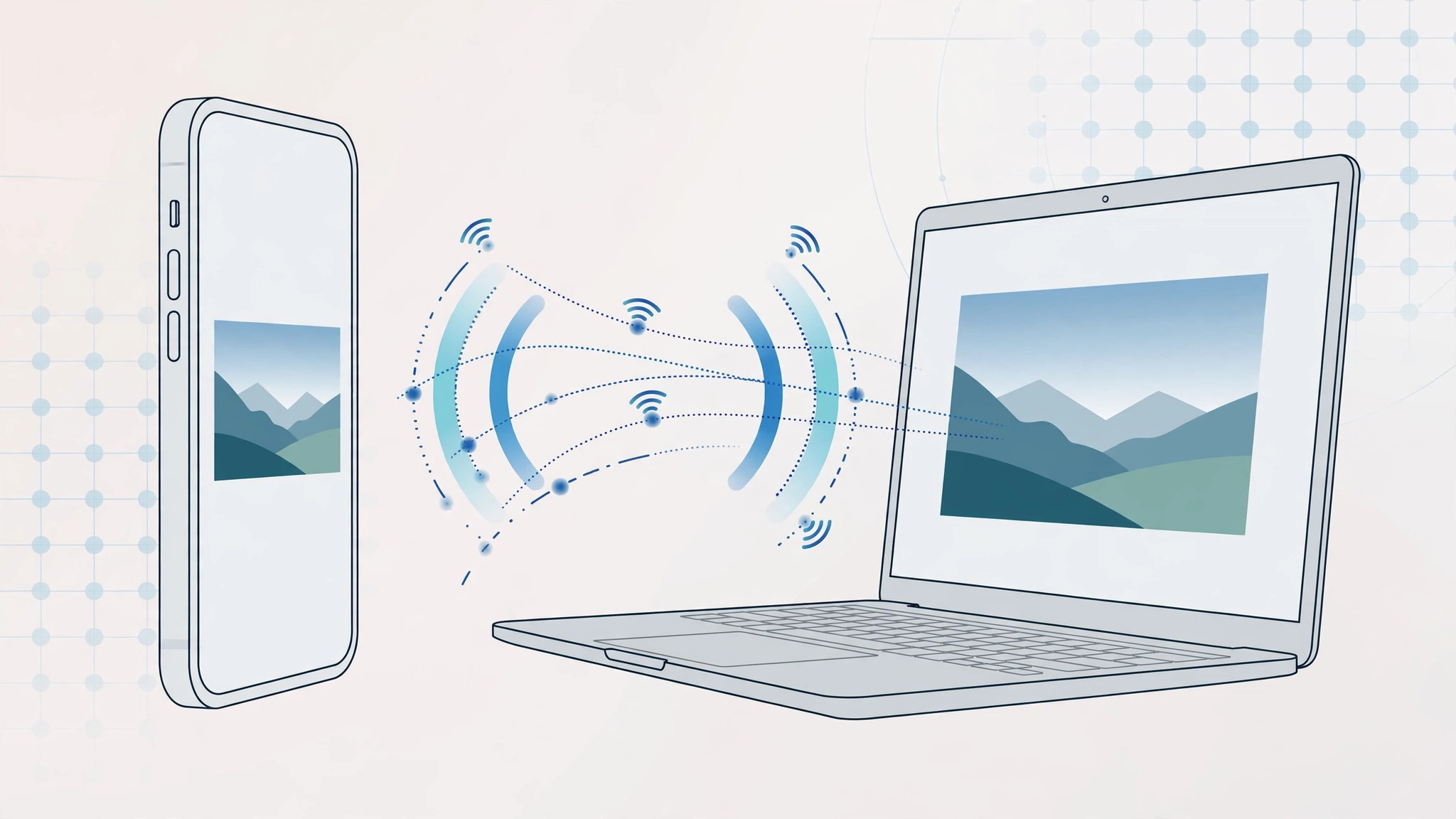
AirPlay makes it easy to beam your iPhone screen to an Apple TV — but what if you want to send just one app’s window to your Mac? Apple natively gives you only two choices: mirror your entire screen, or stream from apps that specifically support AirPlay. There is no built-in way to beam a single application window. The workaround is a third-party app called AirParrot, and it has worked reliably for years.
Step 1: Understand what Apple can and can’t do
Before reaching for extra software, know the native limits. Full-screen mirroring sends everything on your display to the receiver — fine for presentations, annoying when you only want one window. Some apps, like Music or TV, can stream their own content to AirPlay targets, but that is app-by-app support, not a general feature. Apple’s AirPlay system requirements spell out exactly which devices and setups qualify.
Step 2: Install AirParrot on your Mac
Download AirParrot from AirSquirrels and install it. It lives in your menu bar as a small icon — that icon is your control center for everything that follows. (The app has newer versions than the 2.x release this trick became famous with; the core per-app streaming feature still works the same way.)
Step 3: Pick your receiver and your source app
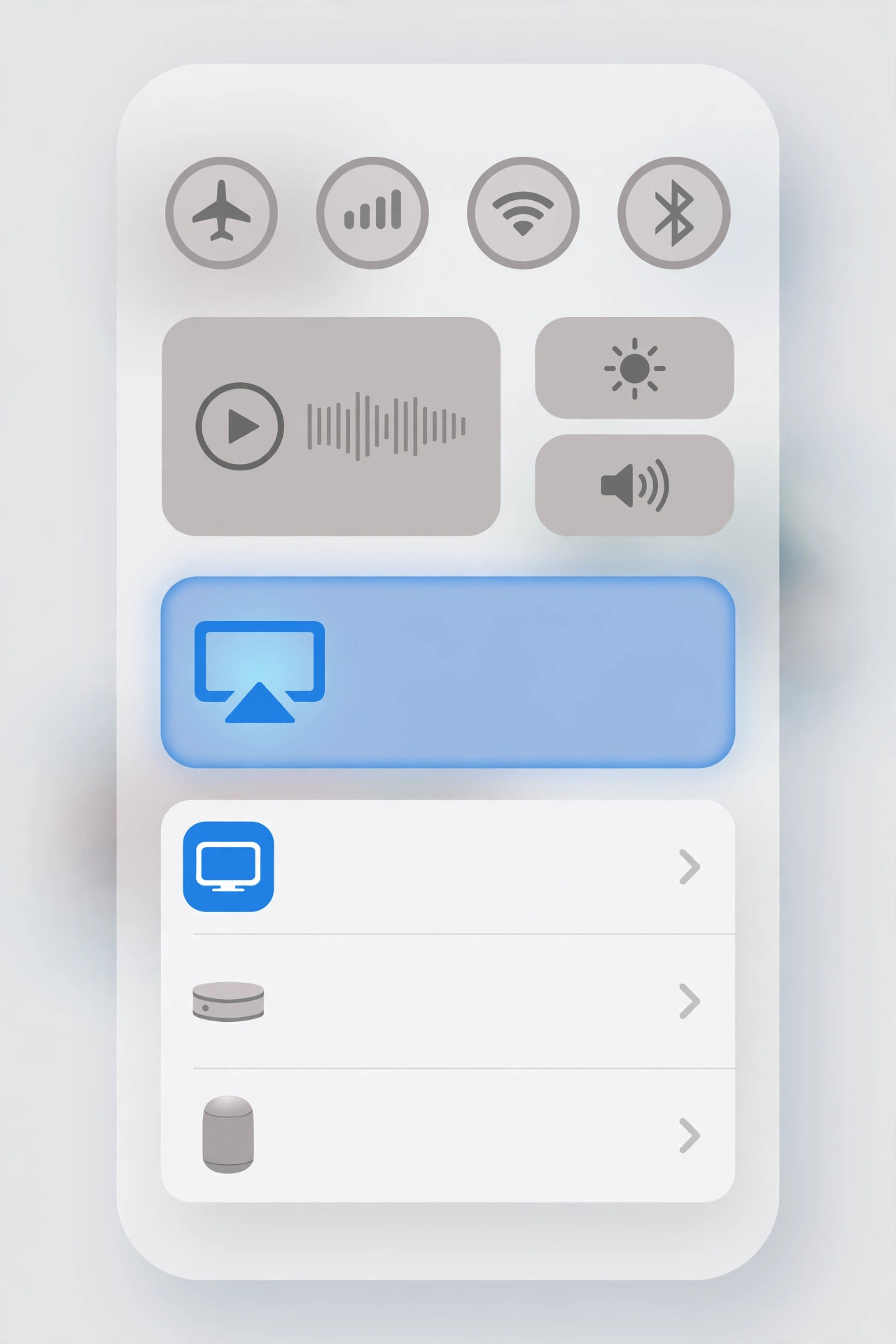
Click the AirParrot menu-bar icon. First choose the destination — your Mac, an Apple TV, or another supported receiver on the network. Then, instead of mirroring the whole screen, select a single running program as the source. Any open application window can be the source: a browser tab with a video, a photo editor, a game — whatever you have running.
Step 4: Stream with separate audio and volume control
AirParrot streams the chosen app’s audio along with its video, and — the part Apple never offered natively — gives you separate volume control for the stream. You can also use a single video or audio file as the source instead of a live app window, which is handy for playing media formats your receiver doesn’t natively understand. For more context on moving data between Apple devices, see how to measure iPhone-to-Mac transfer speed over cable, and if video calls are your thing, enabling face lighting during video calls on Mac pairs nicely with a clean stream setup.
A modern note: the built-in AirPlay receiver
Since macOS Monterey, Macs include a built-in AirPlay receiver (System Settings → General → AirDrop & Handoff), so an iPhone or iPad can stream to your Mac with no extra software. But that still mirrors the whole device screen — for true per-app streaming with independent audio control, AirParrot remains the answer. Outlets like 9to5Mac regularly publish AirPlay how-tos that cover both the native and third-party routes.
If it still doesn’t work
Per-app streaming lives or dies on the network: both the sending Mac and the receiver must be on the same Wi-Fi network, and a congested or weak signal will stutter the stream. If the app list in AirParrot looks empty, make sure the program you want is actually open and has a visible window. Firewalls blocking AirParrot’s discovery traffic are the other classic culprit.
Frequently asked questions
Can I stream just audio from one app?
Yes — pick the app as the source and mute or ignore its video; AirParrot routes that app’s audio to the receiver with its own volume slider, independent of your Mac’s system volume.
Does AirParrot replace Apple’s AirPlay receiver on the Mac?
No, it complements it. Apple’s built-in receiver handles whole-screen mirroring from iPhones and iPads; AirParrot adds the per-app window streaming that Apple doesn’t offer.
Conclusion
Apple never built per-app AirPlay streaming, but AirParrot fills the gap elegantly: install it, pick a receiver and a single app from the menu-bar icon, and stream with independent audio control. With macOS’s built-in receiver covering the whole-screen case, the two together give you complete control over what goes where.





