
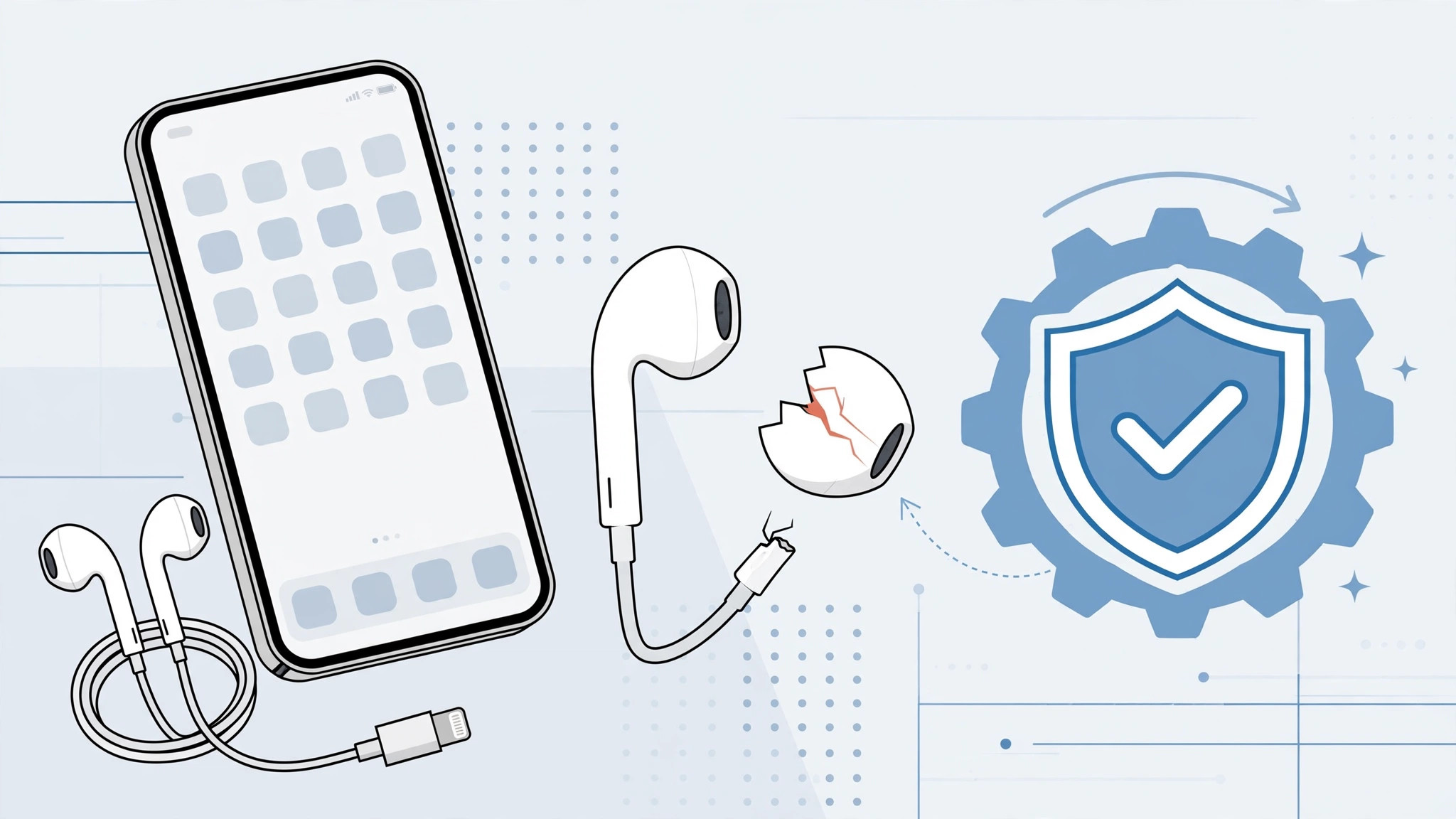
One morning your iPhone 7’s EarPods start crackling — then one ear goes silent, or the inline remote stops responding. Since the iPhone 7 dropped the headphone jack, those Lightning EarPods are your only wired option out of the box, so a dead pair is genuinely annoying. But don’t rush to buy a new headset: if your iPhone is less than a year old, Apple may owe you a free replacement.
How to get a free replacement for iPhone 7 EarPods
1. Know what the warranty covers
Apple’s one-year Limited Warranty doesn’t just cover the iPhone itself — it covers everything that came in the box, including the Lightning-to-USB cable, the EarPods with Lightning connector, and the 3.5mm-to-Lightning adapter. If any of these accessories stops working normally within the first 12 months, you’re entitled to a free replacement. MacRumors has long documented that this accessory coverage is one of Apple’s least-known warranty perks.
2. Check that your failure qualifies
The warranty covers manufacturing defects — a dead driver, a remote that stopped clicking, or a connector that lost contact on its own. It does not cover damage from misuse: chewed cables, crushed connectors, or visibly abused accessories will be refused. So before you go, inspect your EarPods — if they look intact but don’t work, you’re in good shape. For everyday annoyances with wireless audio instead, see how to turn off AirPods charging case sounds.
3. Call authorized service centers first
In practice, not every counter clerk knows the accessory rule by heart. Save yourself a wasted trip: call a few Apple authorized service providers near you, describe the fault, and confirm they’ll replace the EarPods under the iPhone’s warranty. Citing Apple’s Limited Warranty terms — which explicitly include the accessories from the original packaging — usually settles any hesitation. 9to5Mac readers report this call-first approach works reliably.
4. Bring your proof of purchase
The 12-month clock starts on the iPhone’s purchase date, not the accessory’s — so bring your receipt or order confirmation. The service center will check the iPhone’s serial number to confirm it’s still in warranty, then hand you a new sealed EarPods set. No repair, no waiting: accessories are swapped, not fixed.
5. Know the edge cases
Bought the EarPods separately? Then they carry their own one-year warranty from their own purchase date. Outside the window? The service center can still sell you a replacement — or consider going wireless; if your iPhone keeps auto-switching audio between headphones, our guide fixes that too.
If it still doesn’t work
If a service center refuses despite an intact accessory and a valid warranty, ask them to document the refusal in writing and contact Apple Support directly — Apple’s own support team can authorize the replacement or direct you to a cooperative location. Keep your receipt and the faulty accessory until the case is resolved.
Frequently asked questions
Does the warranty cover the Lightning cable and adapter too?
Yes. The cable and the 3.5mm-to-Lightning adapter shipped with the iPhone 7 are covered by the same one-year Limited Warranty, under the same conditions.
What if I bought my iPhone 7 second-hand?
The warranty follows the device, not the owner — if it’s still within a year of the original purchase date and you can show proof of that date, the accessory coverage still applies.
Conclusion
A dead pair of iPhone 7 EarPods within the first year is Apple’s problem, not yours: call ahead, bring your receipt, and walk out with a free replacement. It’s one of the simplest warranty claims you’ll ever make — as long as you know the rule exists.





