
You don’t need a credit card or debit card to buy apps on your iPhone. Whether you don’t have a bank card, prefer not to share card details online, or are setting up a device for a child, Apple offers several card-free ways to pay for apps, games, and in-app purchases. Here is the full guide.
Why buy apps without a bank card?
Skipping the card has real advantages: you control exactly how much you spend with a fixed balance, you keep banking details off the internet, and it’s a safe spending limit for kids. Many users simply don’t have cards that work with the App Store — this guide is for them.
Step 1: Fund your Apple ID with an App Store gift card
The simplest method is an App Store & iTunes gift card. You can buy them at Apple Stores, on Amazon, at Best Buy and Target, and even in supermarkets and pharmacies across the US and many other countries. They come in fixed amounts (usually $10 to $100) or variable amounts loaded at the register. MacRumors regularly tracks retailer discounts on these cards — a $50 card for $42 is like getting every app 15% off.
Step 2: Redeem the gift card
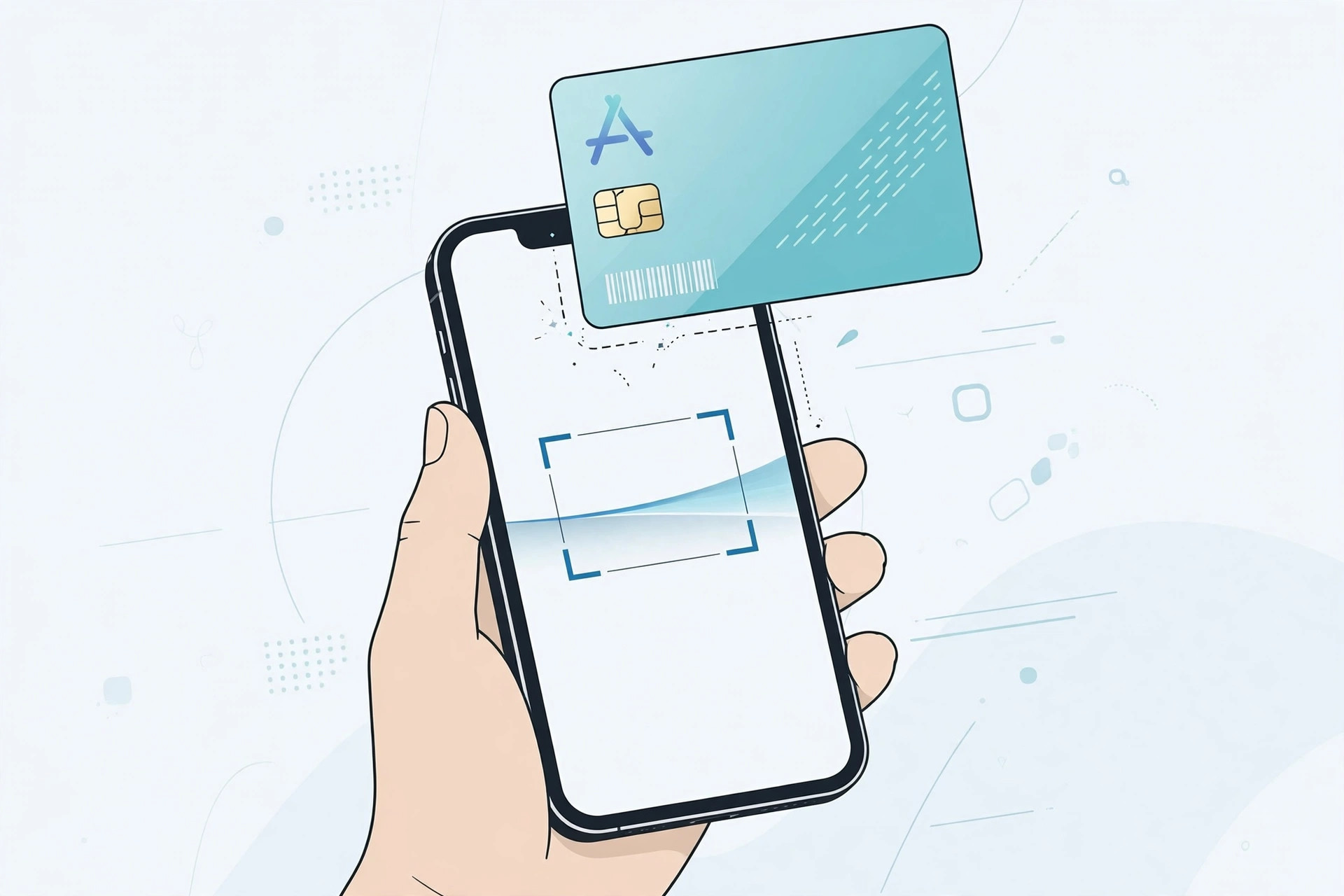
Open the App Store, tap your profile picture in the top-right corner, then tap Redeem Gift Card or Code. Enter the code printed on the back of the card, or use the camera to scan it — iOS reads the code automatically. The full value lands in your Apple Account balance instantly. Apple explains the process in its guide to redeeming gift cards.
Step 3: Buy apps — purchases draw from your balance first
Once your balance is funded, just buy apps normally. Apple always spends your Apple Account balance before charging any card, so every paid app, game, and in-app purchase draws from the gift card money first. You can check your remaining balance anytime in the App Store under your profile, or in Settings > [your name] > Payment & Shipping.
If the balance runs out, iOS asks you to top it up — you are never charged silently on a card you didn’t add.
Step 4 (new Apple ID): Choose “None” as the payment method
Creating a fresh Apple ID? During setup, when asked for a payment method, choose None. This gives you a card-free account from day one; you can still redeem gift cards into it whenever you like. (If the None option doesn’t appear, it usually means you have an unpaid balance or subscription to settle first.)
Alternative: carrier billing where supported
In many countries, carriers let you bill App Store purchases to your mobile phone bill — check Settings > [your name] > Payment & Shipping > Add Payment Method to see if Mobile Phone Billing appears. Availability varies by carrier and region. If you only install free apps, you can also delete built-in iPhone apps you don’t use to make room. Mac users managing purchases across devices can also quickly open the installed apps list on macOS 26.
If it still doesn’t work
If a gift card code won’t redeem, double-check that the card’s region matches your Apple ID’s country — US cards only work with US accounts, for example. Scratched-off codes can be hard to read — type carefully or rescan in better light. If the balance shows but a purchase fails, the price may exceed your balance plus taxes. As a last resort, contact Apple Support with the card’s serial number.
FAQ
Can I add money to my Apple Account without a gift card?
Yes — in some regions Apple lets you top up your balance directly from the Wallet app or Settings. Check Settings > [your name] > Payment & Shipping > Apple Account to see the options available in your country.
Do gift cards expire?
No. App Store gift cards and your Apple Account balance do not expire, so you can stock up during discount sales and spend whenever you like.
Conclusion
A bank card is optional in Apple’s ecosystem. Load your Apple ID with gift cards, choose None at signup, or use carrier billing where available. Set a budget, grab a discounted card, and shop the App Store on your own terms.





