

You open the Photos app, scroll through your library, and a clip starts playing — but there is no sound. You tap it open and still hear nothing. The volume is fine, other apps play audio, and your ringer is on. Did the video record silently?
Almost certainly not. Since iOS 13, the Photos app automatically plays videos as you scroll — and it plays them muted by design, so audio does not blare unexpectedly while you browse. The fix takes a few seconds, and it works the same way on iOS 13 and later versions.
Why your videos start silent
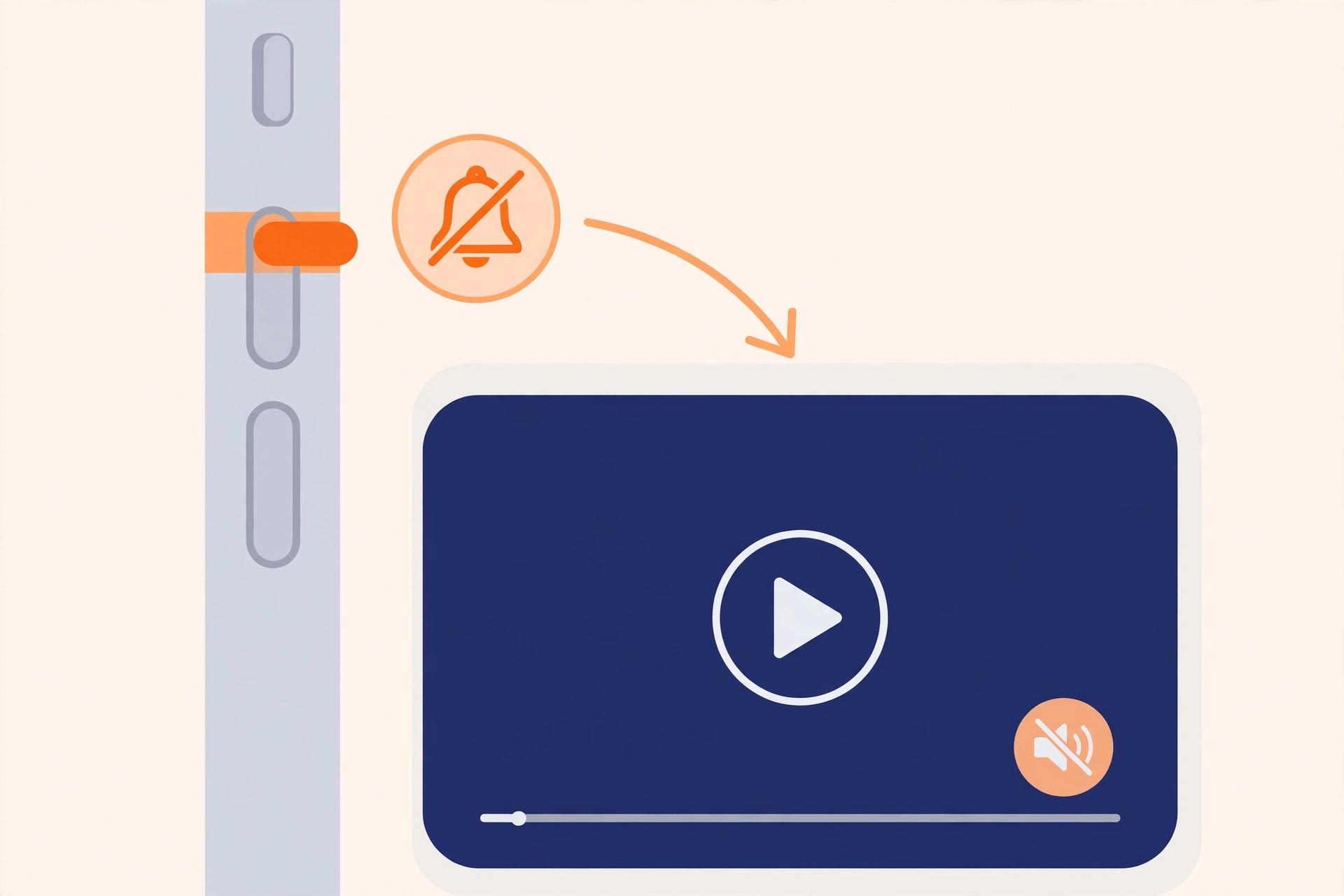
iOS 13 added video autoplay to the Photos gallery: as clips scroll into view, they begin playing on their own, without sound. Apple keeps them muted on purpose — nobody wants a crowded train car of autoplaying audio. The muted state is marked by a small speaker icon with a line through it in the corner of the video. It is not a bug, and your recordings are perfectly fine.
Similar autoplay quirks exist elsewhere in iOS. If your iPhone also keeps grabbing your headphones’ audio unexpectedly, see how to stop iPhone auto-switching audio to your headphones for another “helpful” automatic behavior you can tame.
How to get sound back
- Tap the speaker icon. Open the video and tap the muted-speaker button in the corner to unmute it. Once you turn sound on for one video, the rest of the videos in your library start playing with sound too.
- Or press a volume button. With the video on screen, press Volume Up on the side of the iPhone. That flips the clip back to playing with audio just as reliably.
- Turn off autoplay for good. Go to Settings → Photos and switch off “Autoplay Videos and Live Photos.” Now clips only play when you tap them, and they open with sound, like they used to.
- Check the ringer and volume. If a video stays silent even after unmuting, make sure the Ring/Silent switch is not set to silent and the volume is turned up. Apple’s iPhone User Guide walks through every sound setting if you want the full rundown.
After step three, your Photos library behaves like it did before iOS 13: still photos stay still, and videos wait for your tap.
If it still doesn’t work
If the speaker icon is missing or videos stay mute after the steps above, restart the iPhone and try again. Also confirm the original recording actually captured audio: some third-party camera apps and screen recordings can save silent video. MacRumors has covered iOS 13’s Photos autoplay and related changes in depth if you want more background on how the gallery evolved.
Frequently asked questions
Why do some videos play with sound and others don’t?
Only the Photos gallery starts clips muted. Videos in other apps — Messages, Files, Safari, YouTube — are not affected by the autoplay setting, so they play with sound normally. And if you also like capturing stills from video, learn how to take HDR screenshots on iPhone and iPad — another Photos feature that does not behave quite how you expect at first.
Will turning off autoplay save battery?
A little. Autoplaying video uses the display, the graphics chip, and — once unmuted — the speaker. Disabling it trims that background work and, just as importantly, makes scrolling your library calmer.
Conclusion
Silent videos in iOS 13 are a feature, not a failure: the Photos app autoplays clips muted so your library stays quiet while you browse. Tap the speaker icon or a volume button for instant sound, or turn off “Autoplay Videos and Live Photos” in Settings → Photos to go back to the old tap-to-play behavior. Either way, your videos — and their audio — were there all along.





