
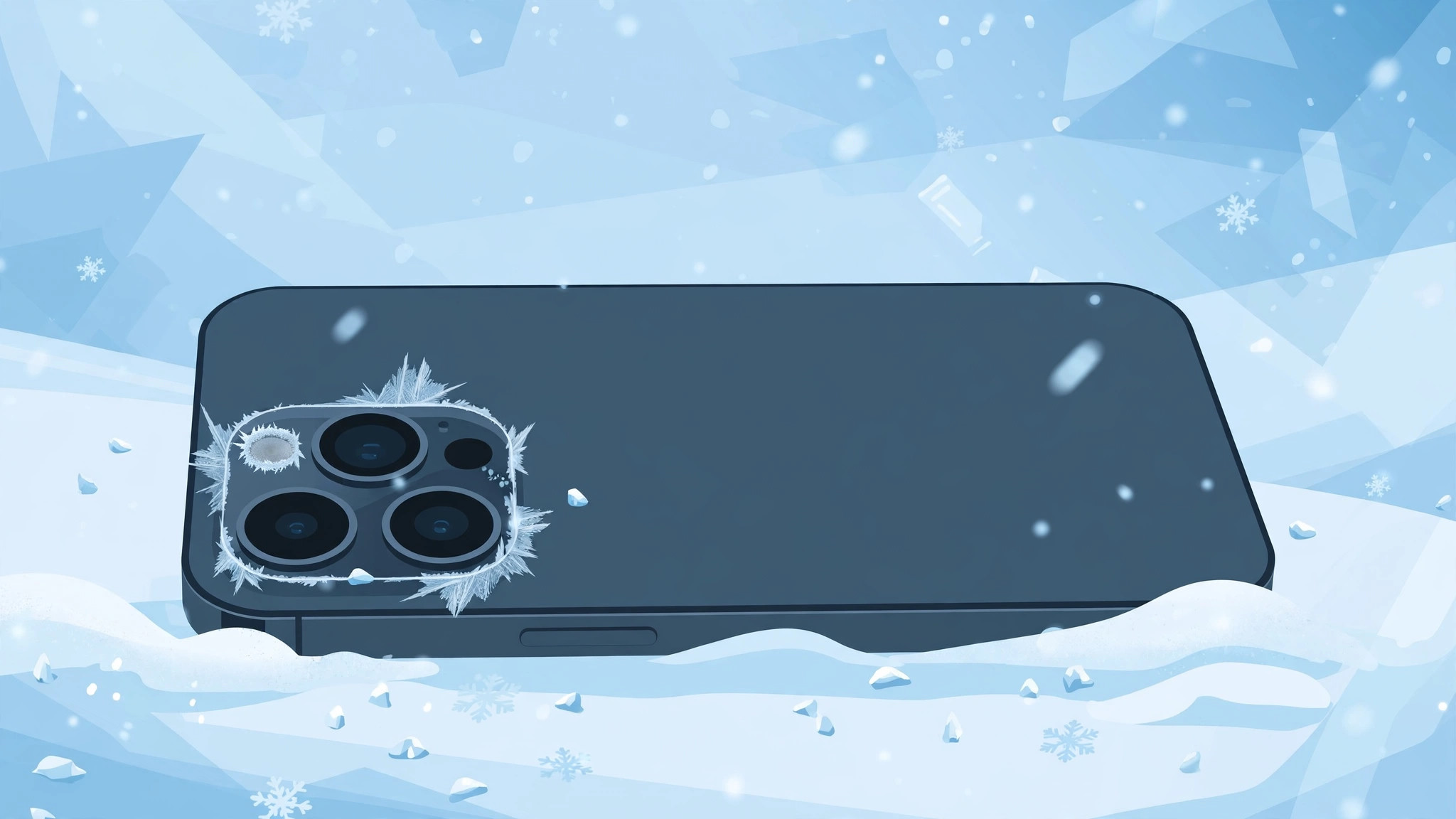
You step outside on a freezing winter evening, point your iPhone at something worth photographing — and the flash refuses to fire. Before you assume the camera is broken, know this: your iPhone is working exactly as designed. Here’s why the flash shuts off in the cold and what to do about it.
Why the iPhone flash stops working in the cold
This is not a defect and not a software bug. The LED flash generates heat, and in extreme cold Apple’s built-in temperature protection disables it to protect the battery and internal components. Apple’s own guidance on what to do if your iPhone gets too hot or too cold spells out the safe operating range — roughly 0°C to 35°C (32°F to 95°F). Below that, the flash is one of the first features to be switched off. Winter iPhone behavior is widely discussed too — MacRumors forum threads on iPhones shutting down in the cold show just how common cold-related quirks are.
What to do when the flash won’t fire in the cold
- Warm the iPhone up and wait. Move somewhere warm and give it 10–15 minutes. The flash re-enables automatically once the device is back in its safe temperature range. Nothing needs “fixing.”
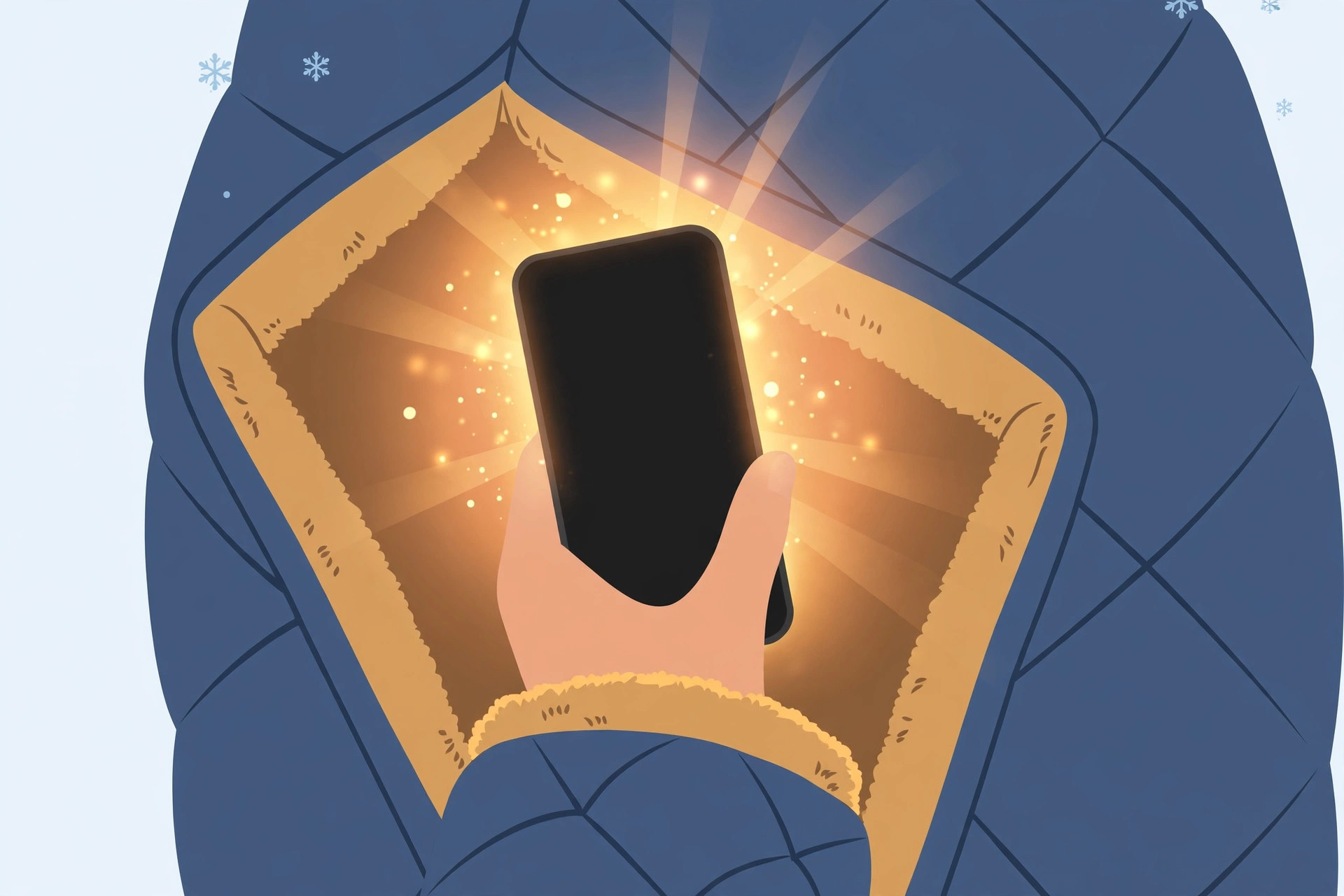
- Keep the phone warm outdoors. Carry it in an inside pocket close to your body, use an insulating case, and don’t leave it in a cold car. Prevention beats the wait.
- Don’t charge a freezing-cold iPhone right away. Let it warm up first — charging a very cold battery can damage it. Wait until the device feels closer to room temperature before plugging in.
- Know the companion symptoms are normal too. Screen dimming, faster battery drain, and sudden shutdowns in the cold are all part of the same protection behavior — and all recover once the phone warms up.
- If the flash still won’t fire at room temperature. Then it may be a real problem: restart the iPhone, check for camera restrictions (Settings > Screen Time), and update iOS. If it persists, visit an Apple service provider. And if you’re having other camera trouble indoors, our guide on why Spatial photo mode isn’t working in iOS 26 may help — or learn how to disable quick camera launch from the lock screen to avoid accidental shots in the cold.
If it still doesn’t work
If the flash stays dead at normal room temperature after a restart and an iOS update, the LED module itself may have failed — book a diagnostic at an Apple Store or authorized service provider.
Frequently asked questions
Will using the flash in the cold damage my iPhone?
You can’t — the phone won’t let you. That’s the whole point of the temperature protection: it disables the flash before any damage can occur.
At what temperature does the iPhone flash stop working?
Apple lists the safe operating range as roughly 0°C to 35°C (32°F to 95°F). The flash typically disables near or below the lower end of that range, though the exact threshold varies by model and conditions.
Conclusion
A dead iPhone flash in freezing weather is a safety feature, not a defect. Warm the phone up, keep it warm, and never charge it ice-cold — and the flash will be back the moment conditions allow.





