
Press the edges of your iPhone 6, 6s, or 7 screen and hear an unsettling creak or click? Give the phone a gentle twist and feel the display shift a fraction of a millimeter? You’re not imagining it — and you’re far from alone. Here’s what’s happening and how to fix it.
What’s causing the creak
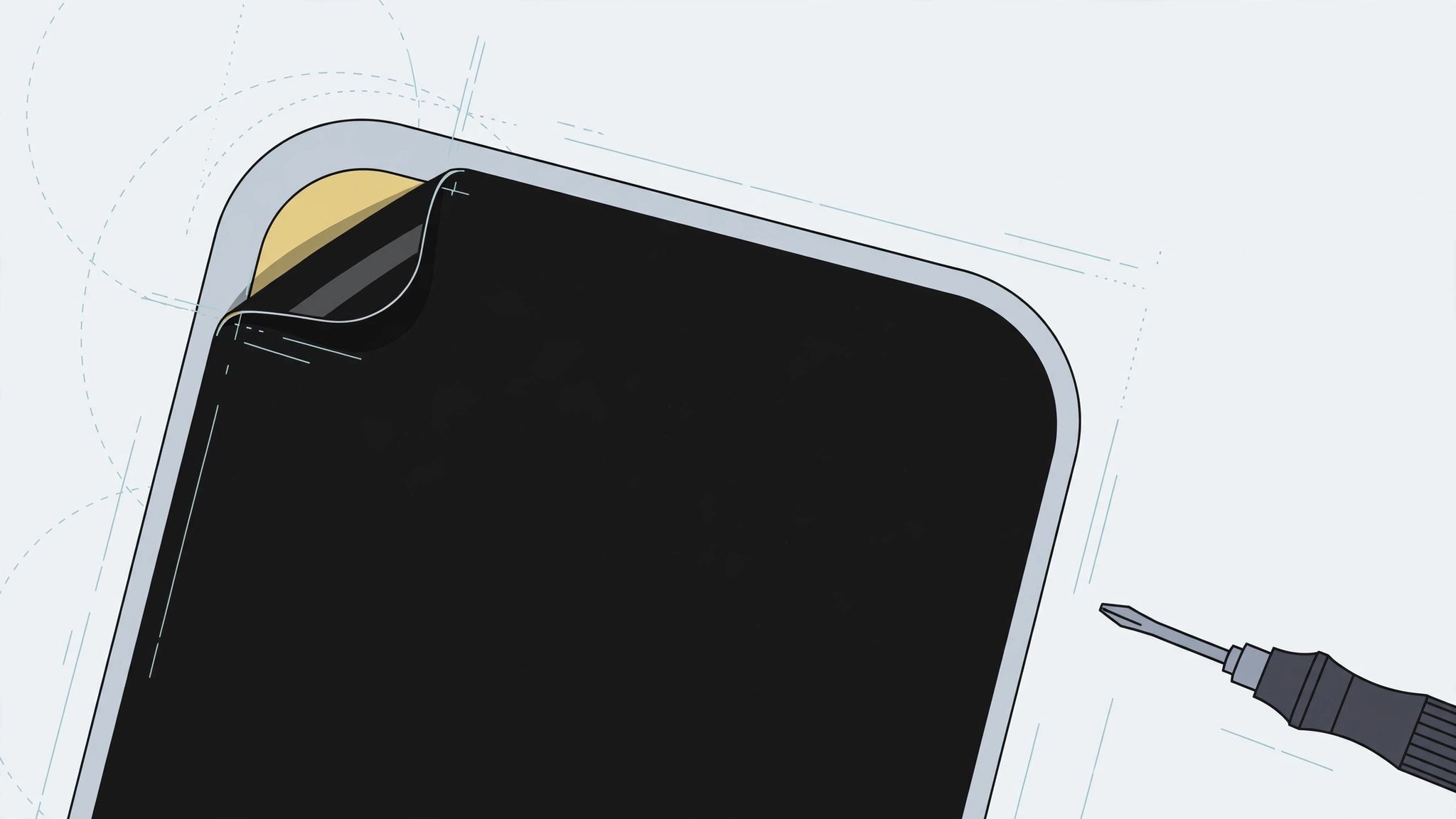
The display is held to the frame by adhesive, and over the years that adhesive slowly dries out. The screen no longer sits perfectly flush, so pressing the edges or gently twisting the phone makes the loose edge flex — and that flexing is the creak you hear. This is a known issue dating back to the iPhone 6. One note on expectations: on newer phones, a creaking screen is more likely a sign of a botched screen replacement than of adhesive drying out.
First: use your warranty
If the iPhone is new or recently purchased, don’t try to fix it yourself — use the warranty. Request a diagnosis from the seller or an authorized service center instead. A brand-new phone should never creak, and opening it up yourself can void your coverage.
The DIY fix (at your own risk)
Warning: this is strictly for older, out-of-warranty phones. Too much heat damages the battery and the display itself, so be conservative — you can always repeat, but you can’t undo overheating.
- Warm the screen lightly with a household hair dryer on a gentle setting. Never heat the phone right after bringing it in from the cold — thermal shock can crack the glass.
- Press the screen firmly with your fingers for 30–50 seconds, working around the edges where it creaks.
- Repeat a few times. The re-softened adhesive re-seats the display, and the creaking usually stops.

Know when to stop
DIY has limits. If the screen is visibly lifting off the frame, if touch response has become faulty, or if the creaking persists after several attempts, take the phone to a service center — re-gluing a display properly is a technician’s job. Apple’s iPhone repair and service page lays out your official options, and MacRumors has covered display-related service programs over the years.
For more screen-related topics, see our guide to disabling quick camera launch from the iPhone lock screen and our iOS 26 Liquid Glass lock screen clock guide.
If it still doesn’t work
Creaking that survives the hair-dryer treatment usually means the adhesive is too far gone or the frame itself is slightly bent — both are service-center jobs, not living-room ones.
Frequently asked questions
Is a creaking screen dangerous?
Usually not — it’s an annoyance caused by dried adhesive, not an imminent failure. But if the screen is visibly lifting, moisture and dust can get inside, so don’t ignore it forever.
My new iPhone creaks. Should I use the hair dryer?
No — a new phone should not creak, and you shouldn’t need DIY tricks. Take it back under warranty; this fix is for older, out-of-warranty phones only.
Conclusion
Warranty first, gentle heat second, and a professional when neither works. Most creaks are just tired glue — a little warmth and firm pressure is all it takes to silence them.





