
You’re browsing on your iPhone when Safari suddenly throws up an alarming message: “This site is blocked from automatically initiating a call.” Your first instinct might be that something is broken — a setting gone wrong, a bug in iOS, or worse, that your phone has been hacked. Take a breath. In almost every case, this message means Safari is doing exactly what it was designed to do: protecting you.
This isn’t an error you fix with a toggle. It’s a security feature, and understanding why it appears will keep you safer the next time you see it.
What the message actually means
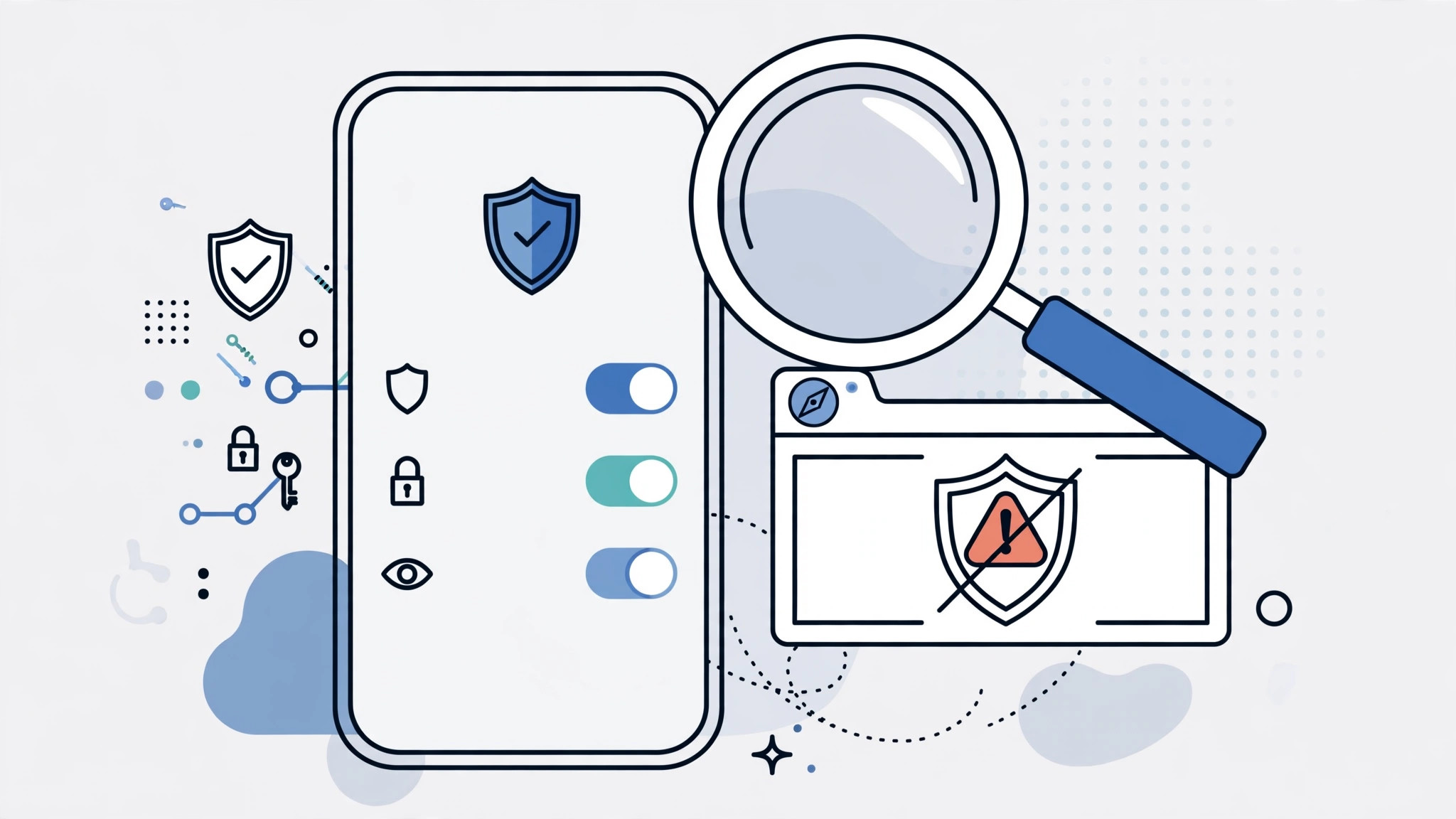
Safari on iPhone includes a built-in fraud-protection system. Some websites — most notoriously fake “tech support” pages — try to automatically start a phone call the moment they load, or right after showing a frightening pop-up claiming your device is infected. The goal is to connect you with a scammer posing as Apple or Microsoft support, who will pressure you into paying for bogus repairs or handing over remote access to your device.
When Safari notices a site repeatedly attempting to initiate calls on its own, it steps in and blocks the behavior, showing the “blocked from automatically initiating a call” notice. Think of it as a bouncer spotting someone trying to sneak in through the back door — the block is the protection working.
What to do when you see it
- Don’t panic — and don’t approve anything. The message itself is harmless. The danger would have been the call it prevented.
- Close the tab. Tap the tabs button and swipe the offending tab away. If pop-ups keep reappearing and you can’t close the tab normally, force-quit Safari from the app switcher.
- Never call a number shown on a page like this. Scam pages display alarming warnings urging you to call “immediately.” Apple will never ask you to call a number from a browser pop-up.
- If you genuinely need to reach a business, dial manually. If the site was one you actually trust — your bank, your carrier — don’t tap any call link on the page. Open the Phone app and dial the official number yourself, or find it in the company’s official app.
- Keep iOS updated. Safari’s fraud-protection data improves with every iOS release. Staying current keeps these silent defenses sharp, and our guide to customizing Safari’s design on iPhone covers more ways to make the browser work the way you like.
There’s no “unblock” switch — by design
You might look for a per-site setting to allow automatic calls, the way Safari lets you manage other permissions. There isn’t one, and that’s deliberate. Apple treats automatic call initiation as inherently risky, so Safari blocks it outright instead of asking you to make a security decision in the heat of the moment. Legitimate sites don’t need to auto-dial you; a normal tap-to-call link that you choose to tap works perfectly well.
If a site you trust seems broken because of this, the site itself is doing something questionable — consider reaching them another way. For everyday Safari hygiene, it’s also worth reviewing features like Safari’s password suggestions so the browser only steps in where you actually want help.
If it still doesn’t work
If the warning appears on every site you visit — not just shady ones — something else may be interfering, such as a misbehaving content blocker or an unknown configuration profile on your device. Try disabling Safari extensions temporarily, then check Settings > General > VPN & Device Management for profiles you don’t recognize. As MacRumors has documented over the years, persistent odd Safari behavior is occasionally tied to such profiles. Apple Support also documents Safari’s built-in privacy and security protections if you want the official background.
FAQ
Does this message mean my iPhone has a virus?
No. iPhones don’t get viruses in the traditional sense, and this message is Safari preventing a scam, not reporting an infection. The site you visited tried something suspicious; Safari stopped it. Just close the tab and move on.
Can I whitelist a site to allow automatic calls?
No — Safari offers no per-site exception for automatic call initiation, and that’s intentional. If you need to call a business, dial the number yourself from the Phone app instead of letting a webpage dial for you.
Conclusion
The “blocked from automatically initiating a call” message looks like an error, but it’s really a quiet security win. Safari spotted a page trying to dial out on its own — a hallmark of tech-support scams — and shut it down before it could reach you. Close the tab, never call numbers shown on such pages, and keep iOS updated. The best response to this warning is simply to appreciate that it appeared at all.





