
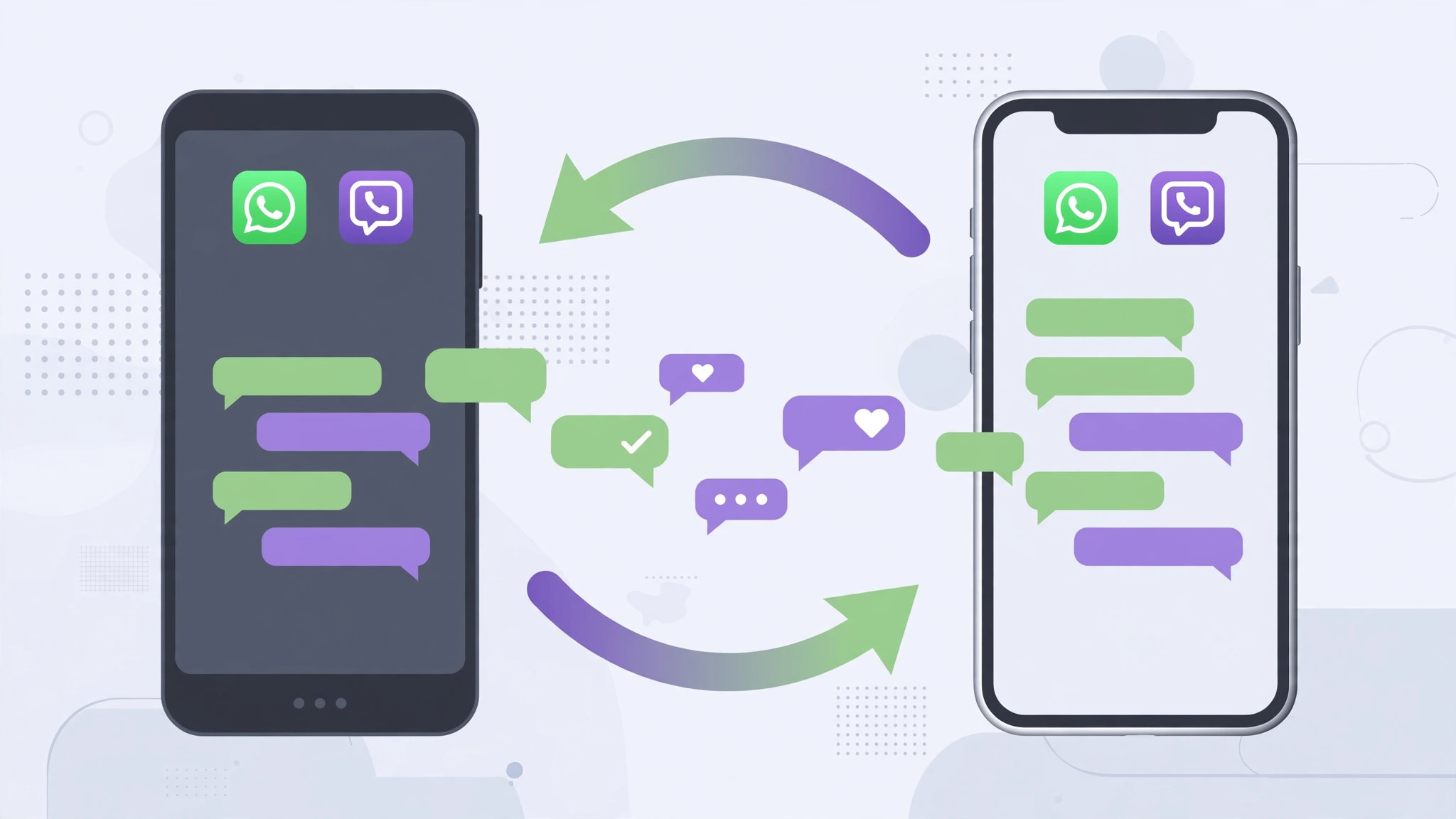
Switching from Android to iPhone and dreading the thought of leaving years of chats behind? The answer is split: WhatsApp can come along with you through an official, built-in path — Viber, unfortunately, cannot. Here is exactly what works today, and the best fallback for the part that doesn’t.
1. Move WhatsApp chats with Move to iOS
Since 2022, WhatsApp’s own help pages describe an official transfer through Apple’s Move to iOS app. It only works during iPhone setup, so plan ahead — if your iPhone is already set up, you will need to erase it and start over (back it up first).
1. Install Move to iOS on the Android phone from Google Play. 2. Update WhatsApp to the latest version on both phones. 3. Begin setting up the iPhone and choose “Move Data from Android”; a code appears on screen. 4. Enter the code on the Android phone, and connect both phones to power and the same Wi-Fi network. 5. On the transfer screen select WhatsApp, tap Start on the Android phone, and wait for the data to be prepared. 6. When the transfer finishes, install WhatsApp on the iPhone, sign in with the same phone number, and your chats appear.
2. Viber: no direct transfer exists
Here is the honest part: Viber still offers no way to move chats from Android to iPhone. Android backs up to Google Drive and iPhone backs up to iCloud, and each backup restores only on the same platform — Viber’s support pages confirm there is no cross-platform restore. Be wary of third-party “transfer tools” that promise otherwise: they cannot merge Viber’s backup formats and often demand full access to your device.
3. Save Viber chats as a readable archive
What you can do is preserve the conversations. In Viber, open any chat, tap its name at the top, and choose “Email chat history” to send the whole thread to yourself as a text file. It is a read-only archive — you cannot restore it back into the app — but nothing important is lost.
4. Keep same-platform backups running
Within one platform, each app’s own backup works fine: in Viber go to Settings > Account > Viber Backup, and in WhatsApp to Settings > Chats > Chat Backup. Turn these on before any phone switch; they are your safety net if anything goes sideways.
If it still doesn’t work
If WhatsApp doesn’t appear on the Move to iOS transfer screen, both phones must run the newest WhatsApp, the Android phone needs Android 5 or later, and the iPhone needs iOS 15.5 or later. If the transfer stalls, restart both phones, keep them plugged in and close to each other, and try again. For ongoing message housekeeping across devices, see our iPhone–Mac message sync guide and how to manage iPhone chat data.
Frequently asked questions
Should I keep my old Android phone after the transfer?
Yes, for a little while. Keep the Android phone — and its WhatsApp backup — for a week or so after verifying every chat opened correctly on the iPhone. Only wipe it once you are certain nothing is missing.
Will my WhatsApp photos and videos transfer too?
Yes — photos, videos and voice messages included in the chat history move over with Move to iOS. Very large histories simply take longer, so start the transfer with both phones on their chargers.
Conclusion
WhatsApp’s Move to iOS path makes half of this job genuinely easy; Viber’s missing bridge is the frustrating half. Archive what Viber cannot carry, move what WhatsApp can, and you will arrive on your new iPhone with your conversations intact — which is the whole point of switching, not starting over.





