
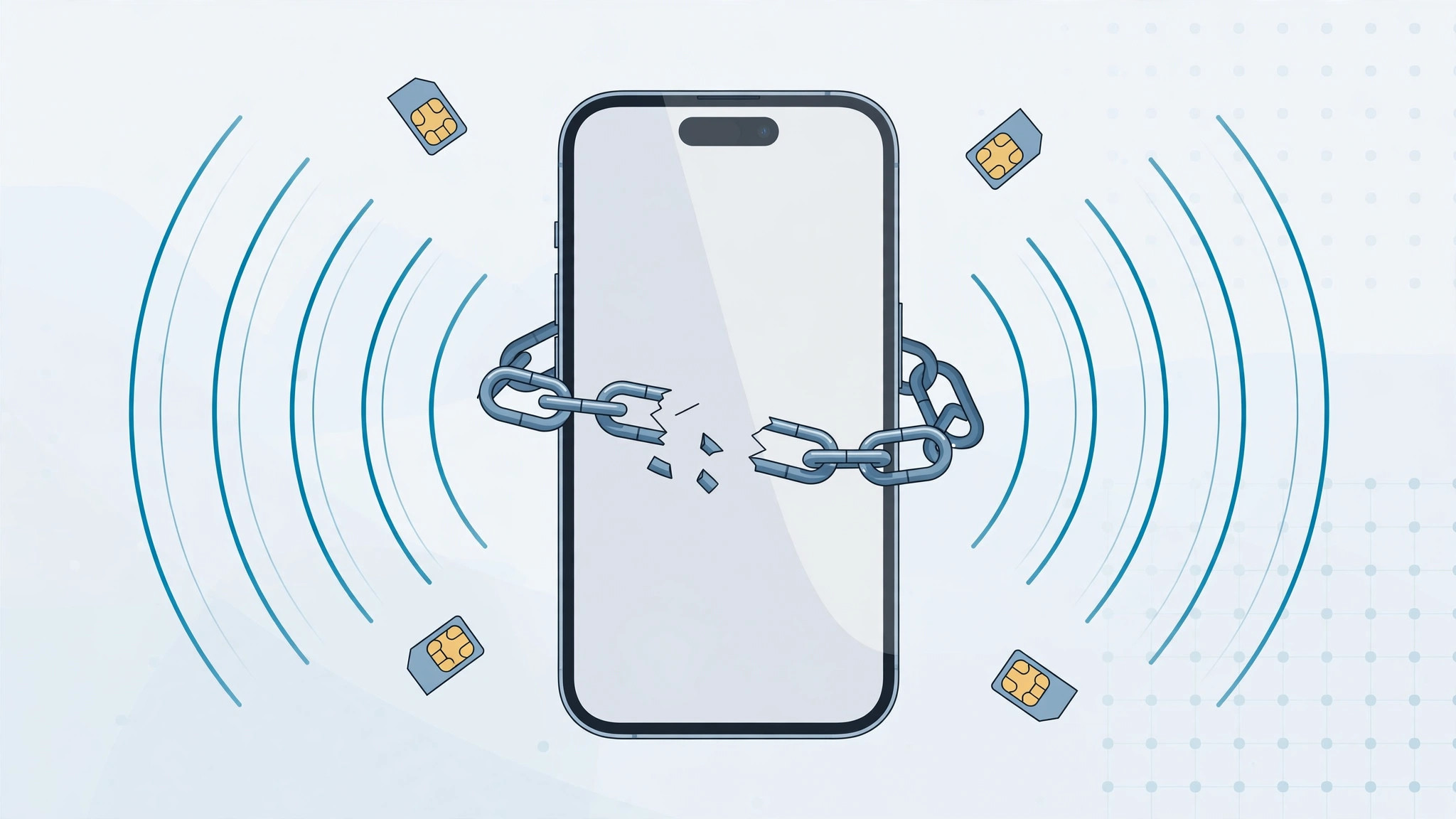
Bought an iPhone that refuses to accept your SIM card, or picked one up second-hand only to discover it is tied to another operator? That phone is carrier-locked — it will only work with SIM cards from one specific network. It is frustrating, but it is also fixable in most cases. Before you start, though, you need to understand that there are two very different kinds of locks, and confusing them wastes your time and money.
Carrier-locked vs blacklisted: two different locks
A carrier-locked iPhone works only with one operator’s SIMs, but is otherwise perfectly healthy — this is the lock your carrier can remove. A blacklisted (blocked) iPhone is a different story: it was reported lost or stolen, or its contract bills were never paid, so carriers refuse to activate it with any SIM at all. No unlock — free or paid — will fix a blacklisted phone. If you bought the device used, check its status first: insert a SIM from a different carrier and see what happens, or ask the seller for the IMEI and run it through a free blacklist checker before paying for anything.
How to unlock your iPhone in 4 steps
- Contact the carrier the phone is locked to first. Most operators unlock an eligible device free of charge once the contract terms or financial obligations are fulfilled. Sometimes a single support call is enough; sometimes they ask for documents and it takes a few weeks. Our guide to verifying your SIM and avoiding the cooling-off period is worth a read if your phone came from a carrier store.
- If the carrier route stalls, third-party unlocking services exist. They ask for the IMEI, check whether unlocking is possible for your model and network, and quote a price. Read independent reviews before you pay — reputable services publish their success rates and refund policy. The MacRumors forums are a good place to find real user experiences with these services.
- Here is how reputable services actually work: they act through carrier representatives who remove your device’s code from the operator’s database. After that, the iPhone accepts any SIM. Apple’s carrier unlocking documentation explains what your carrier is expected to do on its side.
- After unlocking, insert a SIM from a different carrier and restore or update the iPhone to complete activation. Once unlocked, you can manage dual lines freely — see our guide on allowing calls from a specific SIM in Focus mode.
If it still doesn’t work
If the carrier refuses to unlock, ask them exactly why — an unpaid balance or an active contract are the usual reasons, and both have a timeline you can plan around. If every SIM fails even after an unlock, run the IMEI through a blacklist checker: a blacklisted phone cannot be fixed by unlocking, and no honest service will claim otherwise.
FAQ
Will unlocking erase my iPhone?
No. Carrier unlocking changes nothing on the device itself — your data, apps, and settings stay intact. A restore or iOS update is sometimes recommended afterwards to complete activation, so keep a backup handy just in case.
Does unlocking work with eSIM as well?
Yes. Once the lock is removed, the iPhone accepts any physical SIM or eSIM from a supported carrier. You can add travel eSIMs or a second line without restrictions.
Conclusion
Start with your carrier — it is usually free and the safest path. If that fails, a well-reviewed third-party service is the backup plan. Just make sure the phone is carrier-locked, not blacklisted, before you spend any money on it.





