
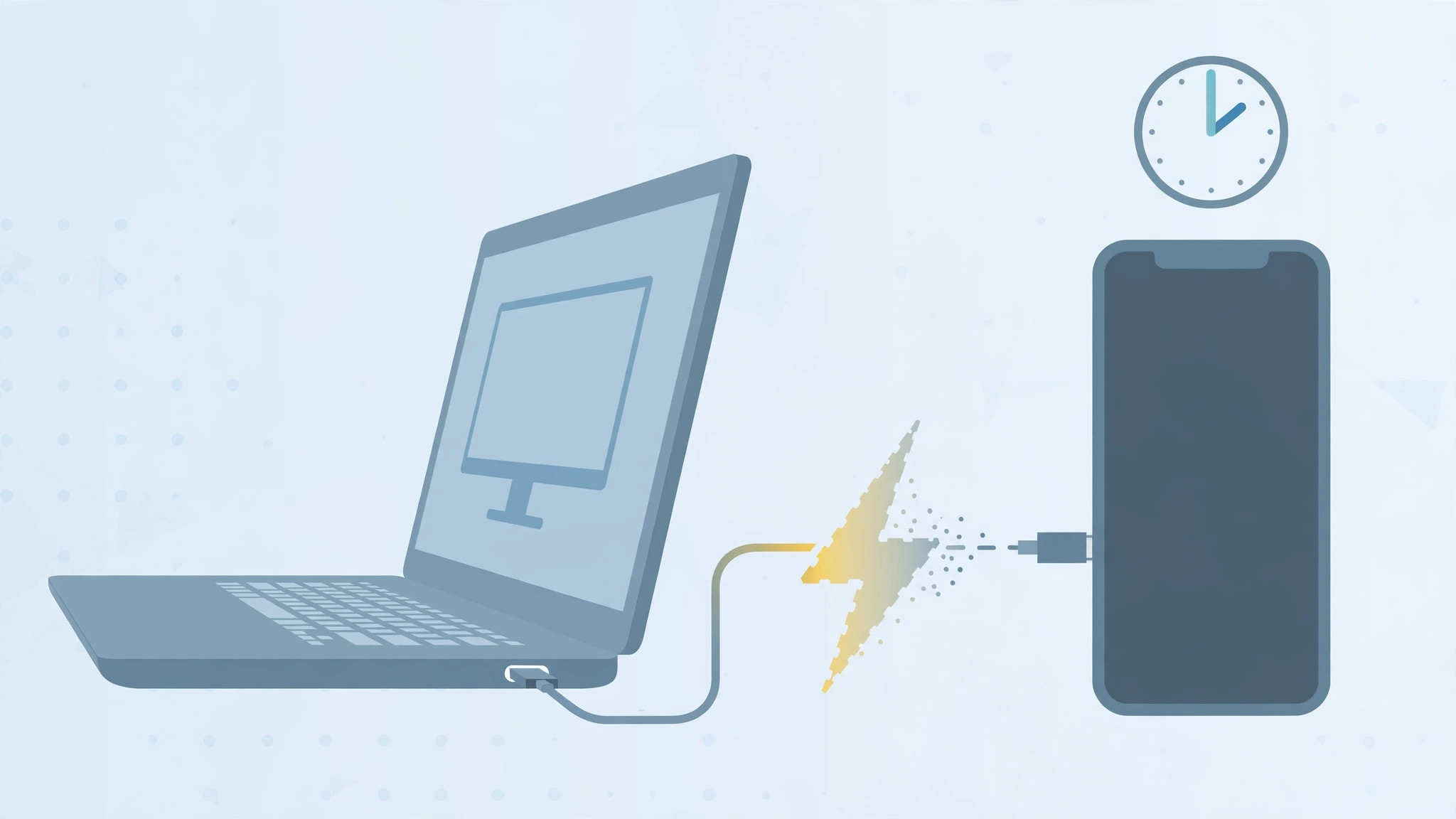
You plug your iPhone into a work computer to top up the battery, leave it alone — and come back an hour later to find it stuck at, say, 63 percent. The cable is fine, the port looks fine, and if you unplug and reconnect, charging resumes… only to stall again an hour later.
This is not a bug, and your cable is probably innocent. It is a deliberate iOS security feature: if the iPhone has not been unlocked for over an hour, iOS cuts the wired connection to block hacking tools that attack the port. Charging from a computer stops as a side effect. Here is why it happens — and the one toggle that fixes it.
Why charging stops after an hour
iOS includes a protection called “USB Accessories”: one hour after the iPhone was last unlocked, the port stops accepting new USB connections. It is aimed at forensic and hacking tools that try to brute-force passcodes over a cable. But from the iPhone’s point of view, your PC or Mac is a USB connection too — so power delivery gets cut along with data.
Unlocking the phone resets the one-hour timer, which is why charging resumes the moment you pick it up. Leave it untouched and the timer expires again. If you are also curious about what your cable can actually do, our guide to measuring iPhone-to-Mac data transfer speed over cable walks through checking real USB speeds.
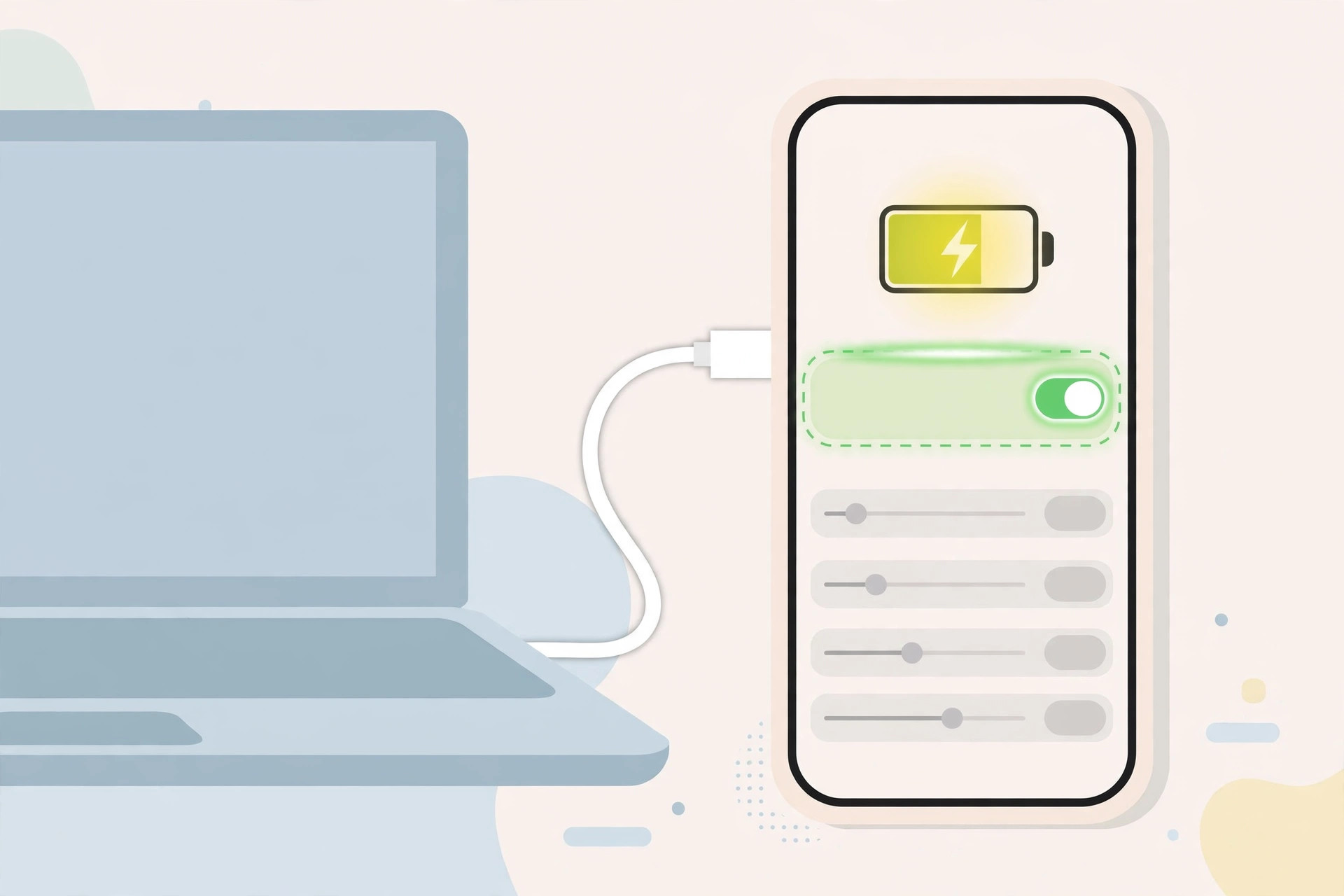
How to fix it: turn off the USB Accessories restriction
The permanent fix is a single toggle deep in Settings:
- Open Settings on the iPhone.
- Go to Face ID and Passcode (or Touch ID and Passcode on older models) and enter your passcode.
- Scroll all the way to the bottom.
- Find “USB Accessories” and toggle it off.
With the toggle off, the iPhone keeps the USB connection — and charging — alive even after sitting locked for hours.
The alternative: unlock the phone periodically
If you would rather keep the security feature on, just unlock the iPhone every so often while it is plugged in — each unlock restarts the one-hour clock. Apple Support documents this behavior, and AppleInsider has covered real-world cases where the cutoff confused owners.
If it still doesn’t work
- Try a different cable and port — cheap or damaged cables cause similar symptoms.
- Some computer USB ports deliver too little power; try a rear port on a desktop or a different machine.
- Restart both the iPhone and the computer.
- If nothing charges at all, inspect the iPhone’s port for lint and debris.
- Our guide to setting up automatic hotspot connection from iPhone on Mac covers more iPhone-to-computer connection quirks.
Frequently asked questions
Is it safe to turn off USB Accessories?
For most people, yes. The attack it guards against requires physical access to your device plus specialized equipment. If your threat model includes targeted attacks, keep it on and unlock the phone periodically instead.
Does this affect wireless charging?
No. The restriction applies only to the wired port. MagSafe and Qi wireless charging keep working regardless of how long the phone has been locked.
Conclusion
One buried toggle explains the whole mystery: your iPhone is not broken, it is defending itself. Turn off “USB Accessories” if you regularly charge from a computer, or just remember to unlock the phone now and then. Either way, the 63-percent surprise is solved.






[…] the iPhone into a Mac or PC with a cable. If the phone stops charging from the computer or is not recognized, try a different cable or USB port […]
[…] has the best track record. If your iPhone keeps dropping its charge during syncs, read our guide on iPhone stops charging from computer after an hour, and if you want to avoid version-related restore pain entirely, see how to completely block iOS 26 […]