

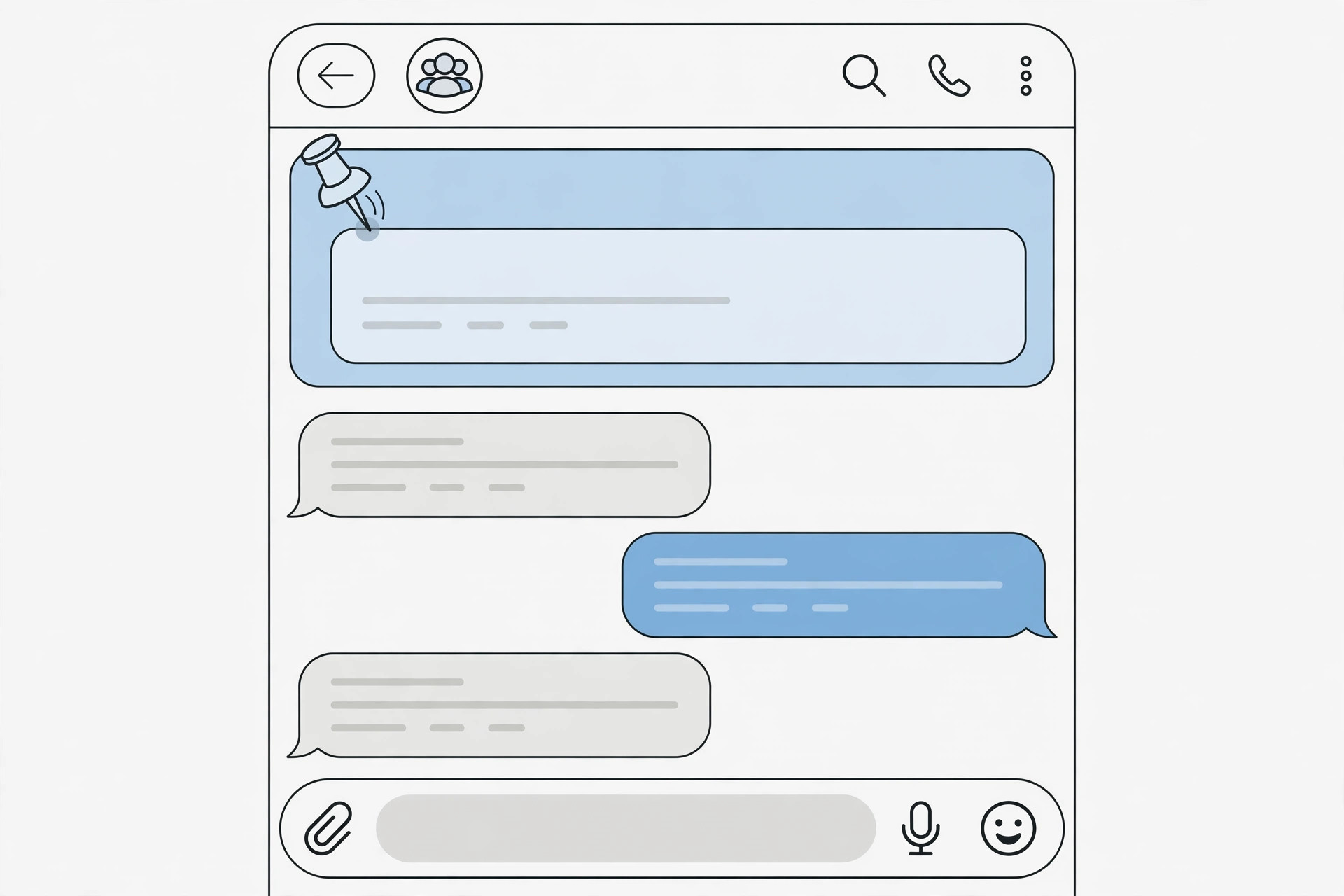
You tapped the little X on the pinned-message bar in your Telegram group, and now the pinned message is gone from the top of the chat. Before you panic or message the group admin, take a breath: closing that bar did not unpin anything. In Telegram, dismissing the pinned-message banner only hides it on your own screen — the message is still pinned for everyone else, and nothing was deleted. Getting the bar back takes about ten seconds once you know where to look.
Telegram groups lean heavily on pinned messages to keep rules, links, and announcements visible, so it is easy to assume the worst when the bar vanishes. The key insight to remember is simple: closing the bar is not the same as unpinning the message. Below, I will walk you through exactly how to restore the pinned-message bar, what to do if you actually tapped “Unpin” by mistake, and how pin permissions work in groups. If you use Telegram across Apple devices, you may also like our guide on how to set up message sync between iPhone and Mac.
What really happens when you close the pinned bar
When you tap the X on the pinned-message strip at the top of a Telegram group chat, Telegram treats it as a personal preference: this user does not want to see the pinned bar right now. The pin itself lives in the group’s data on Telegram’s servers, completely untouched. Other members still see the bar, and the message remains in the group’s pinned list. This is very different from unpinning, which removes the pin for the whole group and requires the right admin permission. Telegram’s official FAQ describes pinned messages as a group-wide feature, which is why one person’s dismiss cannot affect anyone else.
How to bring back the pinned message bar
Restoring the bar is straightforward. The steps are nearly identical on iPhone and Android:
- Open the Telegram group chat where the pinned bar disappeared.
- Tap the group’s name (or group photo) at the top of the chat to open the group info screen.
- Look for the Pinned Messages section — it lists every message currently pinned in the group.
- Tap the pinned message you want back. Telegram jumps to it in the chat and re-displays the pinned bar at the top.
That is all there is to it — the bar returns exactly as it was. As an alternative, if you remember roughly what the pinned message said, tap the search icon inside the group, find the original message, and tap it: opening a pinned message re-shows the bar too. You can also long-press the original message and choose Pin; if the message is already pinned, Telegram simply re-displays the bar instead of creating a duplicate pin. Android Central has covered similar Telegram interface quirks, noting how easy these gestures are to trigger by accident.
What if you tapped “Unpin” instead of “Hide”?
This is the one case where something actually changed for everyone. If you long-pressed the bar and chose Unpin, the pin was removed group-wide. The good news: Telegram immediately shows an Undo toast at the bottom of the screen — tap it right away to restore the pin. If the toast is already gone, re-pin manually: find the message, long-press it, and tap Pin. One important caveat: pinning or unpinning for everyone requires the Pin Messages admin permission. If you are not an admin with that right, ask a group admin to re-pin the message for you. For fewer interruptions in group voice chats, by the way, see how to turn off all SharePlay features on iPhone.
If it still doesn’t work
- Update Telegram to the latest version — very old versions sometimes handle pinned bars inconsistently.
- Double-check you are in the right group or topic; large groups with topics keep separate pinned messages per topic.
- The message may have been unpinned by an admin after you hid the bar — in that case there is nothing to restore, and only an admin can pin it again.
- Force-close and reopen Telegram if the group info screen does not show the Pinned Messages section.
- If group audio keeps misbehaving while you sort this out, here is how to stop your iPhone from auto-switching audio away from your headphones.
Frequently asked questions
Does closing the pinned bar unpin the message for everyone?
No. Tapping the X only hides the bar on your own device. The message stays pinned for all other members, and you can bring the bar back at any time from the group’s Pinned Messages list.
Can I permanently hide the pinned bar in a group?
Telegram does not offer a permanent “never show pinned bars” toggle. You can dismiss the bar each time it appears, but the moment you open a pinned message from the group’s Pinned Messages section, the bar returns. Muting the group will not help either — the bar is independent of notifications, as TechCrunch‘s messaging-app coverage has occasionally noted.
Conclusion
Accidentally closing a pinned message bar in Telegram feels alarming, but it is one of the most harmless mistakes you can make in the app. Remember the golden rule: closing the bar hides it only for you, while unpinning removes it for everyone. With the group info screen’s Pinned Messages section, you can restore the bar in seconds — no admin help needed. And if you ever do unpin something by mistake, that quick Undo toast is your best friend.





