
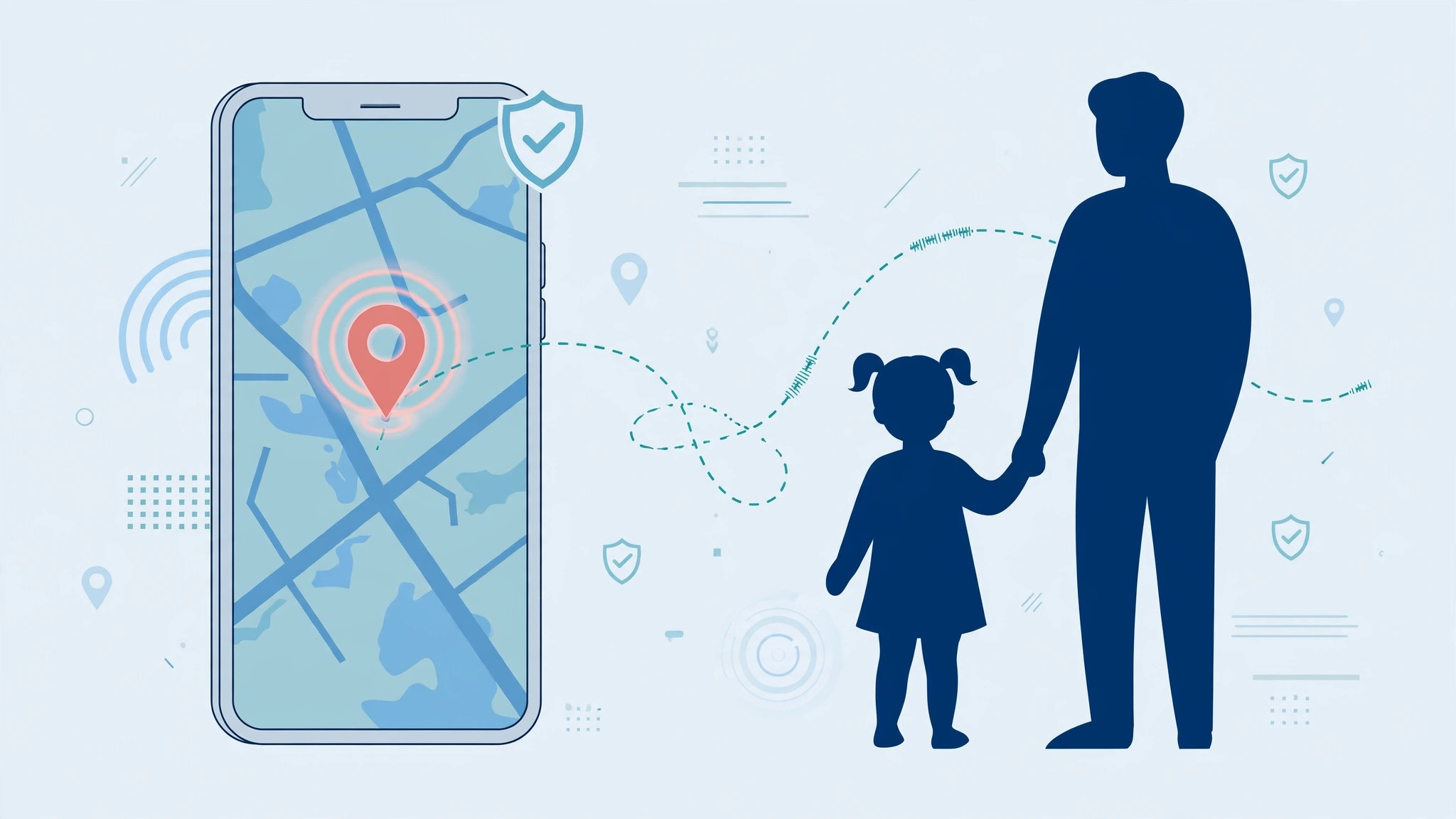
It’s 6 PM, dinner is on the table, and your teenager should be home by now — but nobody knows where they are, and their call goes to voicemail. This is exactly the scenario Apple’s Find My app was built for. The setup takes a few minutes, costs nothing, and needs no third-party tracking app — just a handful of settings on your child’s iPhone.
Step 1: Turn on mobile data on the child’s iPhone
Location sharing needs an internet connection to send your child’s position to Apple’s servers. On the child’s iPhone, open Settings > Cellular and make sure Cellular Data is turned on. Wi-Fi works at home, but once they leave the house, mobile data is what keeps the map live — without it, Find My will just show “No location found.”

Step 2: Turn on Share My Location in system settings
On the child’s iPhone, go to Settings > Privacy > Location Services > System Services (scroll to the very bottom) and switch on “Share My Location.” This master switch is the foundation of all Find My sharing — if it’s off, nothing else you set up afterward will work. Apple Support’s Find My guide covers what each of these switches controls.
Step 3: Let the Find My app use location
Open the Find My app on the child’s iPhone. The first time you launch it, the app will ask for access to Location Services — allow it. Without this permission, Find My can’t report the device’s position, even with the system switch turned on.
Step 4: Switch on sharing in the Me tab
In the Find My app, tap the Me tab at the bottom of the screen and make sure “Share My Location” is turned on. Check that the device name at the top of the tab is your child’s iPhone — on a shared family Apple ID it could show a different device.
Step 5: Add the parent’s contact in the People tab
Switch to the People tab, tap the plus button, and choose the parent’s contact card. The child’s iPhone will now share its live position with that contact — you can add both parents if you like. Make sure the contact includes the parent’s correct phone number so it matches their Apple ID, and that the sharing request is accepted.
Step 6: See the location on your own iPhone
Open Find My on your own iPhone, go to the People tab, and your child should now appear in the list. Tap their name to see their current position on the map, along with their battery level. To stay in touch once they’re home, setting up message sync between iPhone and Mac keeps every conversation flowing across all your devices.
If it still doesn’t work
If the parent’s Find My shows a stale or missing location, first check that Location Services is enabled at the very top of Settings > Privacy on the child’s iPhone. Ask your child to open Find My once — the app sometimes needs to be active to push a fresh position. Also confirm the sharing request was accepted in the People tab, and remember that Screen Time restrictions or a school device-management profile can block location sharing entirely.
FAQ
Can my child see that I’m tracking their location?
Yes — and that’s by design. Find My location sharing is transparent: your child sees exactly who they share with in the People tab, and iOS periodically reminds them. Treat it as a mutual safety arrangement and talk it through together, not a secret surveillance tool.
Will this drain the battery or use lots of data?
No. Find My is extremely light on both battery and data — it wakes the location module only when your position changes meaningfully. And for quiet hours, limiting calls to a specific SIM card in Focus mode keeps a school or work SIM silent while your child’s calls still reach you. MacRumors regularly covers Find My’s evolving location features.
Conclusion
Once these six steps are done, tracking your child’s location from your iPhone is as simple as opening the People tab in Find My. Set it up once, and you’ll always have that extra peace of mind — no apps, no subscriptions, just the tools Apple already built in.





