
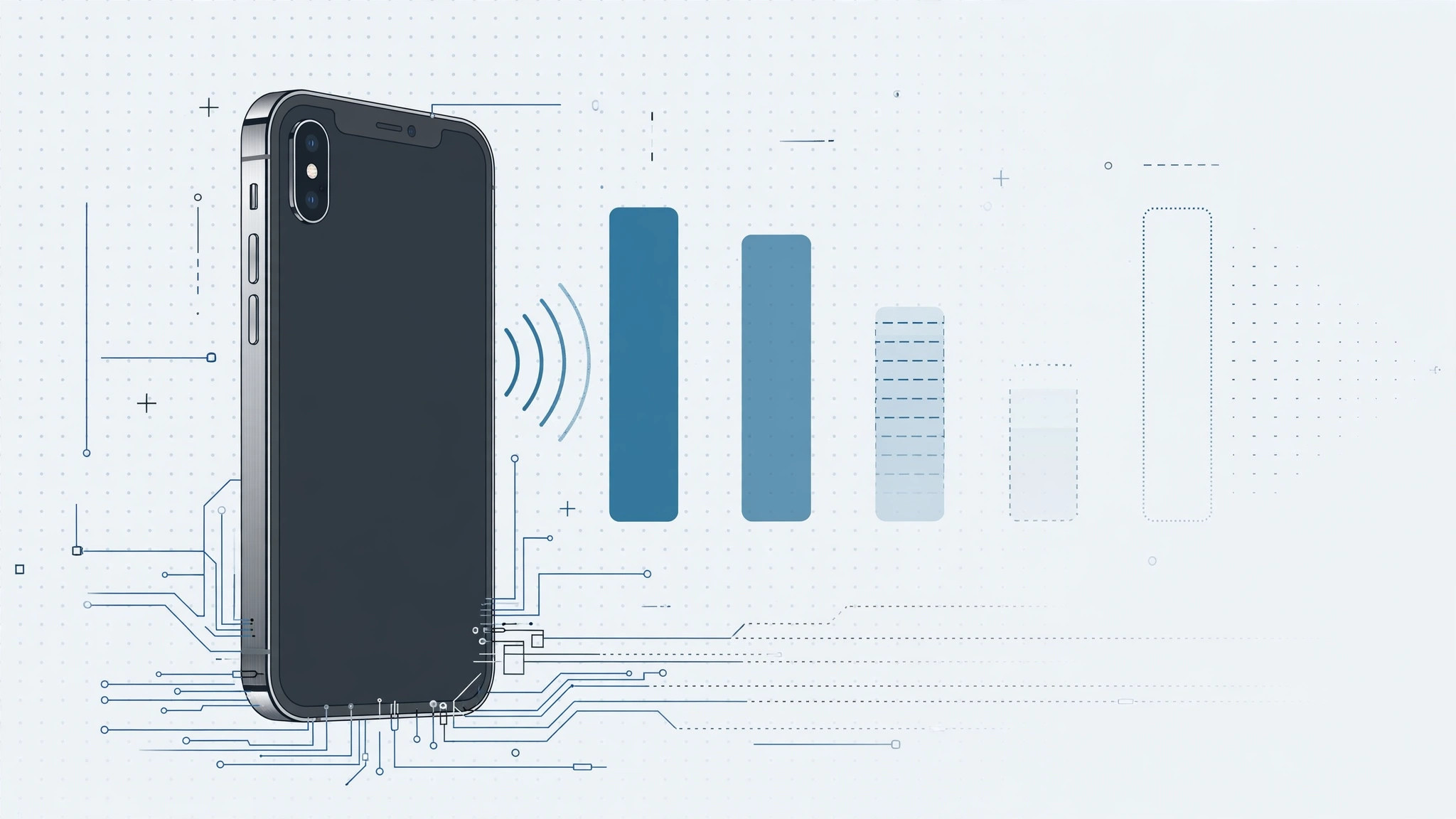
Upgraded to an iPhone Xs and now your signal bars vanish in spots where your old iPhone X held steady? Before you blame your carrier, look at your case — and the way you hold the phone. The iPhone Xs introduced new radio hardware with extra antennas on the frame, and those antennas are surprisingly easy to smother. MacRumors covered the wave of iPhone Xs reception complaints back at launch; here’s the practical, diagnostic approach to fixing it.
Diagnosing the iPhone Xs signal problem
Step 1 — Understand what changed in the Xs
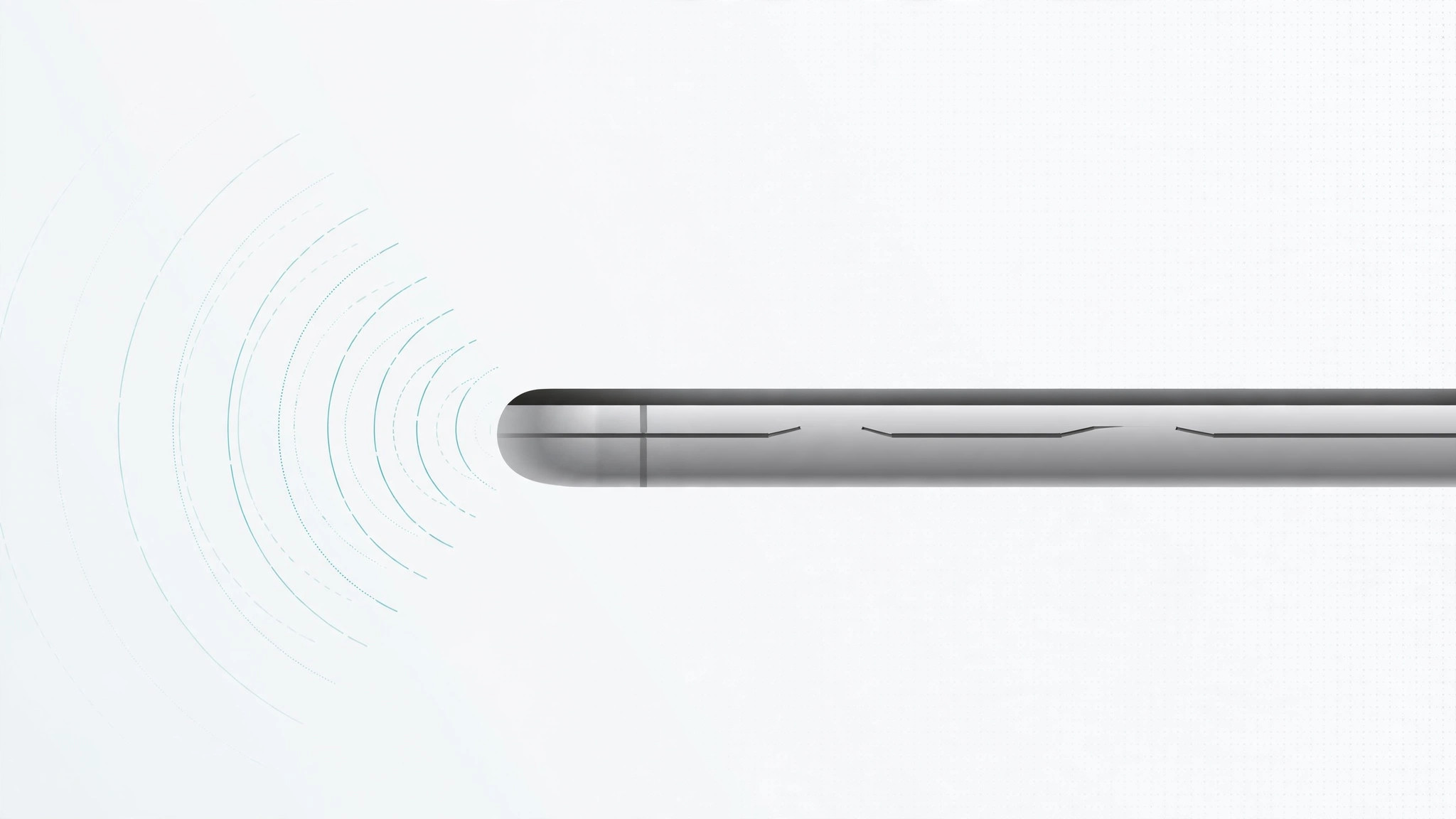
The iPhone Xs moved to 4×4 MIMO radio hardware with extra antennas built into the frame, divided by small bridge segments the iPhone X didn’t have. Those segments are the phone’s antenna bands — and if they’re covered or electrically bridged by something metal, reception drops fast.
Step 2 — Check your grip
Hold the phone the way you normally do and watch the signal bars. Then shift your grip so your fingers aren’t resting on the antenna bands along the edges. If the bars jump up, you’ve found your culprit: your hand was shorting the antennas. Try using the phone in a stand or speakerphone and see if reception holds steady.
Step 3 — Remove the case and retest
This is the big one. Many cases that shipped before the Xs contain metal elements — kickstands, magnetic plates, metal bumpers — that can bridge the antenna segments and tank reception. Take the case off entirely and walk through the same spots where the signal dropped. If reception is suddenly fine, the case is guilty.
Step 4 — Don’t reuse an iPhone X case
The iPhone X and Xs look nearly identical, but their antenna layouts differ. An X-era case is more likely to cover or bridge the Xs antenna bands in exactly the wrong places. If you’ve been running your Xs in your old X case, retire it — that’s very likely your whole problem.
Step 5 — Pick the next case carefully
When shopping for a replacement, study its construction: avoid anything with metal parts, magnetic mounts, or metal frames. Buy from somewhere with an easy return policy, and test your signal quality with the case on before committing. 9to5Mac has tracked plenty of accessory stories — but for raw troubleshooting steps, Apple’s iPhone support pages cover cellular and Wi-Fi diagnostics too.
If it still doesn’t work
With no case and a clear grip, still getting weak signal everywhere? Then it’s probably not the hardware. Check your SIM: you can verify your SIM card is properly seated and active, and use Focus mode to limit calls to a specific SIM if you’re on dual-SIM and one line is misbehaving. If signal is bad across locations and SIMs, contact your carrier — the phone may need a look.
Frequently asked questions
Is this a defective phone? Should I return it?
Almost never. In the vast majority of cases this is the case or the grip, not the radio. Work through the steps above before assuming hardware failure.
Will a bumper-style case also hurt reception?
It can, if it has metal elements bridging the antenna bands. Plastic and silicone bumpers without metal are generally safe — but still test with the case on before you keep it.
Conclusion
The iPhone Xs reception story is really a case-and-grip story: new antenna hardware, new antenna bands, and cases designed for a different phone. Test naked, test your grip, and choose a metal-free case. And if weak signal keeps you on Wi-Fi calling all day, you can set up an automatic hotspot connection from your iPhone to your Mac so your other devices stay connected anyway.





