
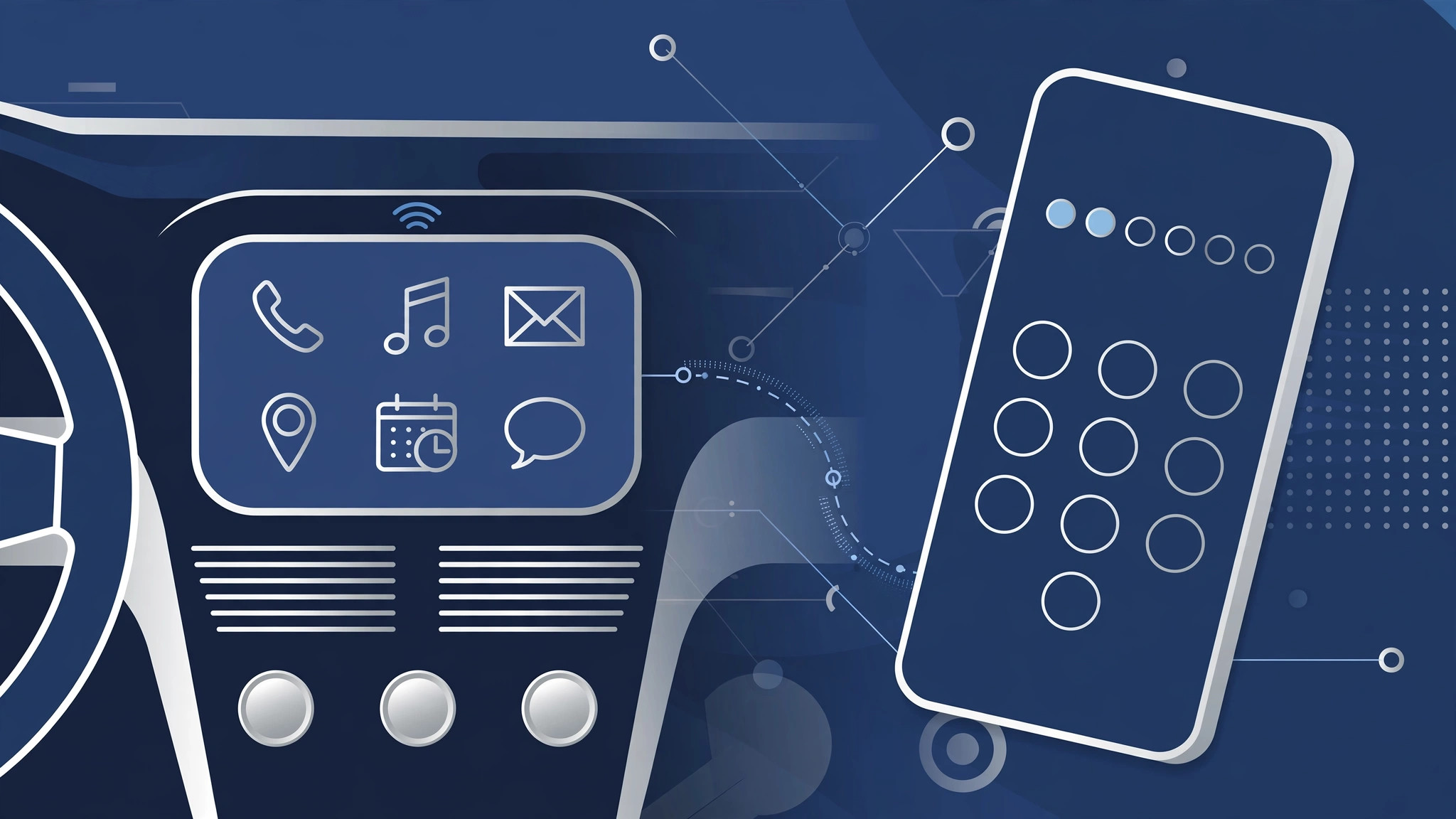
You get in the car, plug your iPhone into the USB port, and instead of CarPlay starting up, the phone demands your passcode. Before you blame the car or the cable, know this: it’s a security feature, not a bug. Starting with iOS 11.4.1, Apple added USB Restricted Mode, and iOS 12 inherited it — if your iPhone has been locked for more than an hour, no USB accessory, CarPlay included, can start a data connection until you enter your passcode. Apple’s CarPlay guide covers the basics of getting connected; here’s why the passcode prompt appears and how to keep CarPlay smooth.
Keeping CarPlay working with the passcode prompt
Step 1 — Understand USB Restricted Mode
USB Restricted Mode is an anti-hacking measure: forensic tools used by criminals (and some authorities) connect over the Lightning port to brute-force a locked iPhone. To block that, iOS cuts off USB data after the phone has been locked for an hour. CarPlay needs a data connection, so it gets caught by the same rule. Apple’s explanation of USB Restricted Mode confirms exactly how it works, and MacRumors covered the feature when it first shipped.
Step 2 — Unlock right before plugging in
The simplest fix: enter your passcode on the iPhone right before you plug it into the car. A freshly unlocked phone lets USB data through, so CarPlay starts immediately. Make it part of your routine — unlock, then plug — and you’ll rarely see the prompt again.
Step 3 — Allow USB accessories for trusted setups
If you’d rather loosen the restriction, go to Settings → Face ID & Passcode (or Touch ID & Passcode), enter your passcode, and turn on USB Accessories under “Allow Access When Locked.” That lets CarPlay connect even after long lock periods — at the cost of the protection Restricted Mode provides. It’s the same settings screen where you can stop Safari from suggesting passwords for websites, so it’s worth a look while you’re there.
Step 4 — Use the original or a certified cable
Flaky or uncertified cables can drop and re-establish the connection repeatedly, and every reconnection can trigger the passcode prompt again. Use the original Apple cable or an MFi-certified one. 9to5Mac has documented plenty of CarPlay headaches that turned out to be cable problems.
Step 5 — Restart and reconnect
If the prompt persists even after unlocking, restart the iPhone and reconnect. A restart clears the USB accessory state that sometimes gets stuck. If CarPlay keeps grabbing your audio when you’d rather it didn’t, you can also stop your iPhone from auto-switching audio to headphones and car stereos.
If it still doesn’t work
Try a different USB port in the car — some ports are charge-only and will never start CarPlay. Also check with your car manufacturer whether the head unit needs a firmware update. If the iPhone charges but CarPlay never appears on any port or cable, the car’s infotainment system is the likely culprit, not iOS.
Frequently asked questions
Does the passcode prompt mean my iPhone is hacked?
No — it’s the opposite. The prompt proves USB Restricted Mode is protecting your phone. Entering your passcode once is all it takes.
Can I disable USB Restricted Mode completely?
Not entirely, but enabling “USB Accessories” under Allow Access When Locked (Step 3) effectively exempts trusted setups like your car. For most drivers that’s the right balance.
Conclusion
The iOS 12 CarPlay passcode prompt is Apple’s security doing its job: an hour-locked iPhone won’t talk to any USB accessory until you vouch for it. Unlock before plugging in, use a good cable, and — if you trust your car — flip on USB Accessories. And if you’d rather skip cables altogether on other devices, you can set up an automatic hotspot connection from your iPhone to your Mac for wireless tethering instead.





