
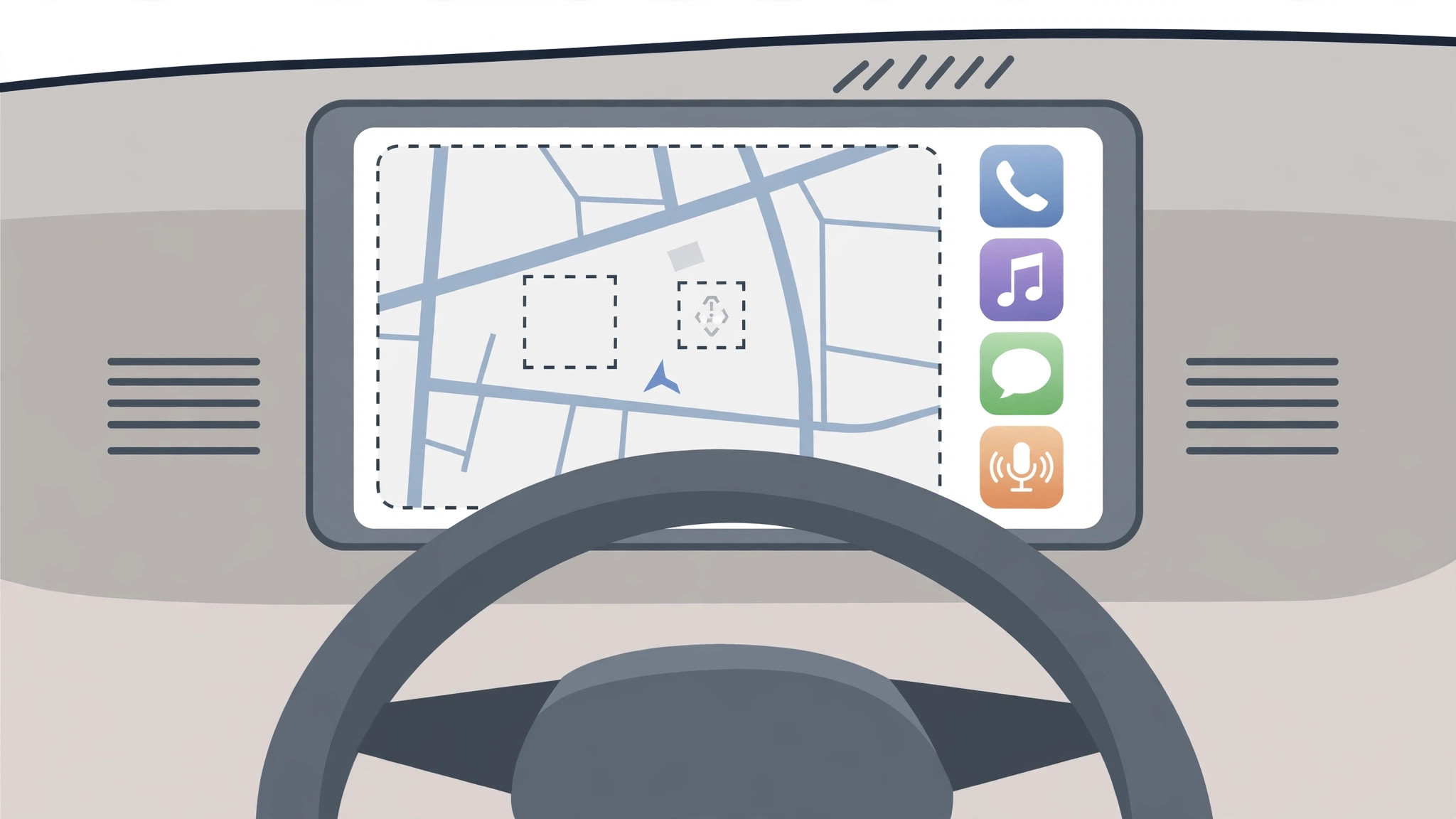
In the summer of 2018, iPhone owners testing the iOS 12 beta were promised something big: for the first time, CarPlay would support third-party navigation apps. After years of Apple Maps holding a monopoly on the car dashboard, drivers could finally picture Yandex Maps, Google Maps, or Waze on the big screen. But many plugged in their iPhones only to find Yandex Maps nowhere on the display. It was no conspiracy — just beta software, missing developer updates, and Apple’s habit of shipping WWDC promises late. Understanding what happened then is still the fastest way to fix a navigation app that won’t appear in CarPlay today.
Why Yandex Maps was missing from CarPlay in 2018
- iOS 12 was the first iOS to allow third-party navigation in CarPlay at all. Before that release, the CarPlay dashboard was Apple Maps–only by design — no third-party navigation app could appear there, however popular.
- In mid-2018, iOS 12 existed only as a beta. Beta firmware is unfinished by definition: features appear, vanish, and misbehave from one build to the next. The brand-new third-party CarPlay support was especially rough, and it only settled down with the final public release that September. Judging CarPlay on a June or July beta meant testing a moving target.
- Apple opening the platform was only half the job — each developer had to update their app. iOS 12 gave map makers the CarPlay navigation APIs, but Yandex still had to ship an app update adopting them. If the Yandex Maps version on your iPhone predated that update, the app had no CarPlay component to show, and nothing appeared on the car screen.
- WWDC announcements and shipping features are two different things. Apple routinely previews capabilities in June that mature across autumn point updates. Even after the final iOS 12 landed, waiting for a later iOS 12.x release — and the matching app update — was the realistic expectation.
- The lesson still applies today. If a third-party navigation app doesn’t appear in CarPlay now, update iOS and the app to the latest versions, check the app’s CarPlay settings, and reconnect the iPhone — swap the cable or re-pair wireless CarPlay. If you deliberately hold your iPhone back from new releases, our guide on how to completely block iOS 26 updates on iPhone explains the trade-offs — but skipping updates is also how you miss CarPlay improvements.

If it still doesn’t work
Update everything first, then restart both the iPhone and the car’s head unit — many CarPlay detection problems clear with a fresh handshake. Try a different cable, since plenty of “app not showing” cases are really flaky wiring. If the app runs on the iPhone but not the dashboard, open Settings > General > CarPlay, tap your car, and make sure the app isn’t hidden from the car display. As a last resort, remove the car and set it up again from scratch.
Frequently asked questions
Did Apple block Yandex Maps from CarPlay?
No — there was no block or regional restriction. Yandex Maps simply hadn’t shipped its CarPlay-compatible update during the iOS 12 beta period, so the car display had nothing to show. Once the developer adopted Apple’s CarPlay navigation APIs, the app could appear like any other. Apple’s CarPlay support pages list the app categories CarPlay works with, and third-party navigation has been among them since iOS 12.
Why do some CarPlay features arrive months after WWDC?
Because WWDC is a developer preview, not a release date. Apple announces new APIs in June so developers can build on them over the summer; the stable OS ships in September, and apps adopt the new capabilities on their own timetables. Veteran Apple watchers at MacRumors and 9to5Mac treat every June announcement with the same caveat: the fine print arrives in the fall.
Conclusion
The missing Yandex Maps icon in 2018 was no mystery — beta software meeting an app that hadn’t been updated yet, on a platform Apple had just opened. The same three checks fix almost every “my navigation app isn’t in CarPlay” complaint today: current iOS, current app, clean connection. And if you’re deciding which apps deserve space on your phone, our rundown of which built-in iPhone apps you can delete is a good place to start.






[…] Bluetooth list, and pair again. If an app is missing from the CarPlay screen, read our fix for apps not appearing in CarPlay. Outlets like MacRumors and 9to5Mac regularly report on CarPlay compatibility changes in new iOS […]