
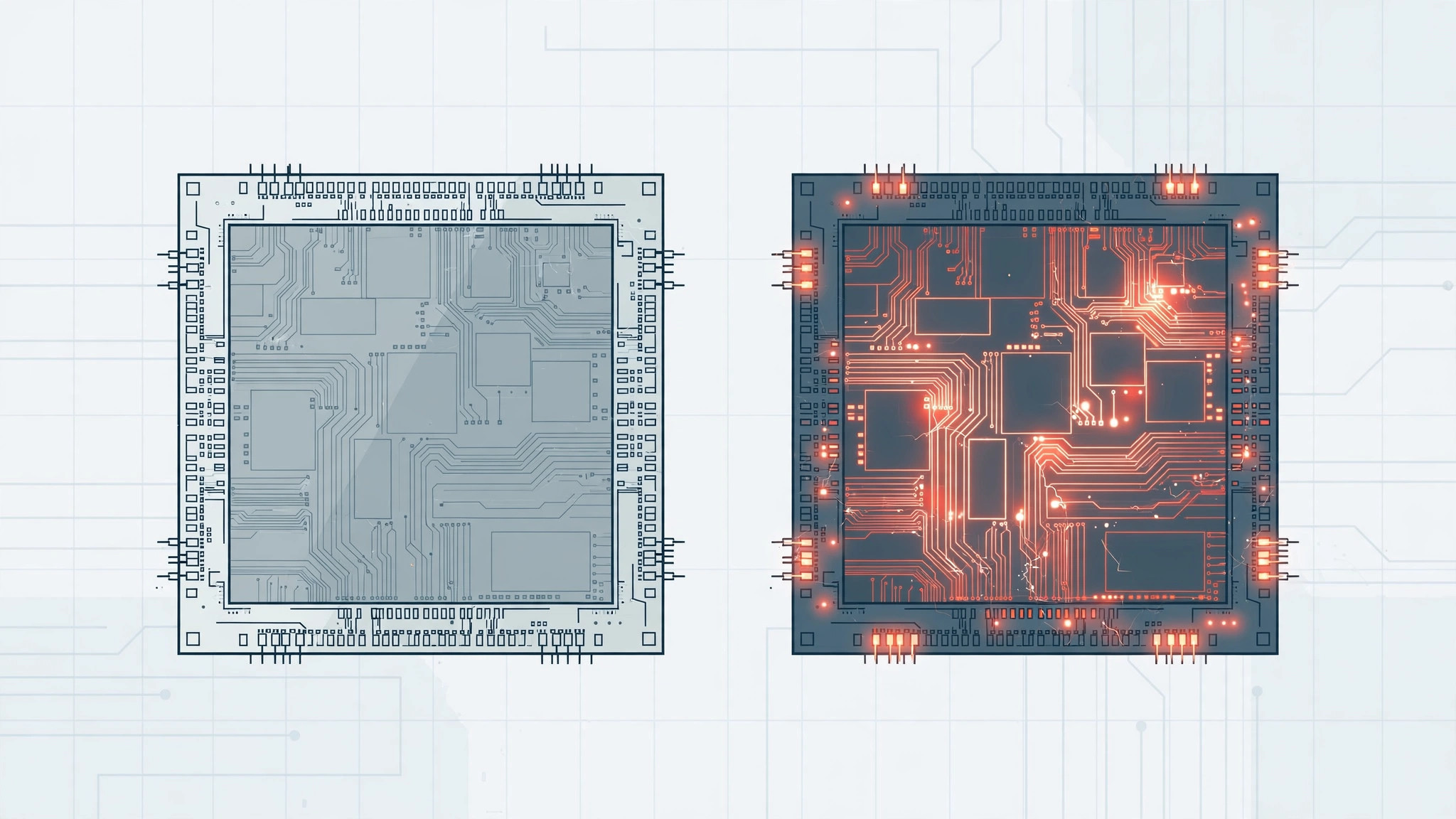
Back in 2015, iPhone 6s buyers discovered something odd: Apple had shipped the same phone with two different processors inside. The internet promptly named it “chipgate” and panicked about a chip lottery. If you are buying a used iPhone 6s today, should you care which chip is inside? The short answer is no — but here is the full story, and how to check which one you have.
What was chipgate, and how to check your chip
- Understand what chipgate was. When the iPhone 6s launched, teardowns revealed that Apple sourced its A9 chip from two foundries: TSMC and Samsung. Same Apple design, different factories, slightly different die sizes. The internet promptly worried that one variant would be faster or longer-lasting than the other.
- Know what the tests actually found. Benchmarks and battery drain tests — covered extensively by MacRumors at the time — found only minimal differences: a few percent in synthetic benchmarks, and battery results within the margin of error, with the TSMC chip marginally ahead in some scenarios. In real-world use — calls, apps, camera — no reviewer could tell the chips apart blind.
- Check which chip you have. The phone must be activated and set up first — you cannot check from the box. Then install a system-info app like Lirum Device Info (free on the App Store), open it, and find the chip section: it reports whether your A9 is the TSMC or the Samsung variant.
- Know the odds. Apple never published the split, but community sampling suggested roughly equal odds — about half of iPhone 6s units carried each chip. There is no serial-number trick that reliably predicts it; you simply check with an app.
- Do not worry about it. If you are buying a used 6s, the chip variant is the least of your concerns — battery health, storage size, and overall condition matter far more. A phone that stops charging from a computer after an hour is a bigger daily annoyance than any chip difference, and modern iPhones manage power far more aggressively — see how to silence Adaptive Power notifications in iOS 26 for a taste of how far power management has come.
If it still doesn’t work
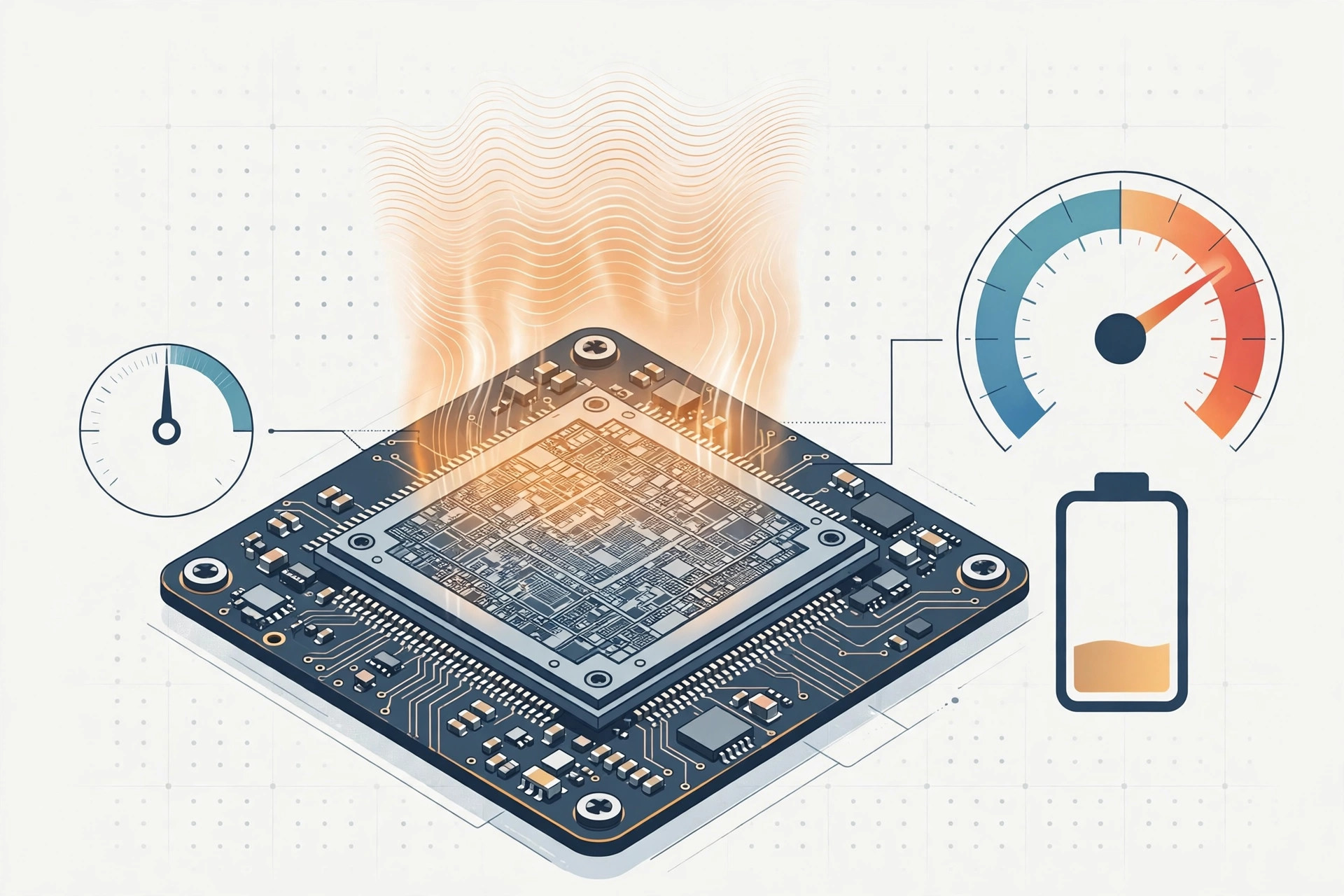
If your 6s feels slow regardless of which chip it has, the fix is the usual: check battery health under Settings → Battery → Battery Health, replace a degraded battery, update to the latest supported iOS, and free up storage. A worn battery throttles performance far more than any TSMC-versus-Samsung difference ever did — a point iFixit repair guides have made for years.
Frequently asked questions
Does the Samsung chip overheat more than the TSMC chip?
In testing, no meaningful thermal difference was found between the two A9 variants. If your 6s runs hot, look at battery age, background apps, and case ventilation first — those explain heat far better than the foundry that etched your chip.
Can I choose which chip I get when buying a used iPhone 6s?
No. Apple never labeled the box or listed the foundry anywhere, and sellers cannot tell you unless they have run a checker app themselves. Given the negligible difference, it is not worth filtering for — buy on condition and battery health instead.
Conclusion
Chipgate was a fascinating footnote in iPhone history, but years of testing settled it: TSMC versus Samsung in the iPhone 6s does not matter in any way you would notice. Judge a used 6s by its battery and its condition, not by its chip lottery ticket.





