
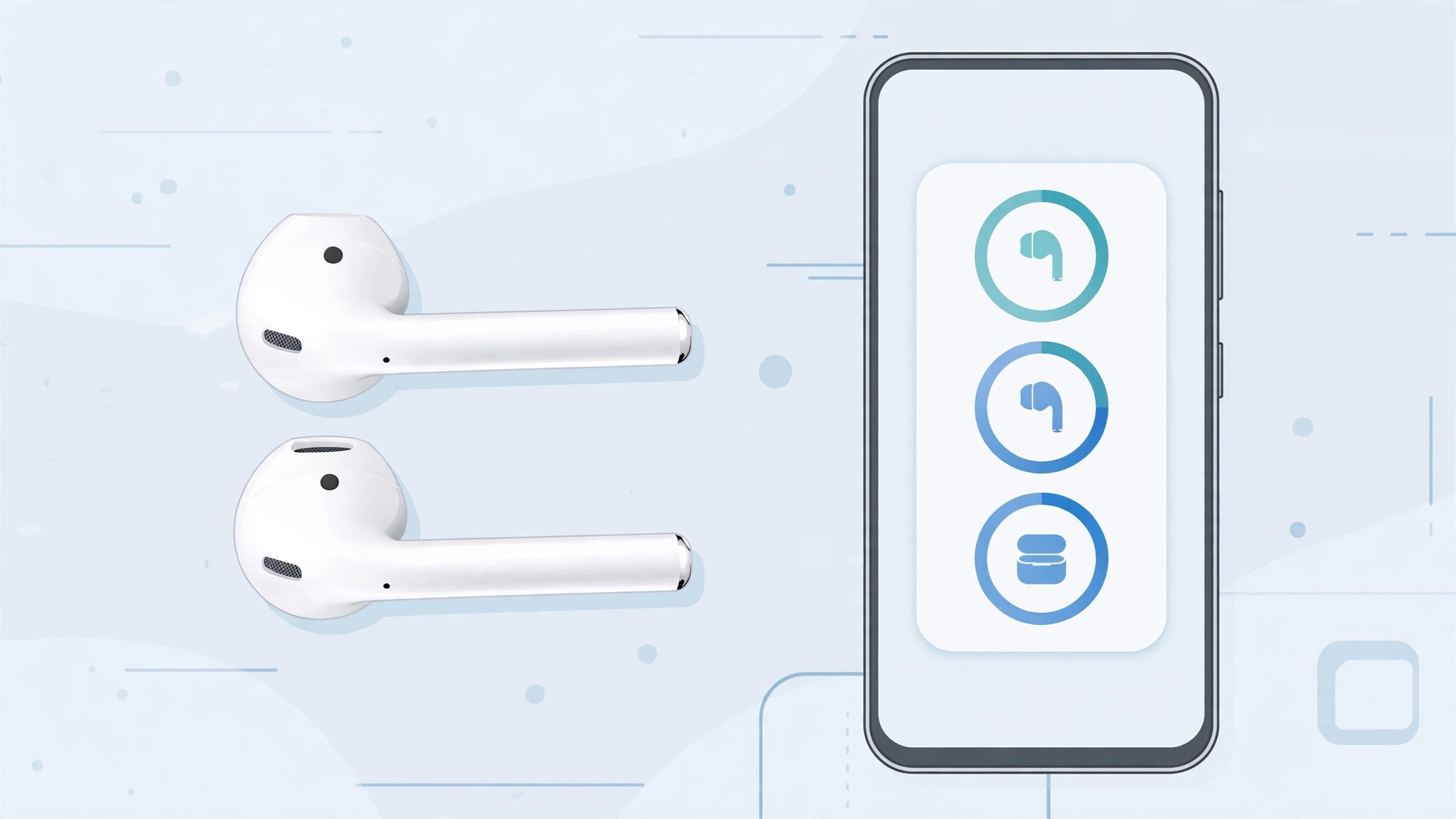
Pair your AirPods with an Android phone and the music plays just fine – but the battery indicator? Nowhere to be found. Unlike iPhones, which show each bud and the case in a handy popup, Android has no built-in AirPods battery display at all. The fix is a third-party app from Google Play that listens for your AirPods’ Bluetooth battery reports and surfaces them. Here are the options that actually work – including an important update on which classic apps are still around.
Before you start: pair and permit
- Pair your AirPods over Bluetooth first. Put them in pairing mode and connect them in Android’s Bluetooth settings, just like any wireless earbuds.
- Install a battery app below and grant the permissions it requests – Bluetooth and nearby-device access are essential, since that’s how the app reads battery levels. If your iPhone keeps stealing the connection, see how to stop iPhone auto-switching audio between headphones.
Option 1: MaterialPods (verified live on Google Play)
MaterialPods is the most polished option I could verify as currently live on Google Play (4.2 stars, 22,000+ reviews as of October 2026). It offers deep customization – dark and light themes to match your phone – and a home-screen widget that shows an info card for each earbud and the charging case. Open your AirPods case and a clean popup reports every battery level, iPhone-style.
Option 2: PodsBattery
PodsBattery is another live Google Play alternative (4.5 stars) that shows AirPods battery levels with a simple popup and persistent notification. If MaterialPods’ style isn’t for you, this is a solid, well-reviewed backup – both are covered regularly by Android Police and XDA Developers in their Android audio app roundups.

A note on AirBattery and OpenPods
Two classic recommendations deserve an honest update. AirBattery – the app 9to5Google famously covered back in 2018 – no longer appears on Google Play; third-party trackers list it as currently unavailable there. OpenPods, the free open-source option, was removed from Google Play over policy issues and now lives on F-Droid and GitHub instead. If you sideload, get it from the official repository – but for most users, the two live Play Store options above are the safer bet.
If it still doesn’t work
- No popup when opening the case – make sure the app is running, Bluetooth is on, and the app has nearby-device permission in Android settings.
- Battery levels stuck or wrong – unpair and re-pair the AirPods, then reopen the app.
- App killed in background – exempt it from battery optimization so Android doesn’t shut down its Bluetooth listener.
- Only one bud shows – put both buds in the case, close the lid, wait a few seconds, then open it again.
Frequently asked questions
Why doesn’t Android show AirPods battery natively?
Apple’s battery popup relies on proprietary Bluetooth extensions that Android doesn’t implement. Third-party apps reverse-engineer those signals – which is exactly why they need Bluetooth permissions.
Do these apps work with AirPods Pro and Max?
MaterialPods and PodsBattery support all AirPods generations including Pro models, plus many Beats models that use Apple’s H1/H2 chips. Check the app’s Play Store description for the current device list.
Conclusion
Android won’t show AirPods battery out of the box, but one free app fixes that completely. Go with a verified live option like MaterialPods, grant it Bluetooth access, and you’ll get the same at-a-glance battery popup iPhone users enjoy. And if your AirPods’ chimes drive you mad, see how to turn off AirPods charging case sounds.





