
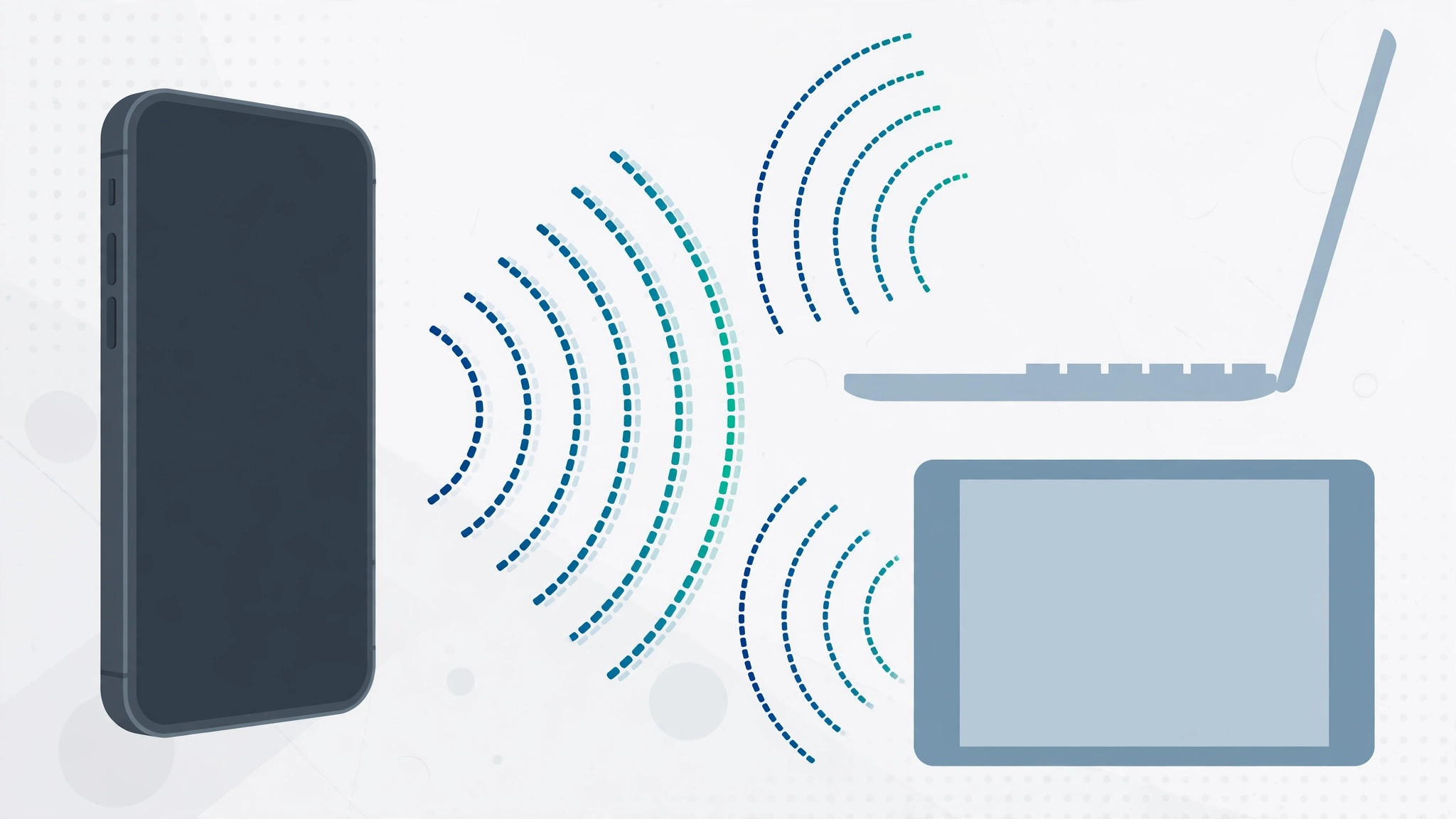
Turning your iPhone into a portable LTE hotspot is one of the handiest tricks in the Apple playbook. Any iPhone from the iPhone 5 onward can share its cellular connection as a Personal Hotspot, and pairing it with a Mac or other Apple devices takes only seconds. But if you are choosing an iPhone specifically to serve as your on-the-go internet connection, the real question is not just “which iPhone” — it is “which iPhone, on which carrier plan.”
How to pick the right iPhone for an LTE hotspot
- Choose the carrier before the phone. Confirm that the carrier you plan to use offers solid LTE coverage and throughput in the places where you will actually tether — your home office, your commute, your weekend cabin.
- Measure real-world speed with Speedtest. Install the free Speedtest by Ookla app and run tests at your frequent locations at different times of day. The numbers you get are the ceiling no iPhone can exceed: if the tower only delivers 40 Mbps, a gigabit-capable modem will not help you.
- Read the tariff fine print. Many plans with generous data bundles still forbid tethering outright or throttle hotspot traffic to a crawl. Check whether your plan allows sharing, whether hotspot data has a separate cap, and what happens when you hit it.
- Match the iPhone model to the speed you need. Every iPhone generation has a modem speed cap (see the list below). Compare your plan’s maximum speed and your measured real-world speed against these caps, then choose the oldest — usually cheapest — model whose cap comfortably exceeds what your carrier can deliver.
- Set up Personal Hotspot. On the iPhone, open Settings > Personal Hotspot and enable “Allow Others to Join.” Apple’s Personal Hotspot support guide walks through Wi-Fi, Bluetooth, and USB tethering options. If you mainly tether a Mac, our guide to setting up an automatic hotspot connection from your iPhone on a Mac makes the two connect with zero taps.
iPhone modem speed caps by model
These are the maximum LTE download speeds each model’s modem supports:
- iPhone 5 / 5s — up to 100 Mbps
- iPhone 6 / SE (1st generation) — up to 150 Mbps
- iPhone 6s — up to 300 Mbps
- iPhone 7 — up to 450 Mbps
- iPhone 8 / X / XR — up to 600 Mbps
- iPhone XS / XS Max — up to 1 Gbps
In practice, most LTE networks rarely sustain more than 50–150 Mbps to a phone, so an iPhone 6s or iPhone 7 is often more than enough as a dedicated hotspot device. Note that newer models also support 5G hotspots, which changes the math if your carrier offers strong 5G where you work. And if you juggle work and personal lines on one device, see our guide to allowing calls only from a specific SIM card in Focus mode so hotspot duty never interrupts your day.
If it still doesn’t work
If other devices cannot see or join the hotspot, first confirm that Personal Hotspot is enabled and that your carrier plan actually permits tethering — a surprising number of “hotspot not working” cases are really “hotspot not allowed” cases. Restart the iPhone, toggle the hotspot off and on, and try connecting over USB, which is the most reliable method and charges the phone at the same time. If speeds fall far below your Speedtest results, move the iPhone near a window or higher up: a few feet can make a big difference to LTE reception.
Frequently asked questions
Can any iPhone be used as an LTE hotspot?
Yes. Any iPhone from the iPhone 5 onward supports Personal Hotspot over LTE. The differences between models come down to maximum modem speed, not basic capability.
Does using my iPhone as a hotspot cost extra?
It depends entirely on your carrier plan. Some plans include tethering at no extra charge, others sell it as an add-on, and some prohibit it outright. Check your tariff before you rely on it.
Conclusion
The best iPhone for an LTE hotspot is rarely the newest one. It is the cheapest model whose modem outruns your carrier’s real-world speed, on a plan that explicitly allows tethering. Measure first with Speedtest, read the fine print, and let the numbers pick the phone for you.





